What Does CFBR Mean on LinkedIn, and Does It Really Boost Your Reach?
A quick comment can support someone’s LinkedIn post—but a specific detail gives readers a reason to act.

A quick comment can support someone’s LinkedIn post—but a specific detail gives readers a reason to act.

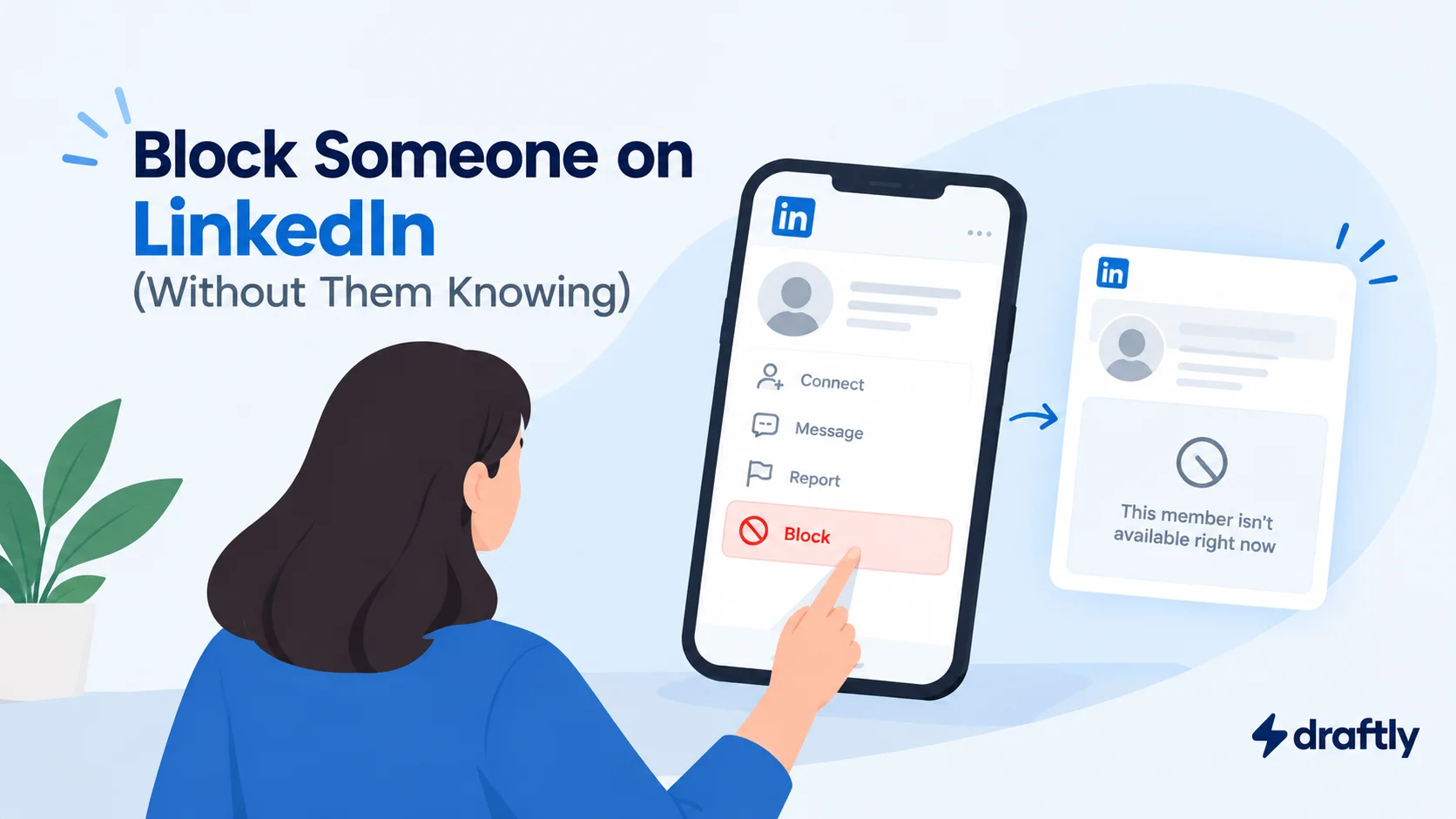
Blocking on LinkedIn is silent, but profile visits can leave clues. Here’s how to block someone and what they’ll see.

A successful LinkedIn Live session starts before the camera turns on. Eligibility, event setup, broadcasting tools, and promotion all need a plan. A 30-minute run-of-show keeps the session focused, while recordings and highlight clips help you get more from the broadcast afterward.

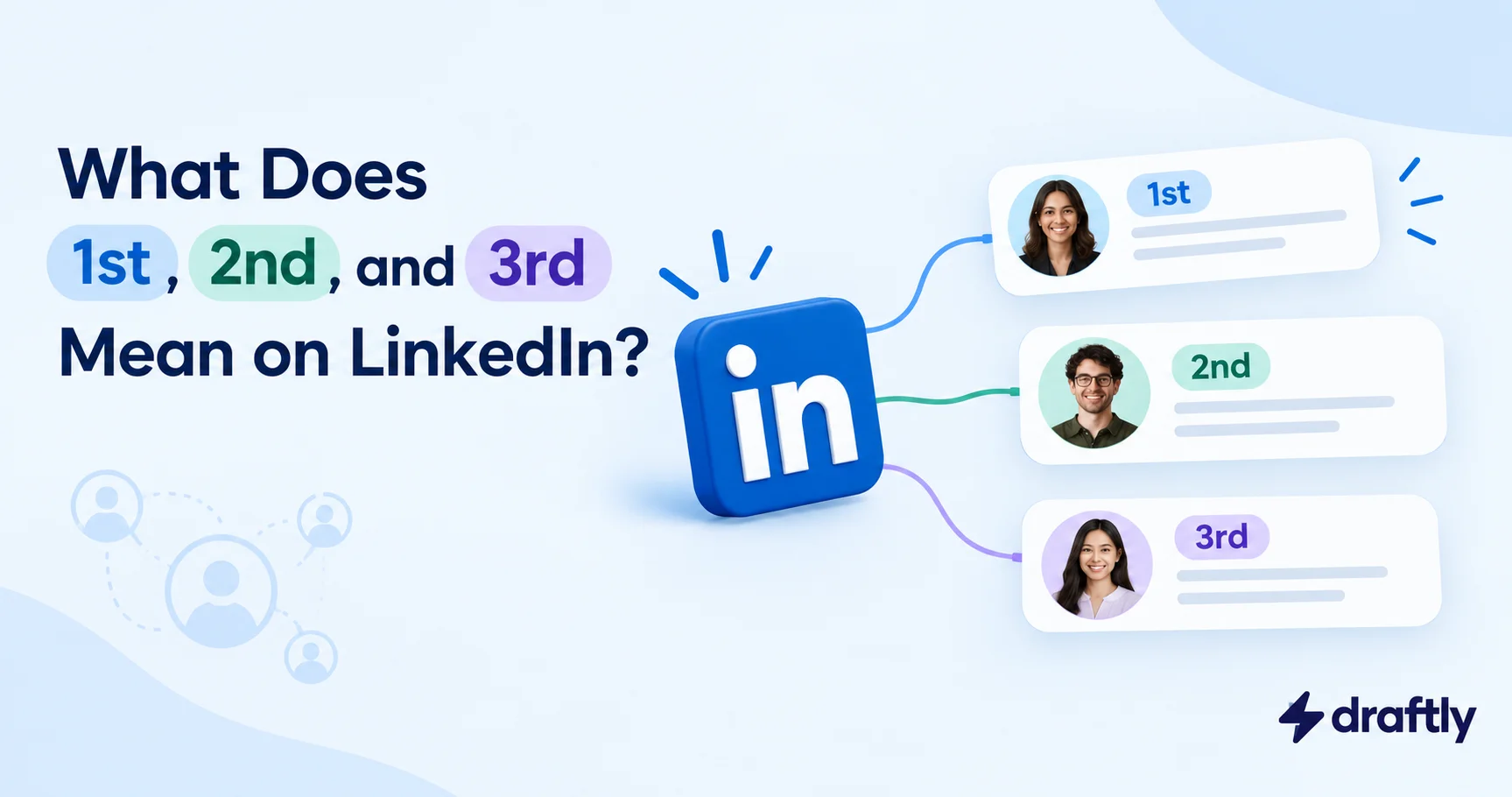
The 1st, 2nd, and 3rd labels on LinkedIn show how closely someone is connected to you, not how important they are. That distance affects your options for messaging, sending invitations, and asking for an introduction. Knowing the difference helps you choose a more relevant way to reach someone new.

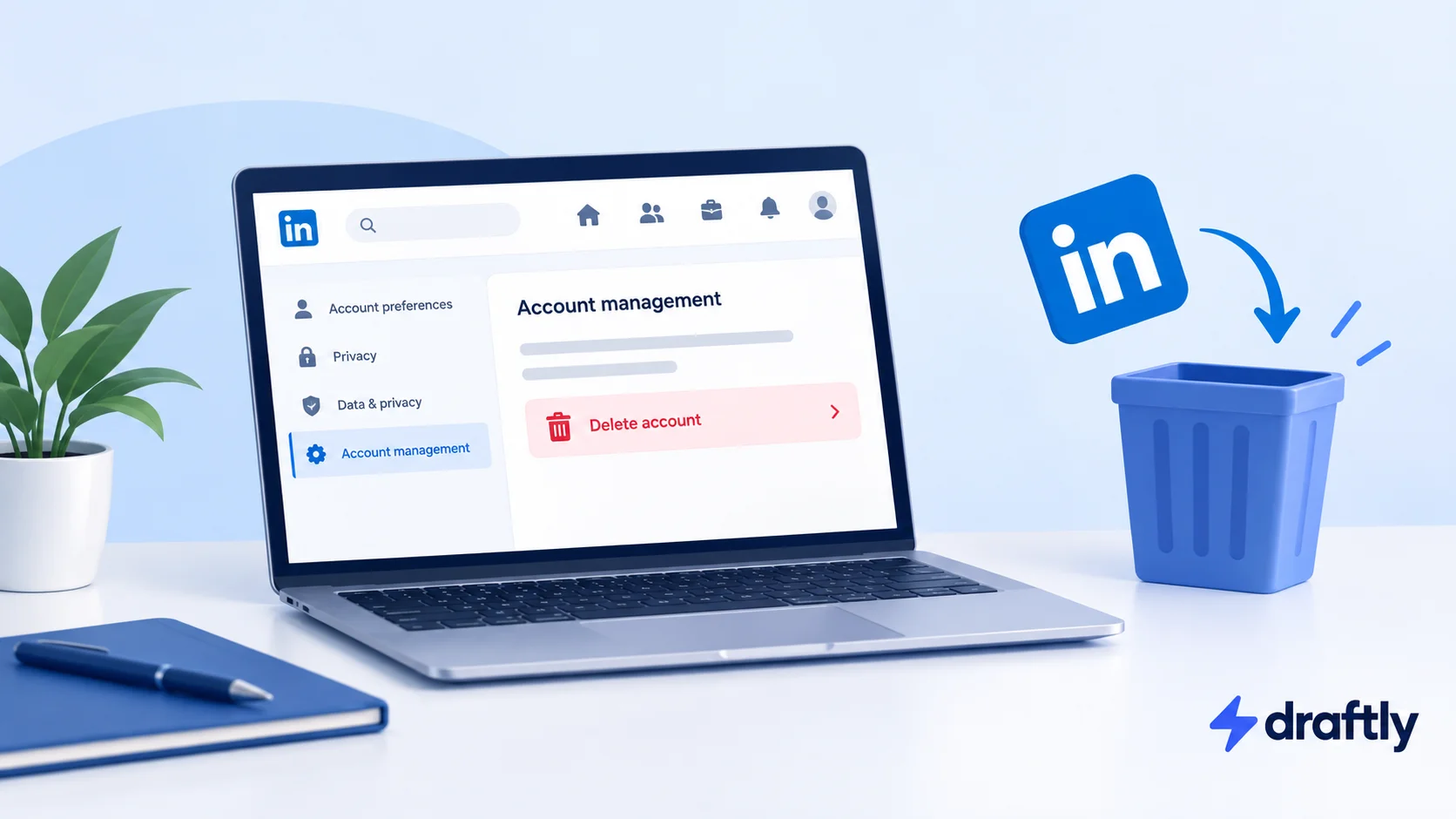
If you've decided you're done, this walks you through exactly how to close your LinkedIn account on desktop and mobile, what actually happens to your data afterward, and the one window you have to undo it if you change course.

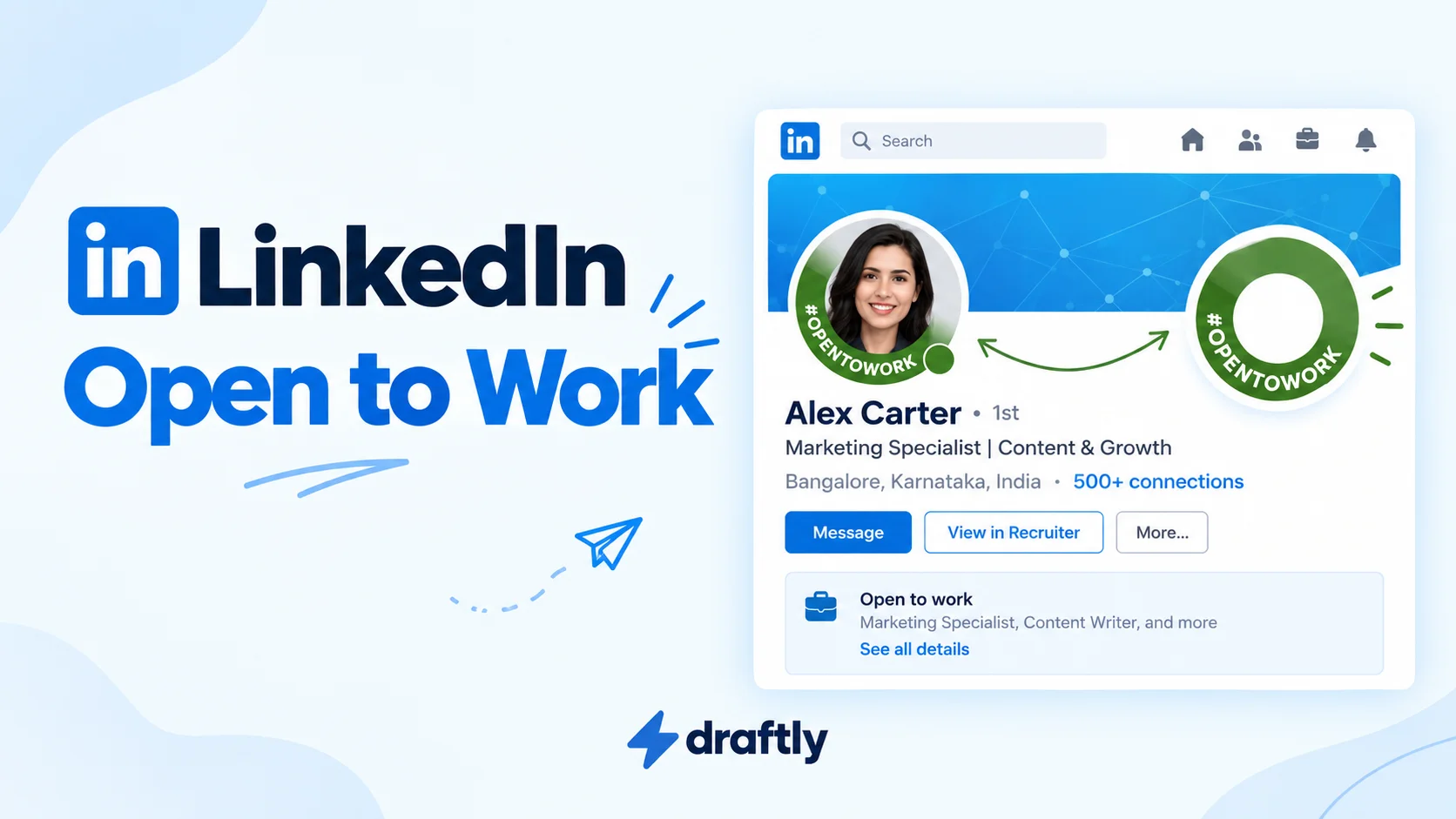
LinkedIn’s Open to Work setting signals that you are considering new opportunities, but the public green frame is not your only option. Recruiters-only visibility offers a more discreet approach, though privacy is not guaranteed. Choosing between them depends on your current job, your search, and who you want to know about it.

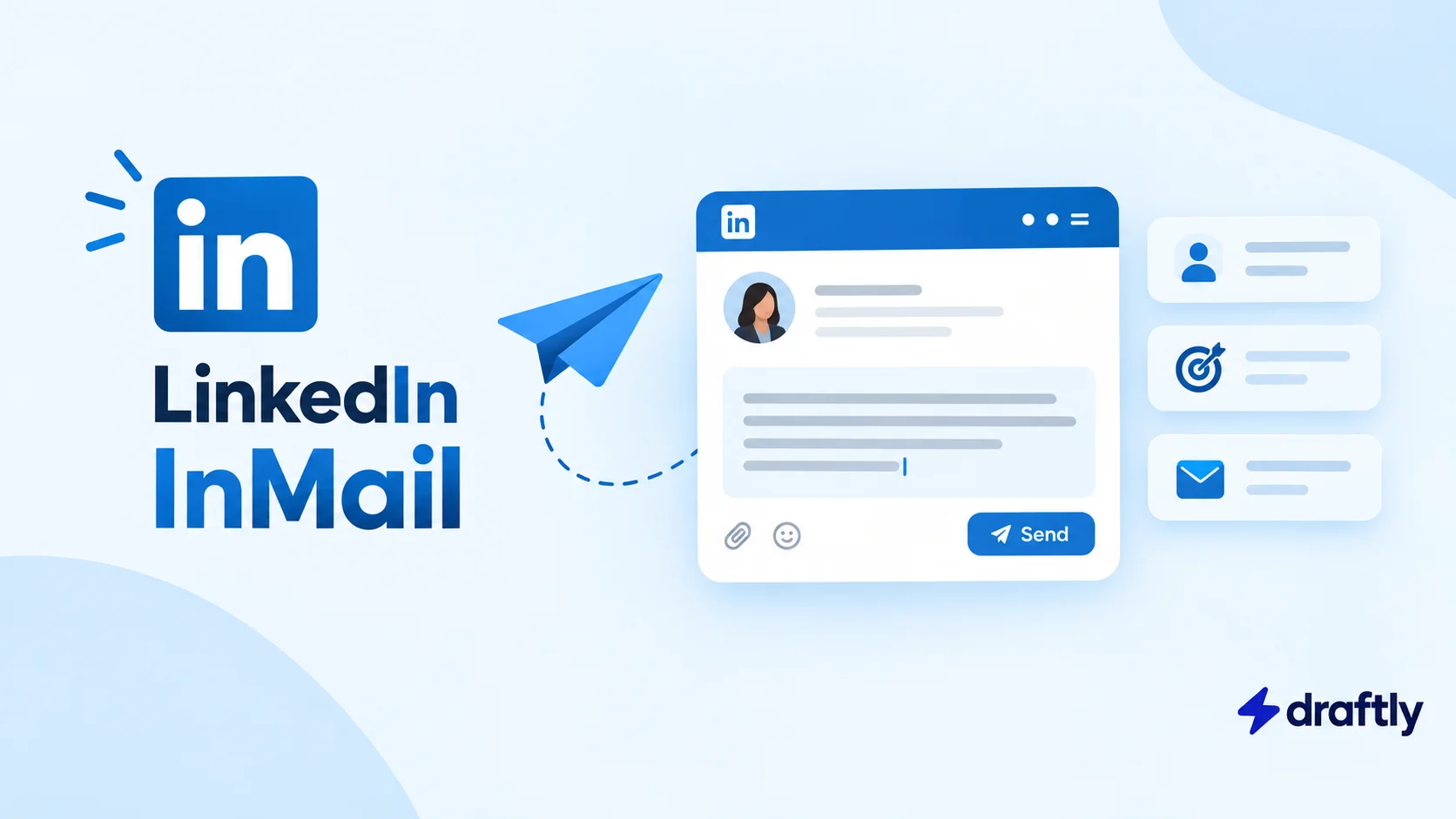
LinkedIn InMail lets you reach someone outside your network without waiting for them to accept a connection request. That access comes with credits and account limits, so it is not always the best option for every message. This guide explains how InMail works and when it makes sense for your outreach.

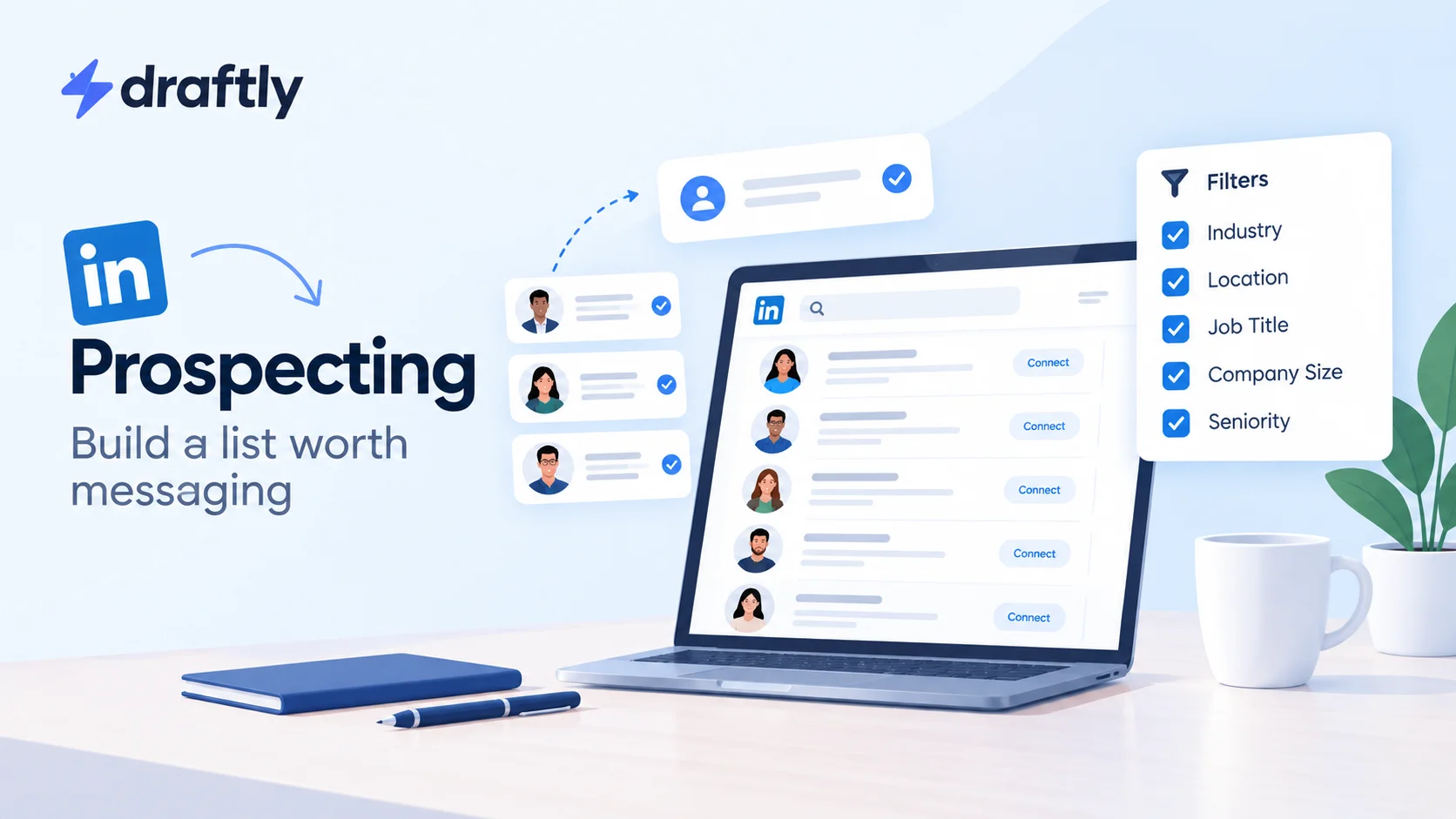
Sending more connection requests will not fix a prospect list filled with the wrong people. Effective LinkedIn prospecting starts with knowing who you want to reach and why they are a fit. A clear target profile and a carefully researched list give your outreach a stronger starting point.

A LinkedIn connection message gives someone a reason to accept your invitation before they know you. With little space to work with, relevance matters more than a polished pitch. The right note explains why you are reaching out and fits the relationship you want to build, whether professional, sales-related, or part of a job search.

A recruiter needs more than a connection request to understand why you are a good fit. A specific role, relevant experience, and a clear reason for reaching out make your message easier to answer. This guide covers finding the right recruiter, making that first approach, and following up without overdoing it.

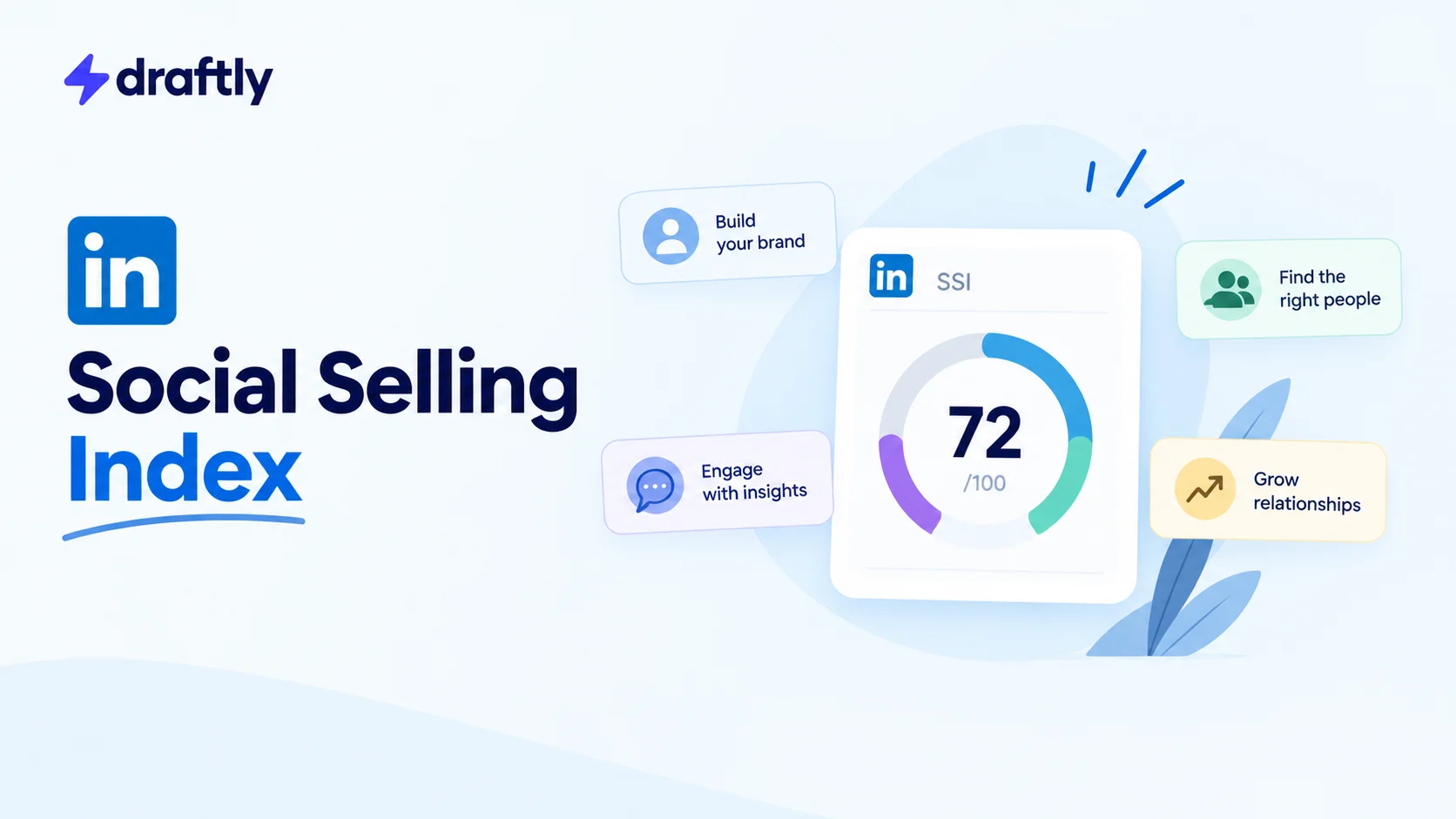
Your LinkedIn Social Selling Index scores how you build your professional brand, find relevant people, engage with insights, and develop relationships. The total is useful, but the four individual scores tell you more about where to focus. Here is what they measure, where to check them, and how to put them to use.

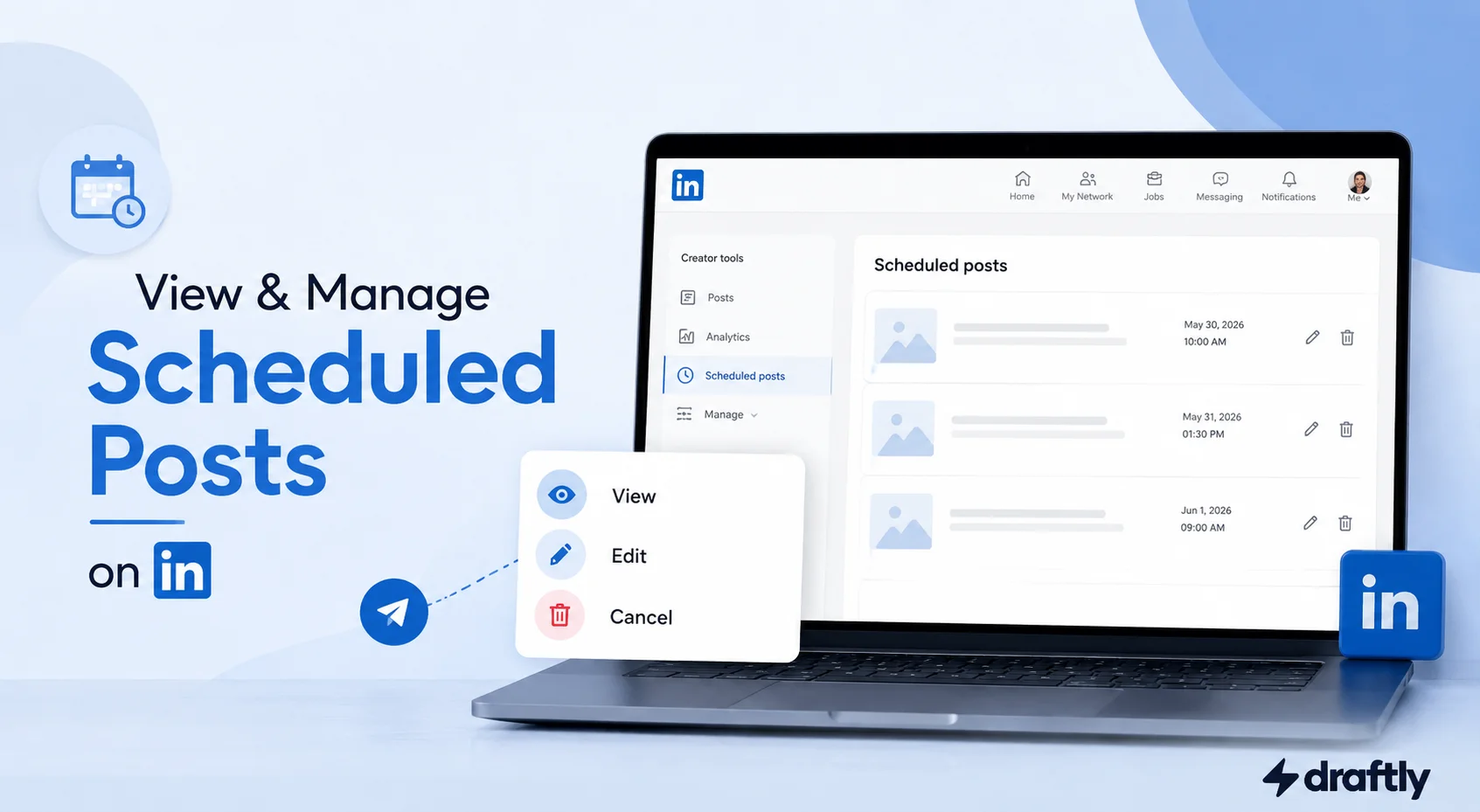
Find your scheduled LinkedIn posts on desktop, mobile, or a Company Page, then edit, reschedule, or cancel them before they publish.

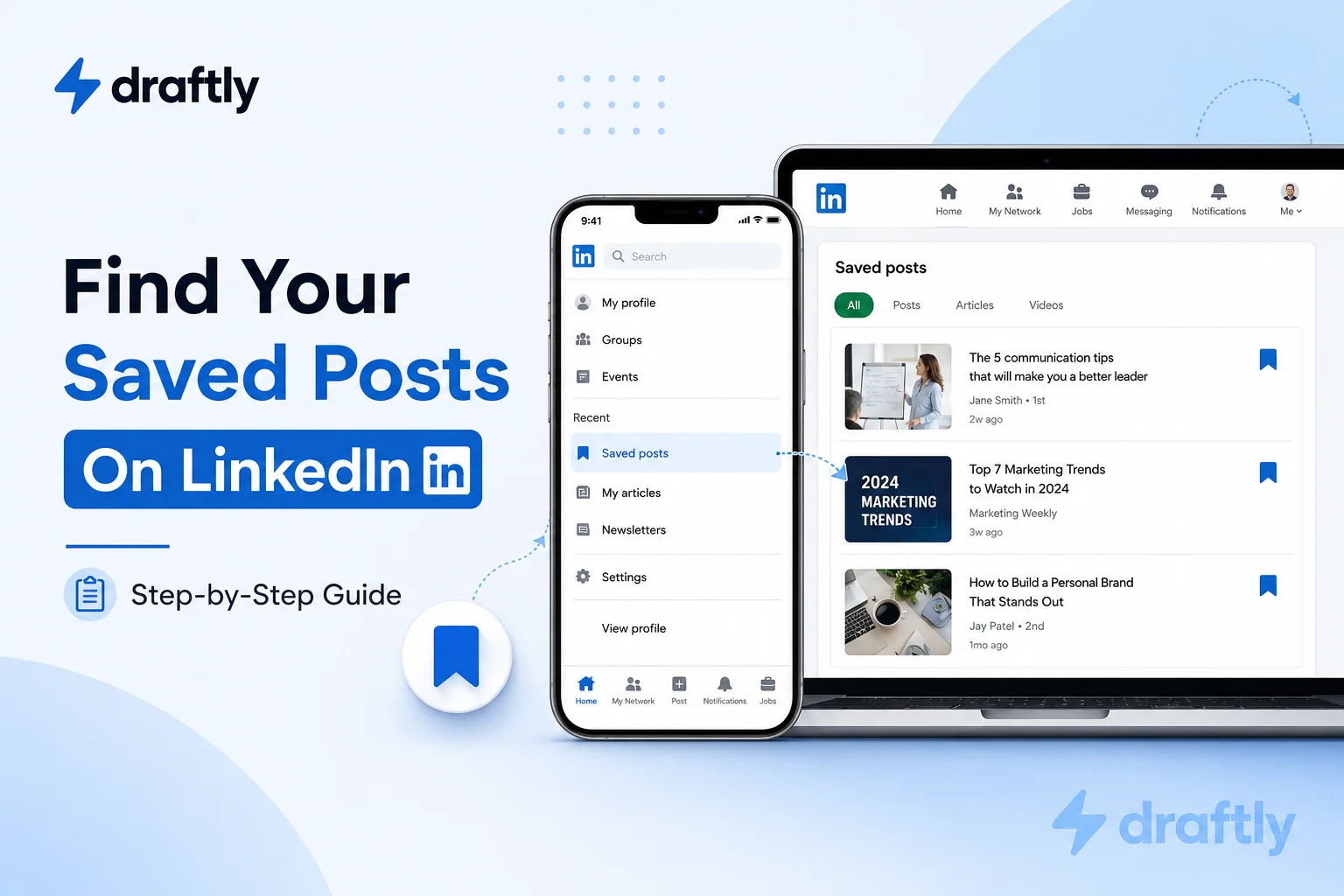
Learn exactly where saved LinkedIn posts live on desktop and mobile, how to save posts, and what to do when a saved item disappears.

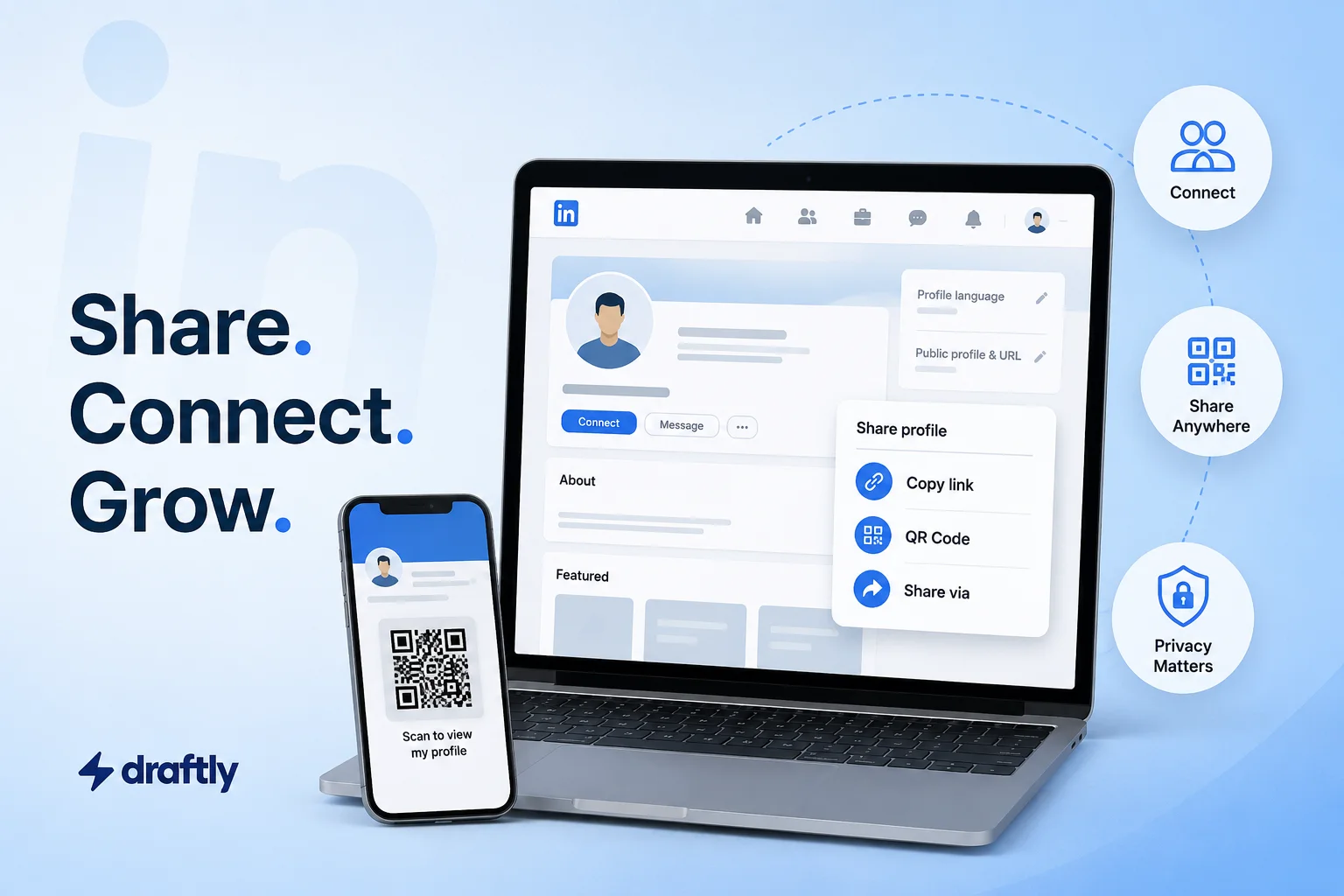
Learn the fastest ways to share your LinkedIn profile using the built-in Share button, a QR code, and the right privacy settings.


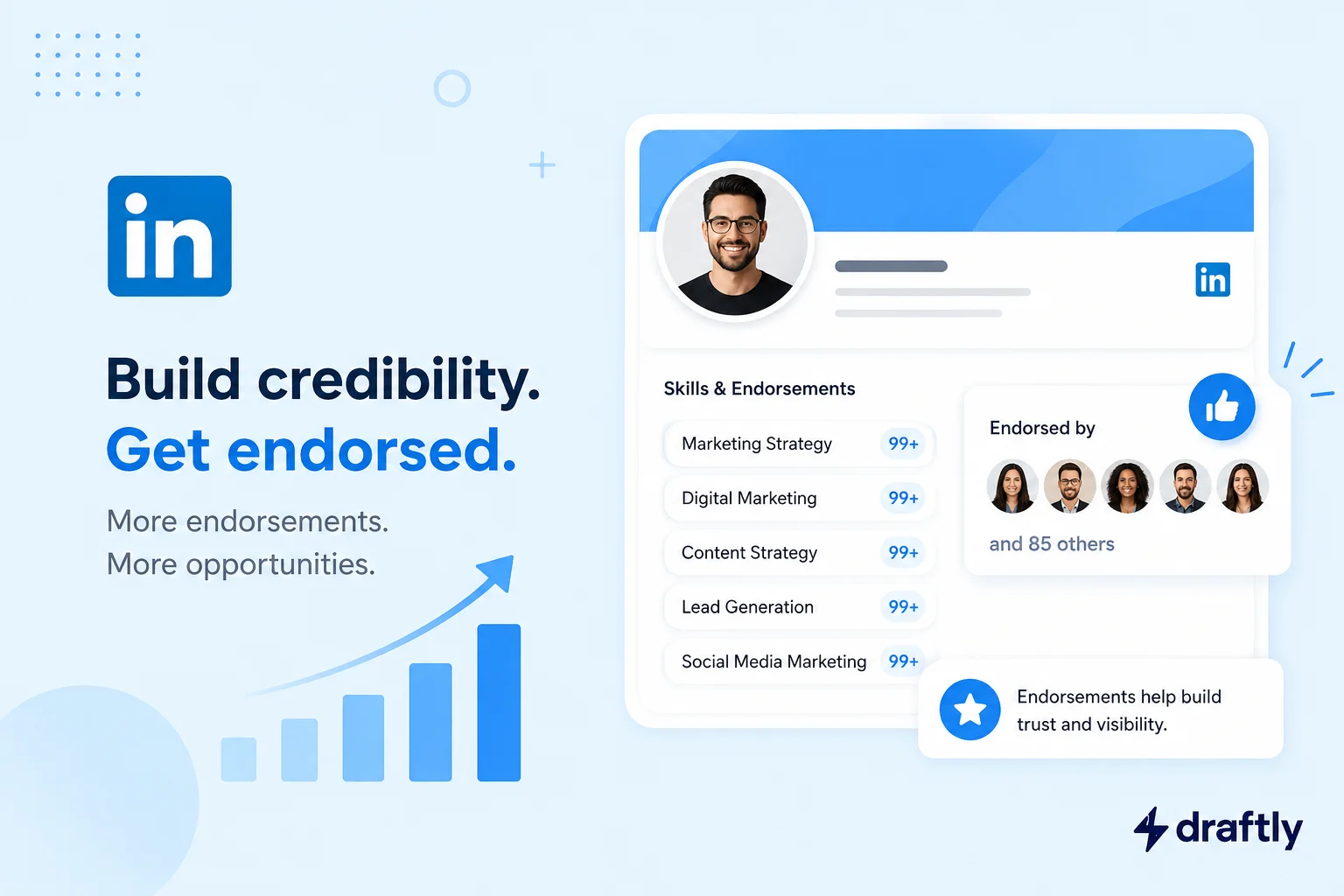
Someone just endorsed you for "Microsoft Excel," a skill you haven't touched since a college assignment a decade ago. One click, zero context, and now it's sitting on your profile whether you asked for it or not


Wondering how to build credibility on LinkedIn as a founder? Learn how to write a profile, share your story, and publish content people actually trust.

LinkedIn connections aren't about the number. Learn how many you actually need, the limits most people miss, who to accept, and how to grow the right network.

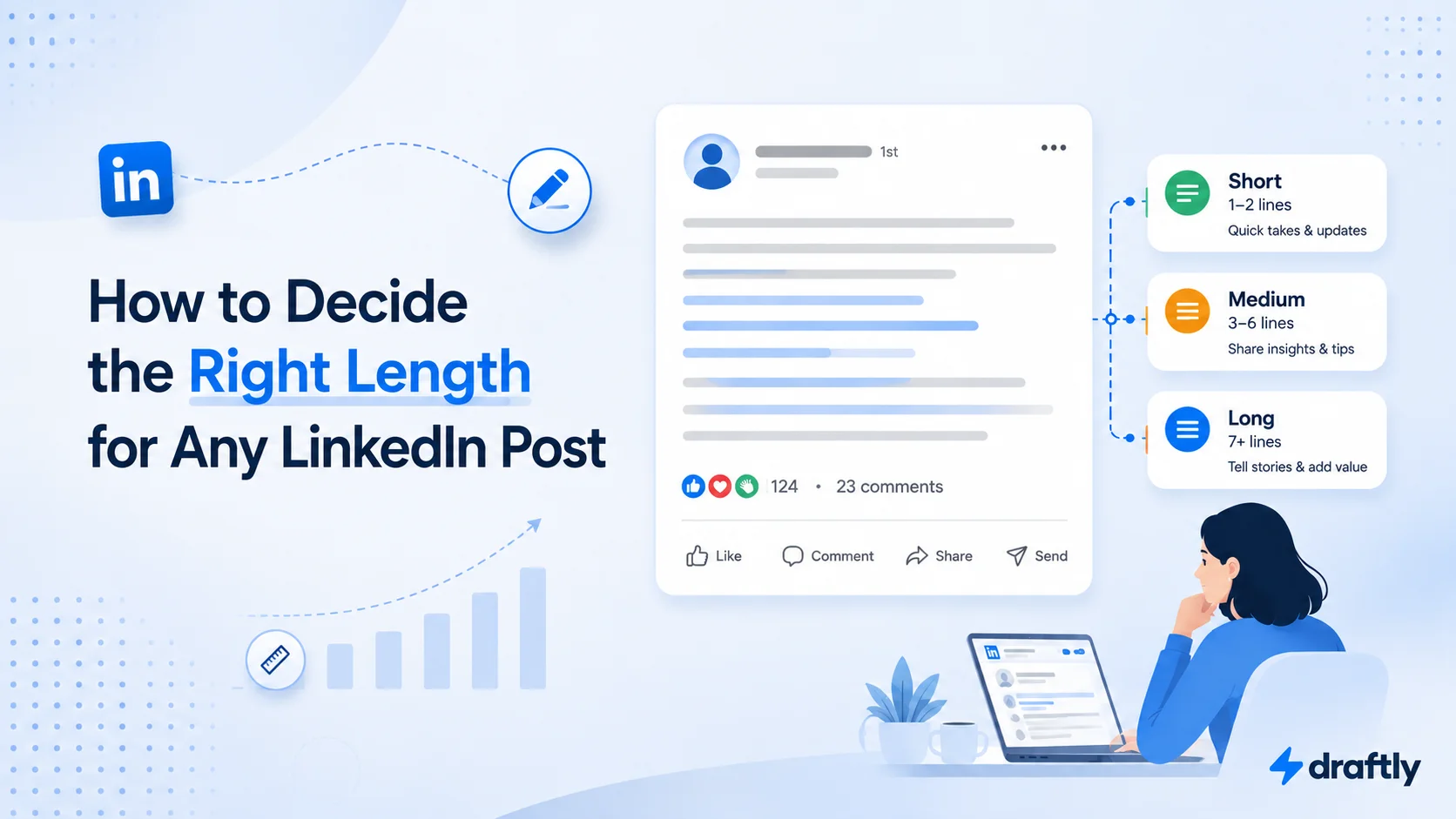
Forget the one-size-fits-all number. Here is how long a LinkedIn post should actually be, by format and goal, plus signs it is running too long or short.

What is LinkedIn Audience Network, how does it work, and is it worth enabling? Here's how it affects reach, cost, and lead quality on B2B campaigns.

A simple, honest breakdown of the top LinkedIn tools for finding leads and growing your presence, so you can pick the right one for your goals and budget.

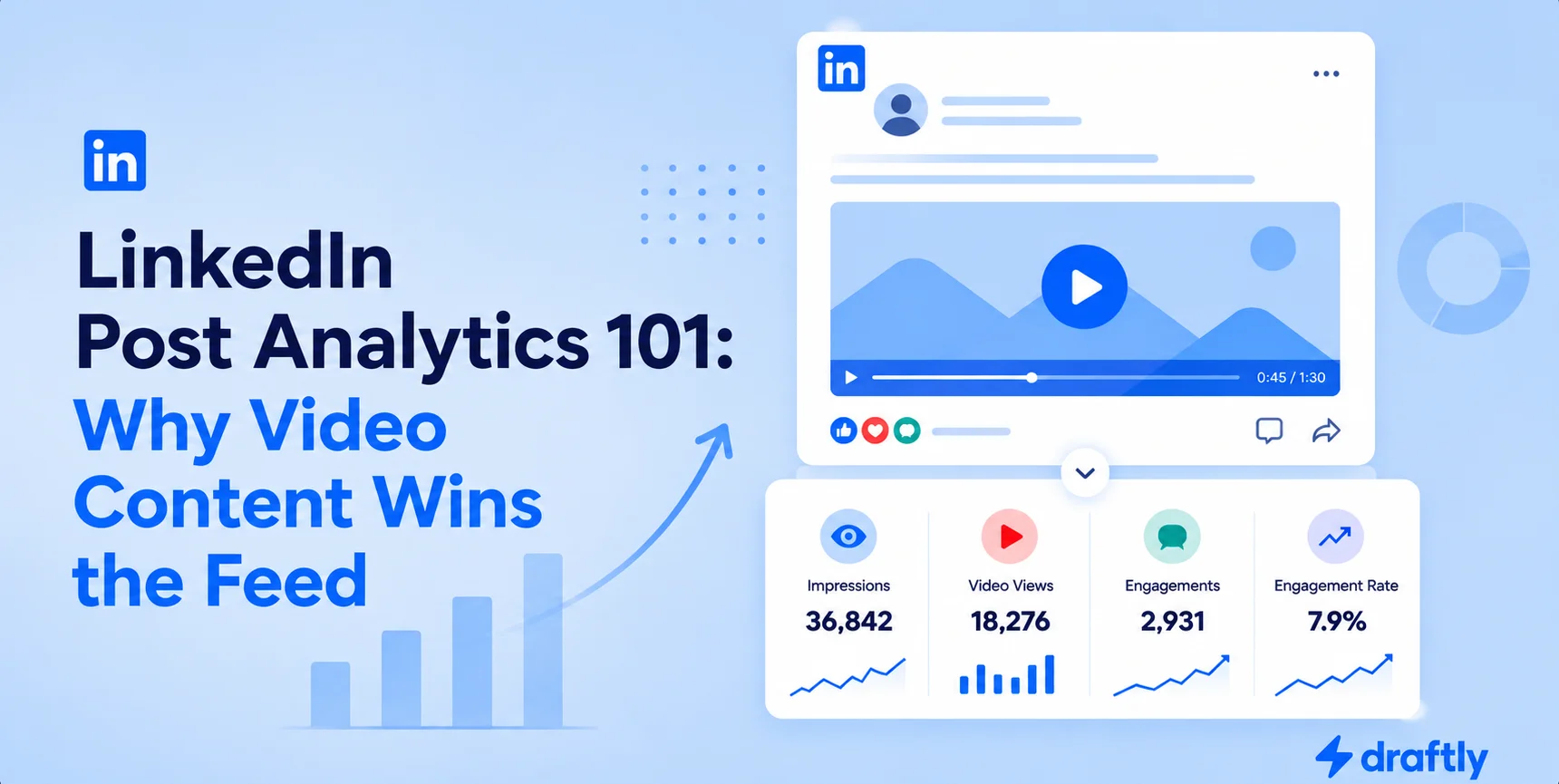
Discover why LinkedIn's algorithm favors video, which metrics actually matter beyond views, and simple tips to build a consistent video strategy.

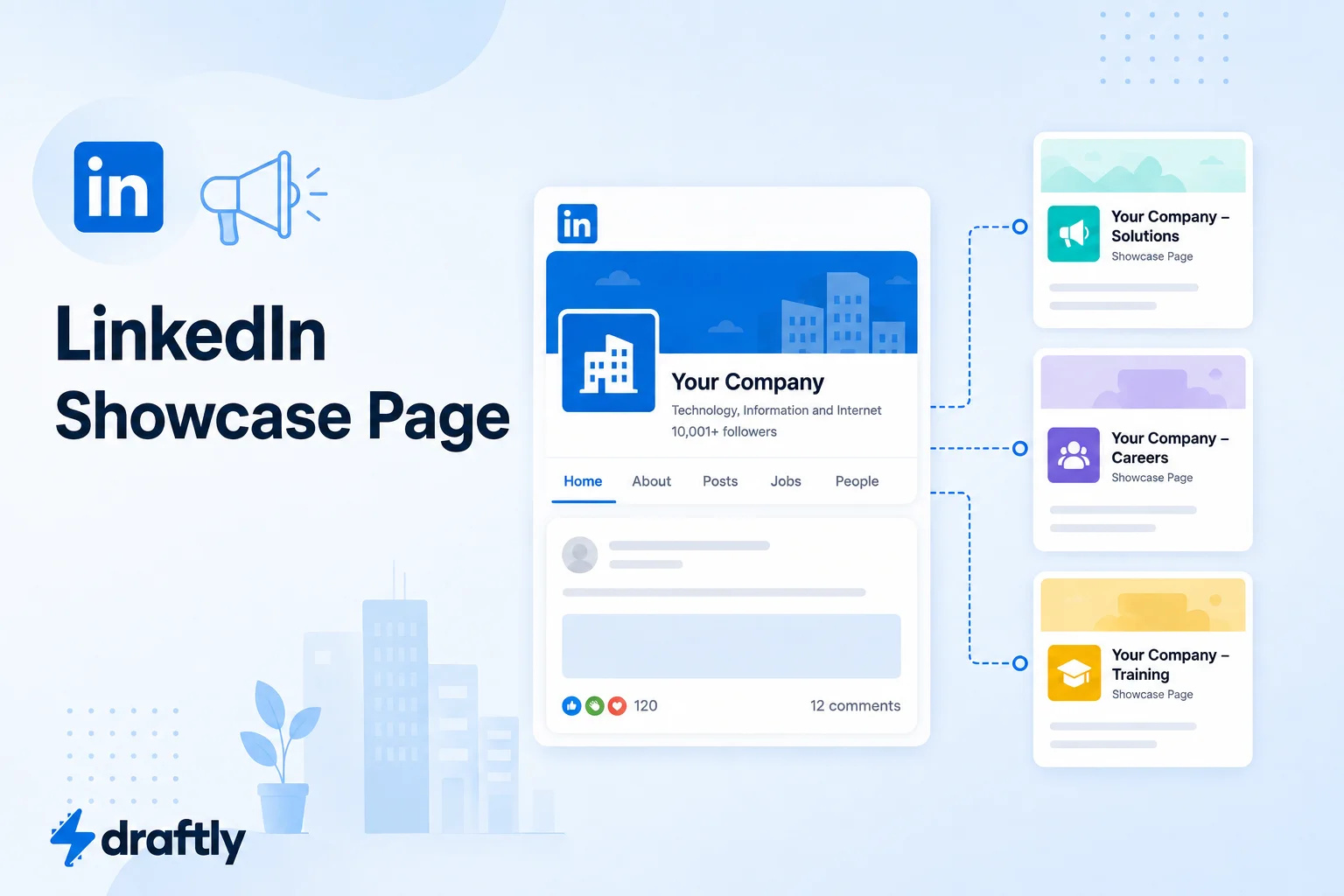
Not sure if you need a LinkedIn Showcase Page? Learn what it is, how it differs from a company page, how to set one up, and when it's actually worth it.

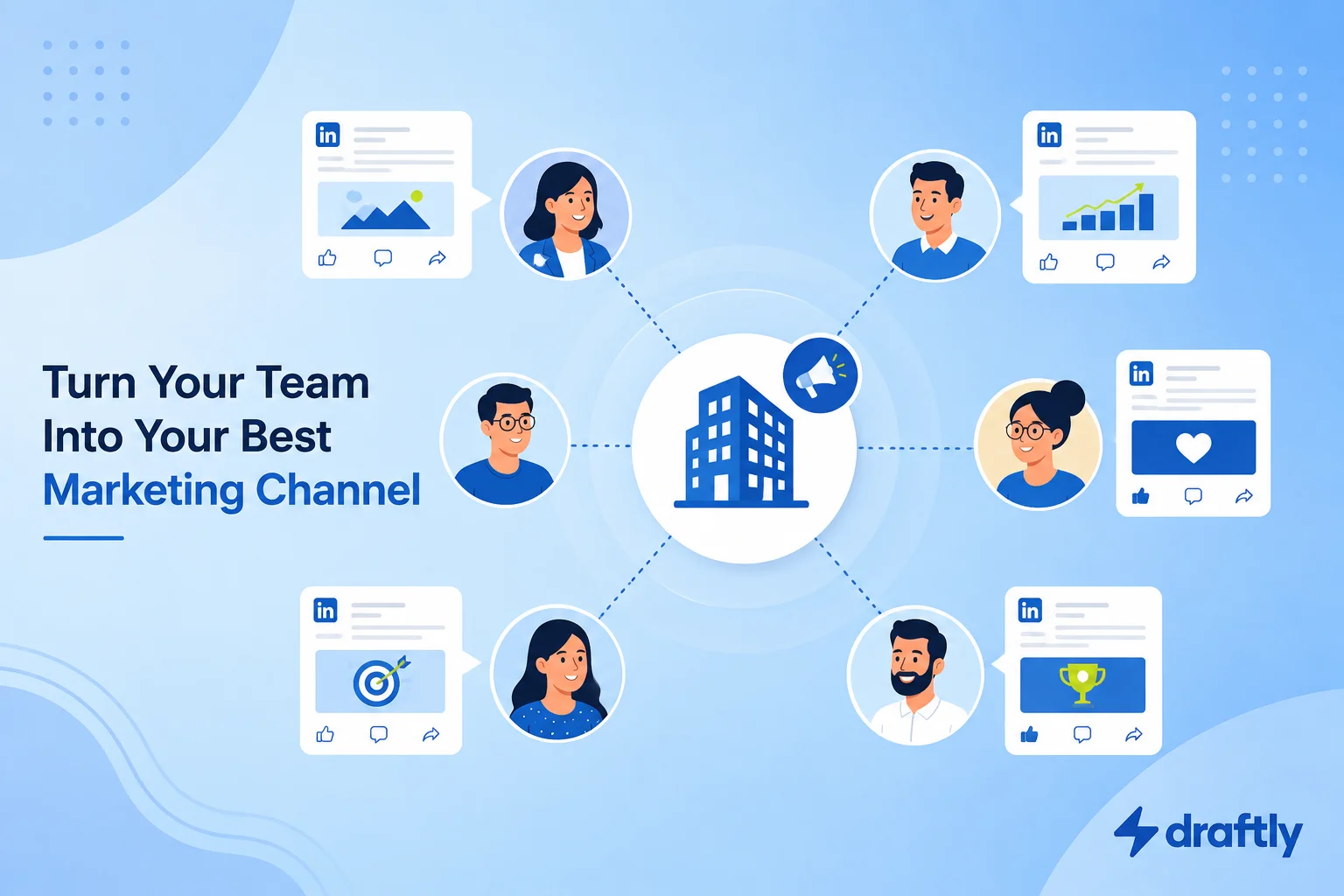
Struggling to get your team posting on LinkedIn? Learn what employee advocacy is, why it outperforms company posts, and how to build a program that works.

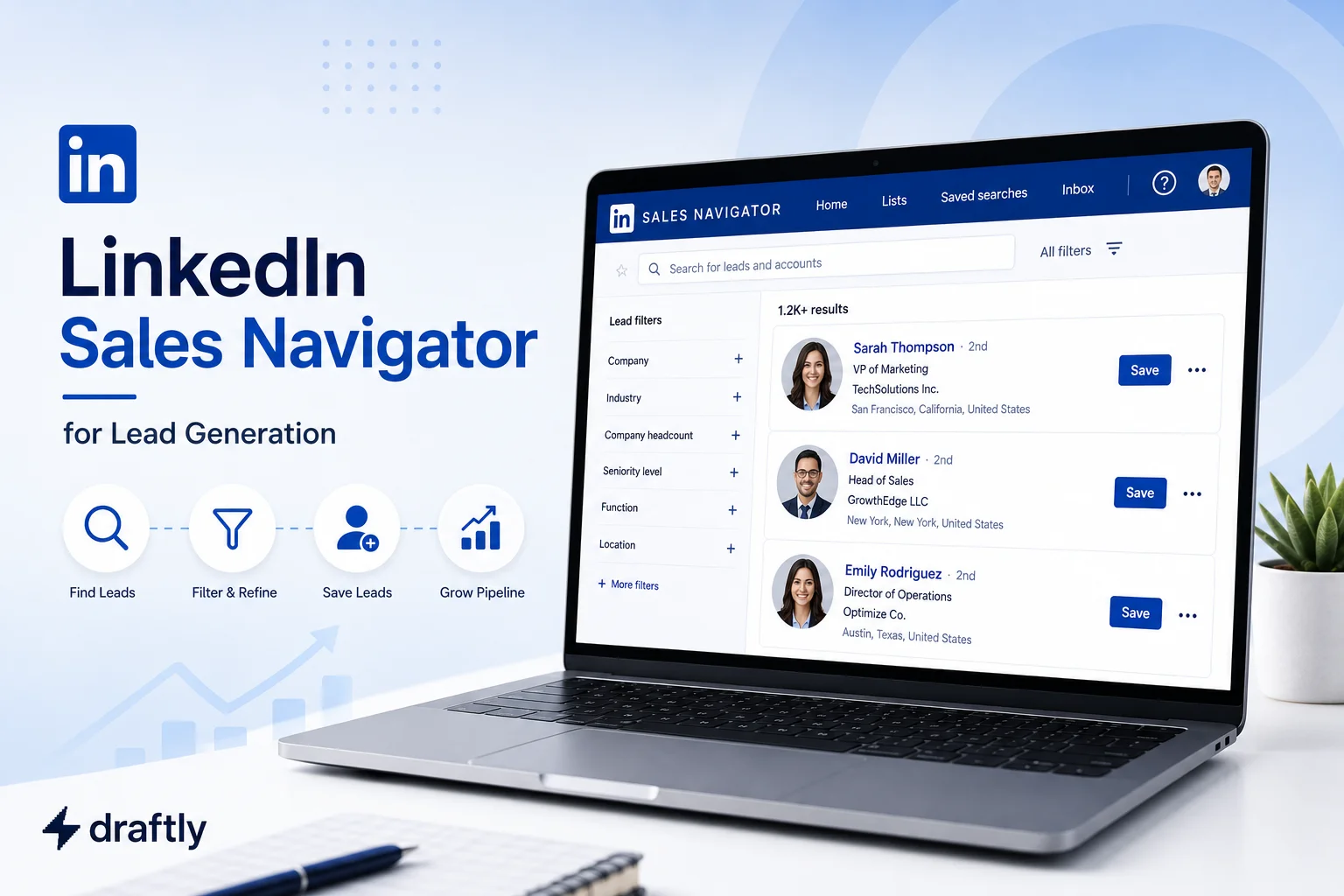
Learn how to use LinkedIn Sales Navigator for lead generation: build your ICP, spot buying signals, and write InMail messages that actually get replies.

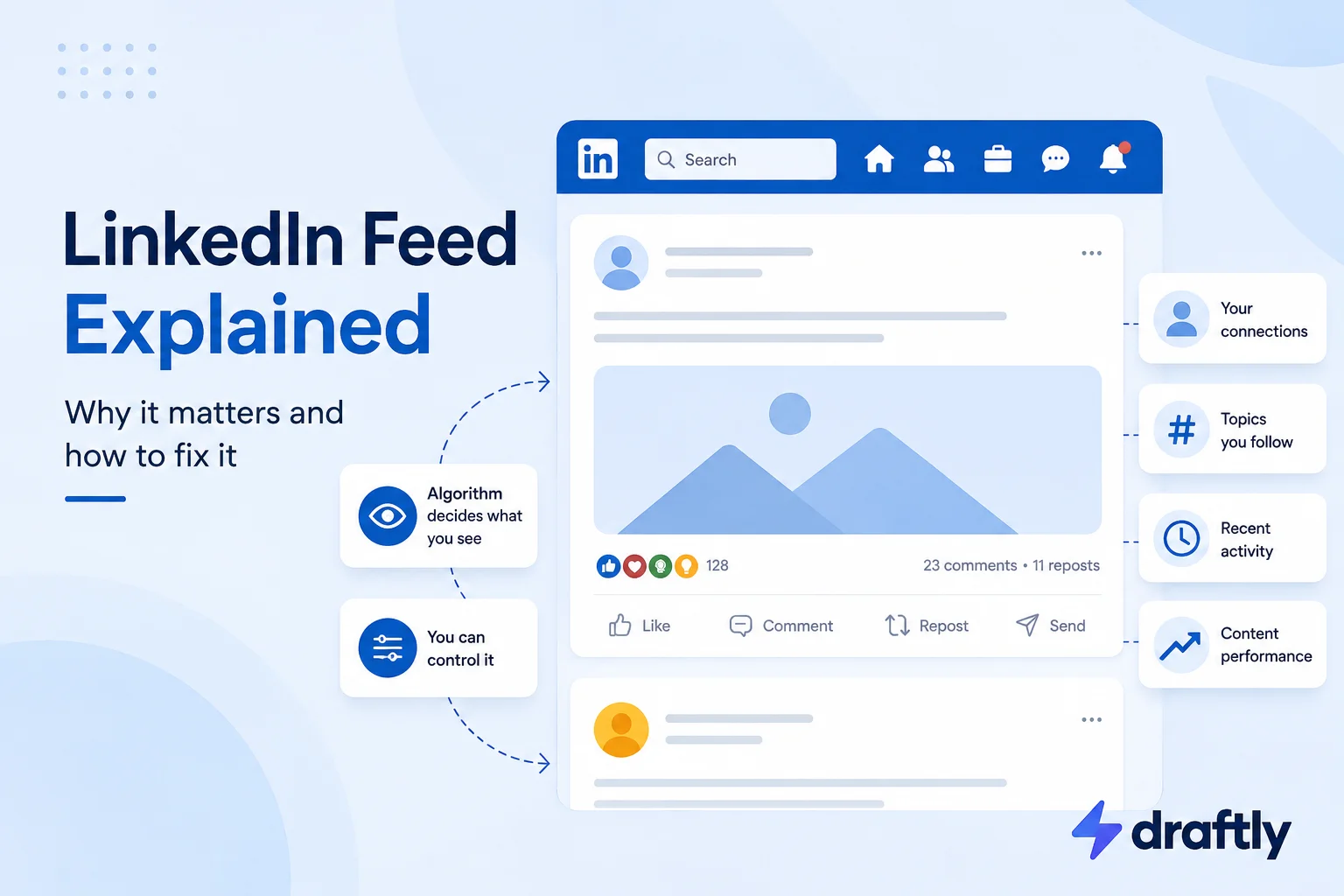
Confused by your LinkedIn feed? Learn exactly what's really in it, how Top vs. Recent sorting works, and how to customize or fix it in 2026. Full guide.

Learn how to ask for a LinkedIn recommendation, write a standout one for someone else, and see exactly how it differs from a simple skill endorsement.

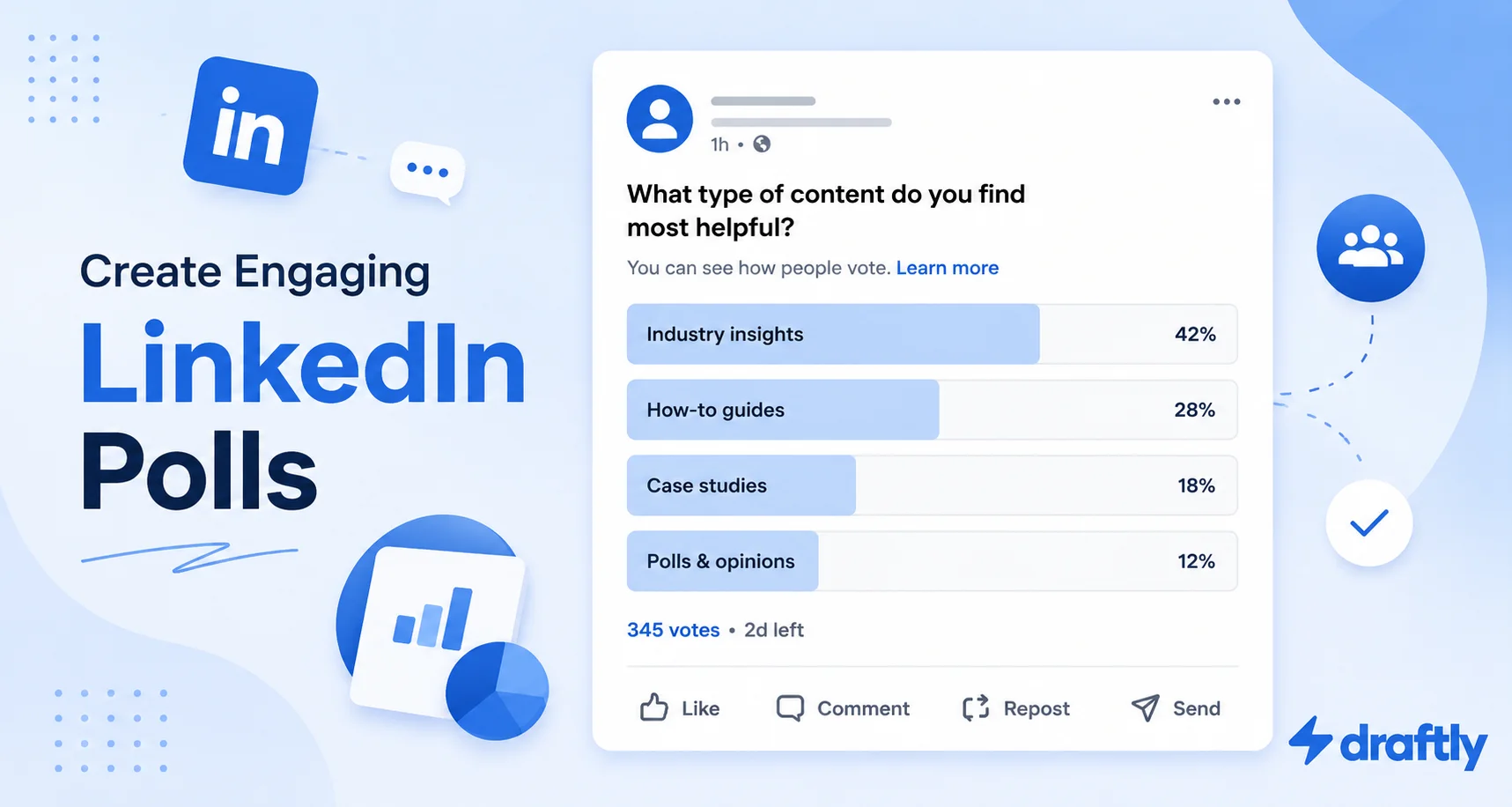
Learn how to create a LinkedIn poll on desktop and mobile in 2026, with best practices and smart question ideas that spark real engagement and replies.

Learn how to write your LinkedIn Experience section with field-by-field tips, a copy-paste bullet formula, and before/after examples that get noticed.

Learn how to calculate your LinkedIn engagement rate, see 2026 benchmarks by format, and use practical tactics to boost your score starting this week.

Wondering why your LinkedIn reach isn't growing? Here's what's actually happening, plus the exact steps to get more people seeing your posts in 2026.

Learn how to post a video on LinkedIn from desktop or mobile, with practical tips to boost views and engagement. Try Draftly to plan and schedule it now.

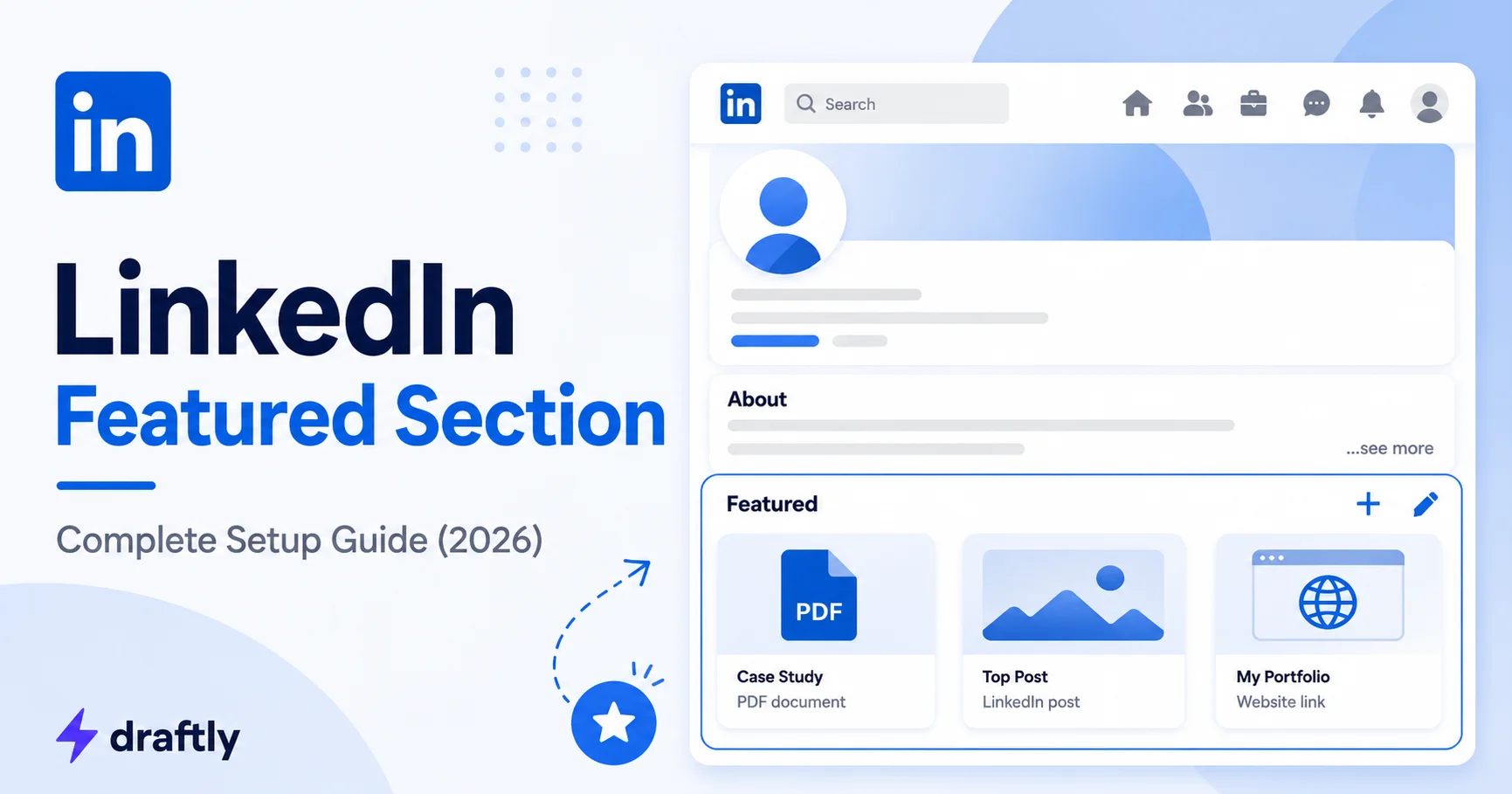
Learn what the LinkedIn Featured section is and how to set it up correctly. A step-by-step guide to showcase your best work and stand out to recruiters.

Compare the 7 best LinkedIn analytics tools for 2026 and see which one tracks the metrics that grow your reach, engagement, and leads. See our top picks.

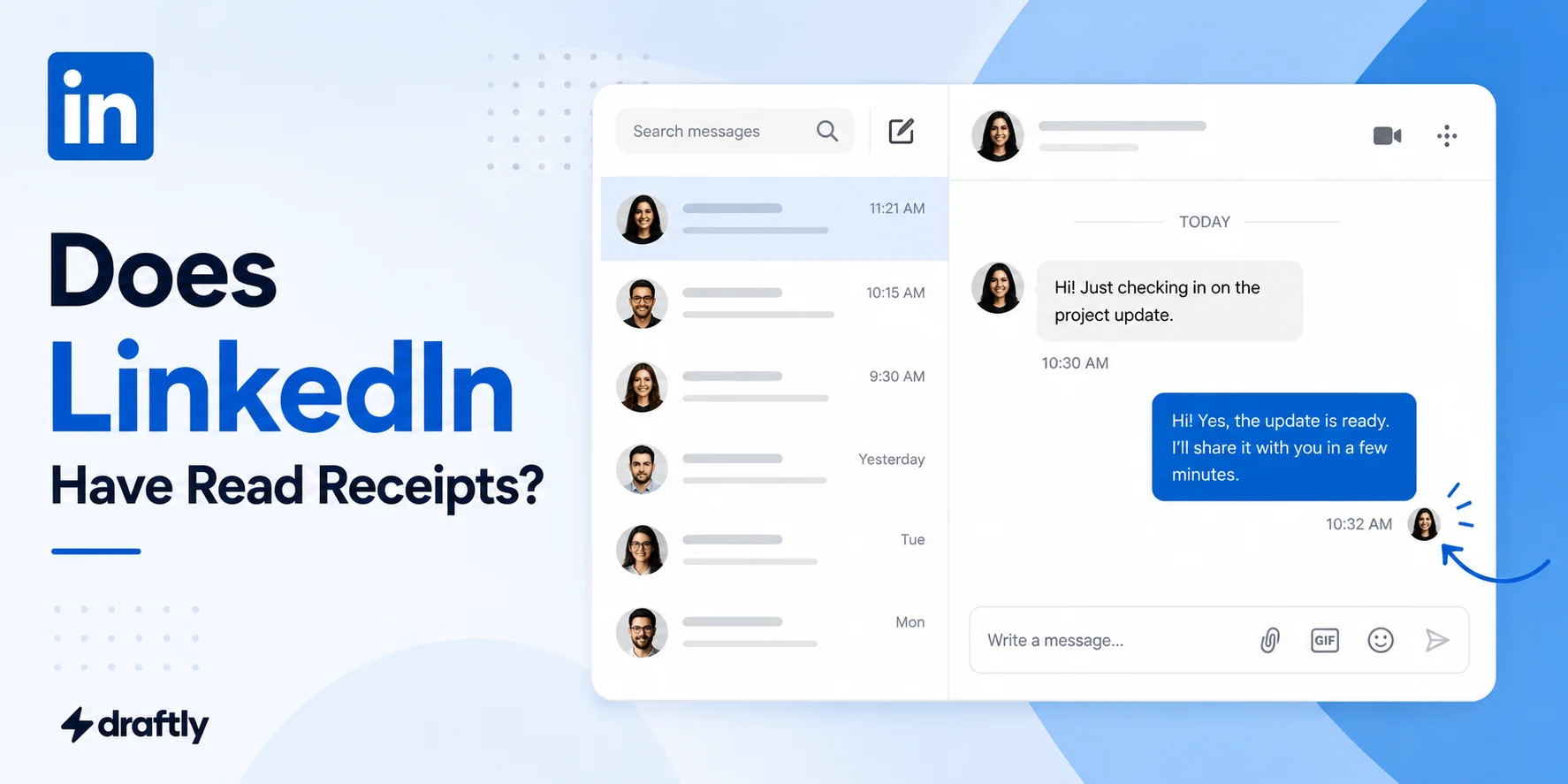
Wondering if LinkedIn has read receipts? Learn how the mutual "Seen" feature works, when it won't show, and how to know if your message was read.
Learn how to run LinkedIn ads for B2B in 2026: the best ad formats, smart targeting, budgeting tips, and creative ideas that turn casual views into real leads.

Learn how to increase engagement on LinkedIn with 15 proven tactics for 2026, covering post timing, hooks, hashtags, and comment strategy. Start today.

Want to showcase your best work on LinkedIn? Learn how to build a LinkedIn portfolio using the Featured section and external links to attract opportunities.

Want to start a LinkedIn newsletter? Learn exactly what it is, how it differs from regular posts, and the step-by-step process to launch and grow one in 2026.

Learn proven LinkedIn lead generation strategies for 2026, from outreach messaging to automation tools, that turn cold connections into paying customers.
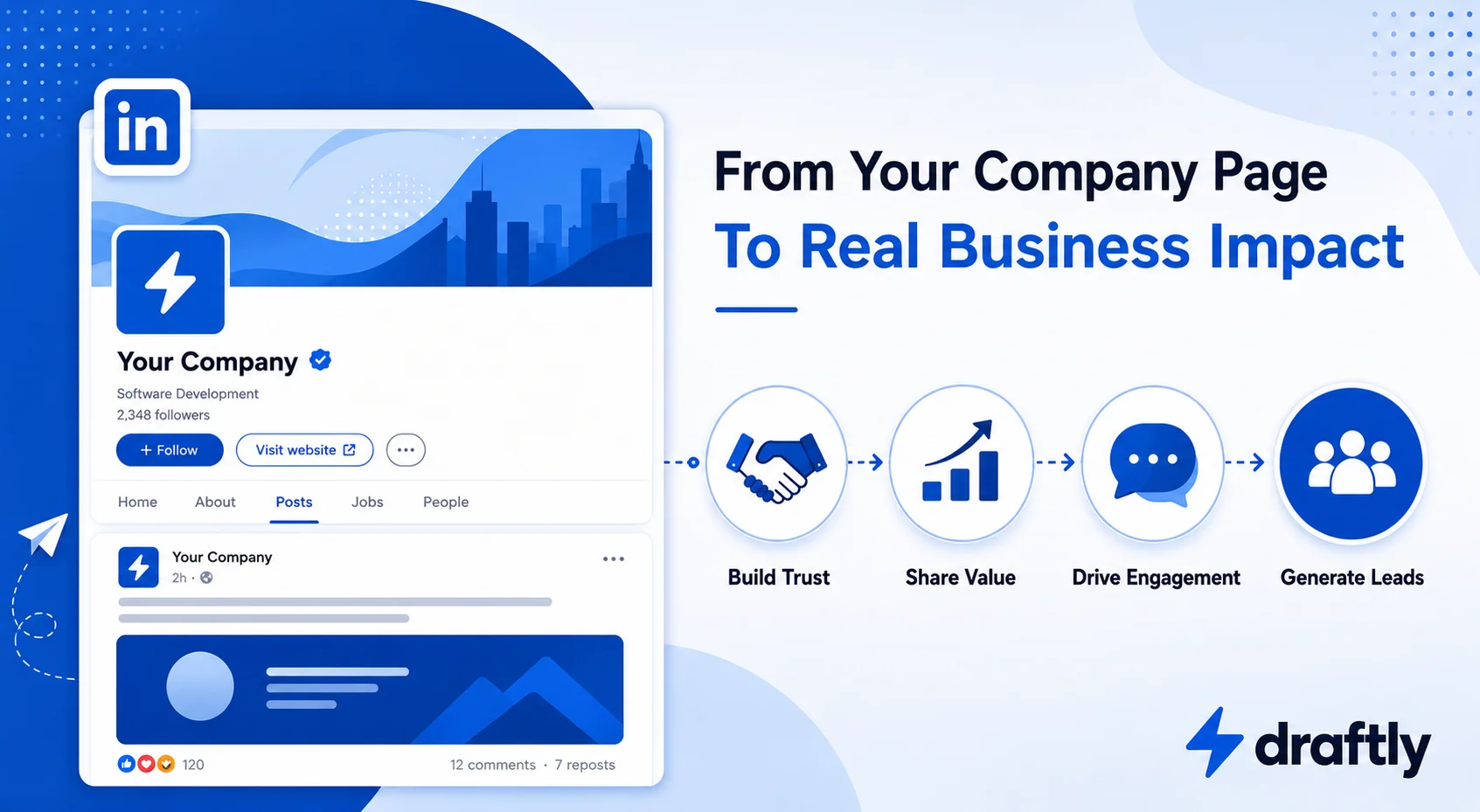
Learn how to build a winning LinkedIn B2B marketing strategy in 2026, from company pages and content to ads, advocacy, and analytics that convert leads.

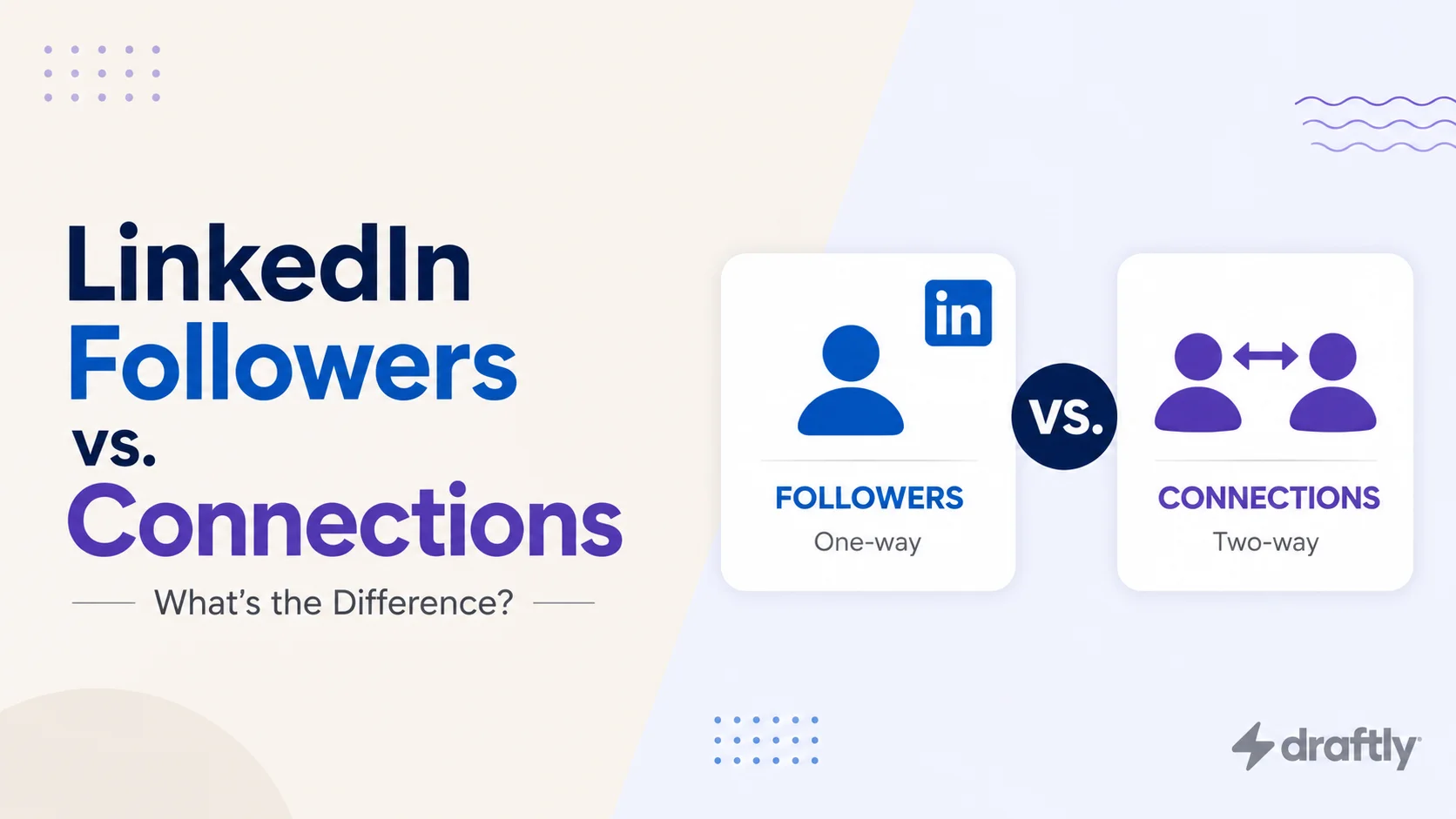
Followers and connections aren't the same on LinkedIn. Here's the real difference, which one the algorithm favors, and which to prioritize.

You probably didn’t do anything you think is bannable, and you’re probably right. Here’s what a LinkedIn restriction actually is, why it happens, and how to get back in without making it worse.

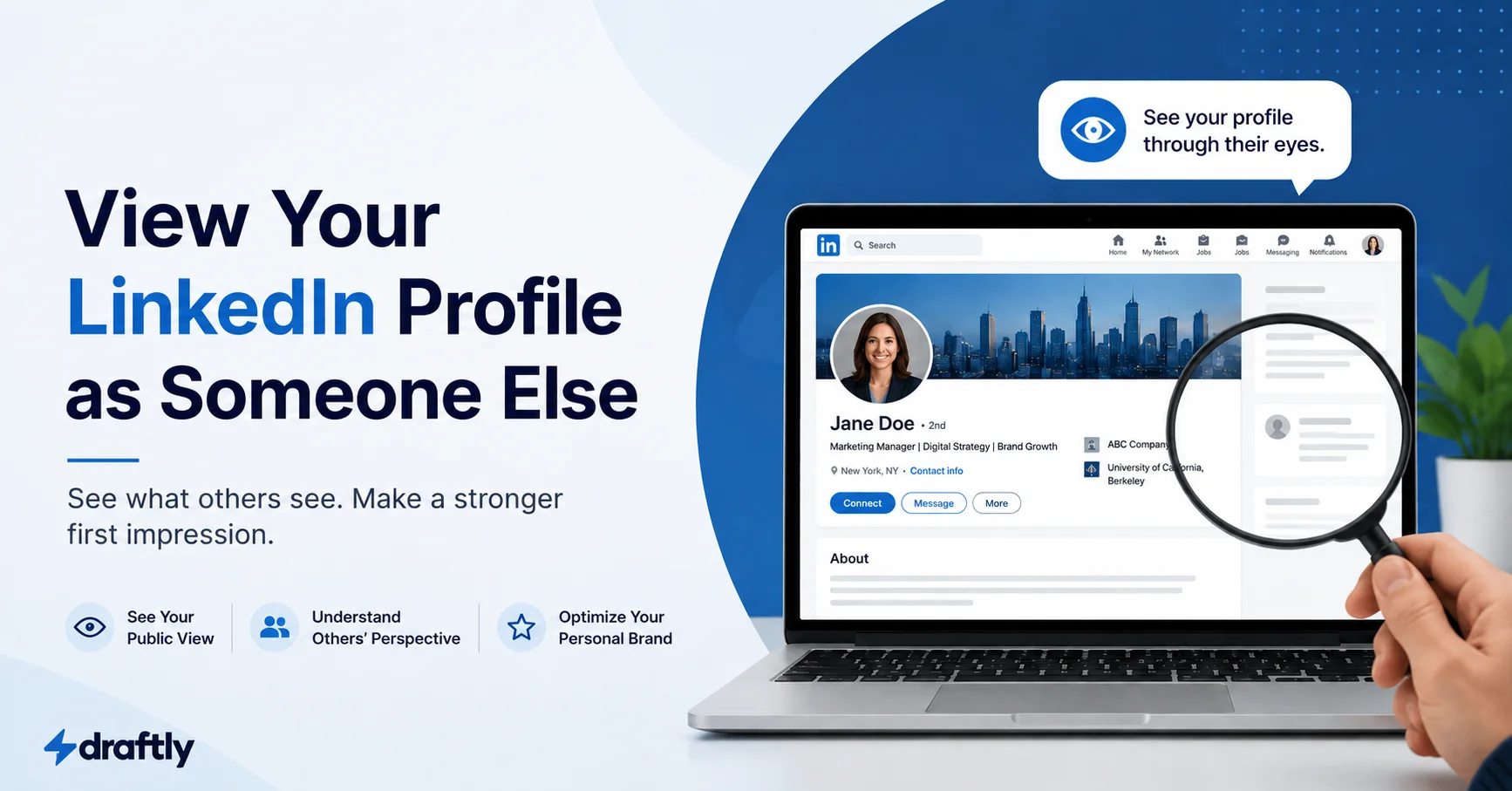
Wanting to view your LinkedIn profile as someone else is a fair thing to want, but the feature that once let you preview it through one named connection's eyes is gone. What's available now are three general views instead: logged-out public, logged-in non-connection, and your own editor view. Here's how to check each one, and what to actually look for once you're looking.

A realistic, step-by-step system for becoming a LinkedIn influencer: niche, content types, comment strategy, and the metrics that actually signal influence.

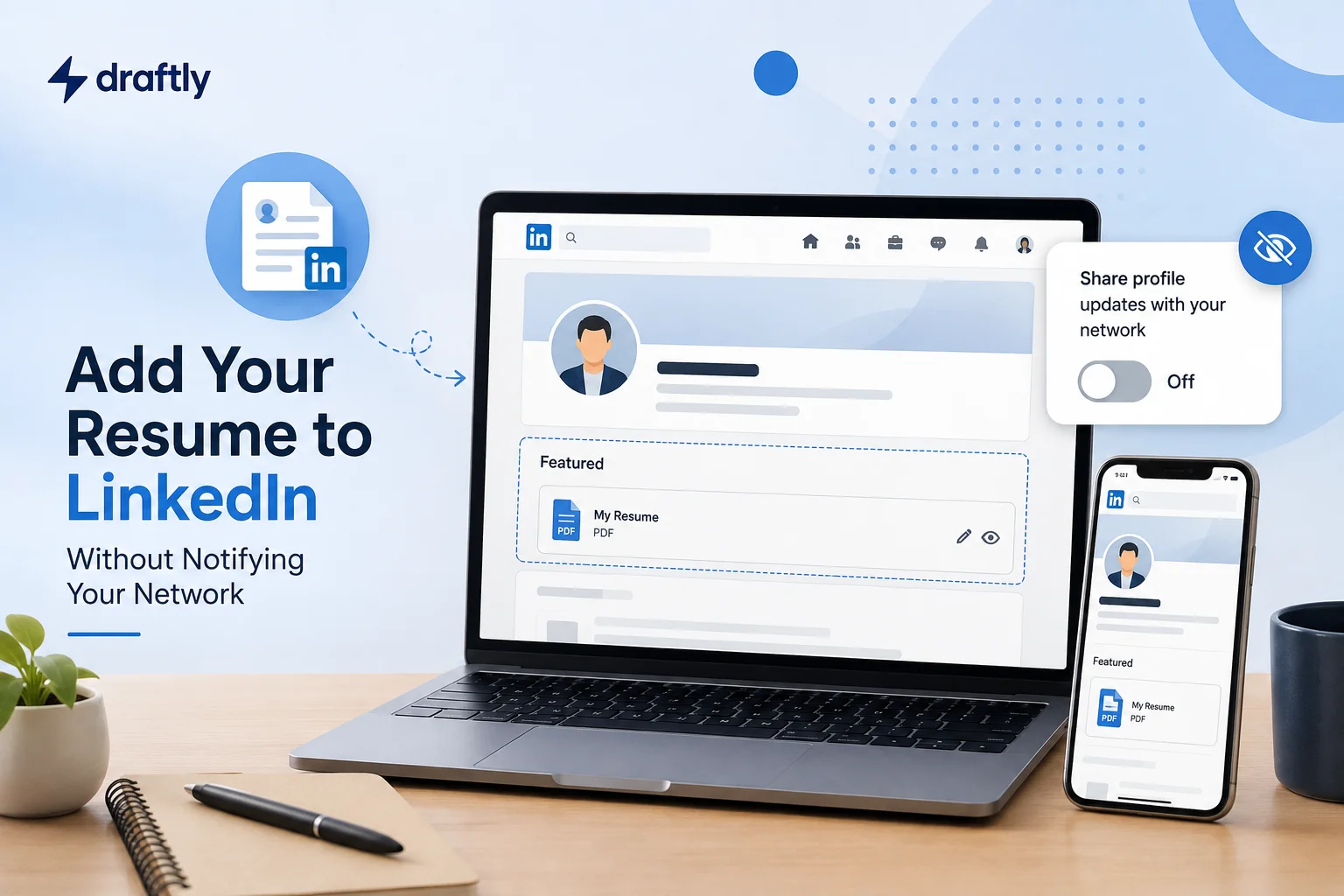
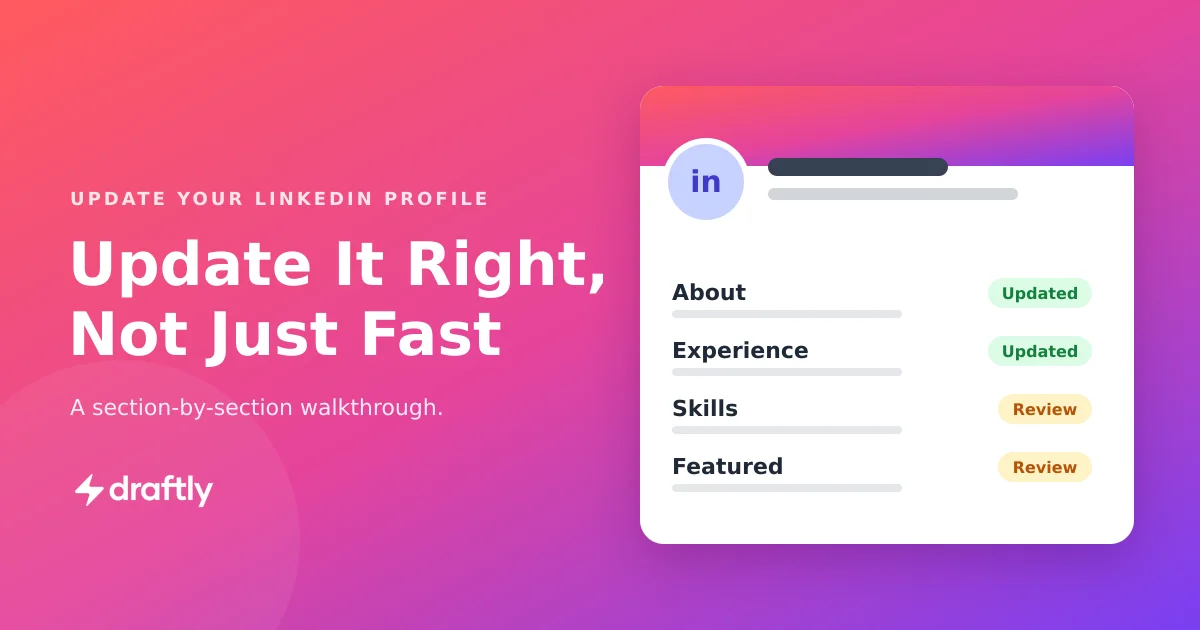
Every profile section, where it actually lives, and how to update it, plus the one setting that keeps your network from seeing every edit.

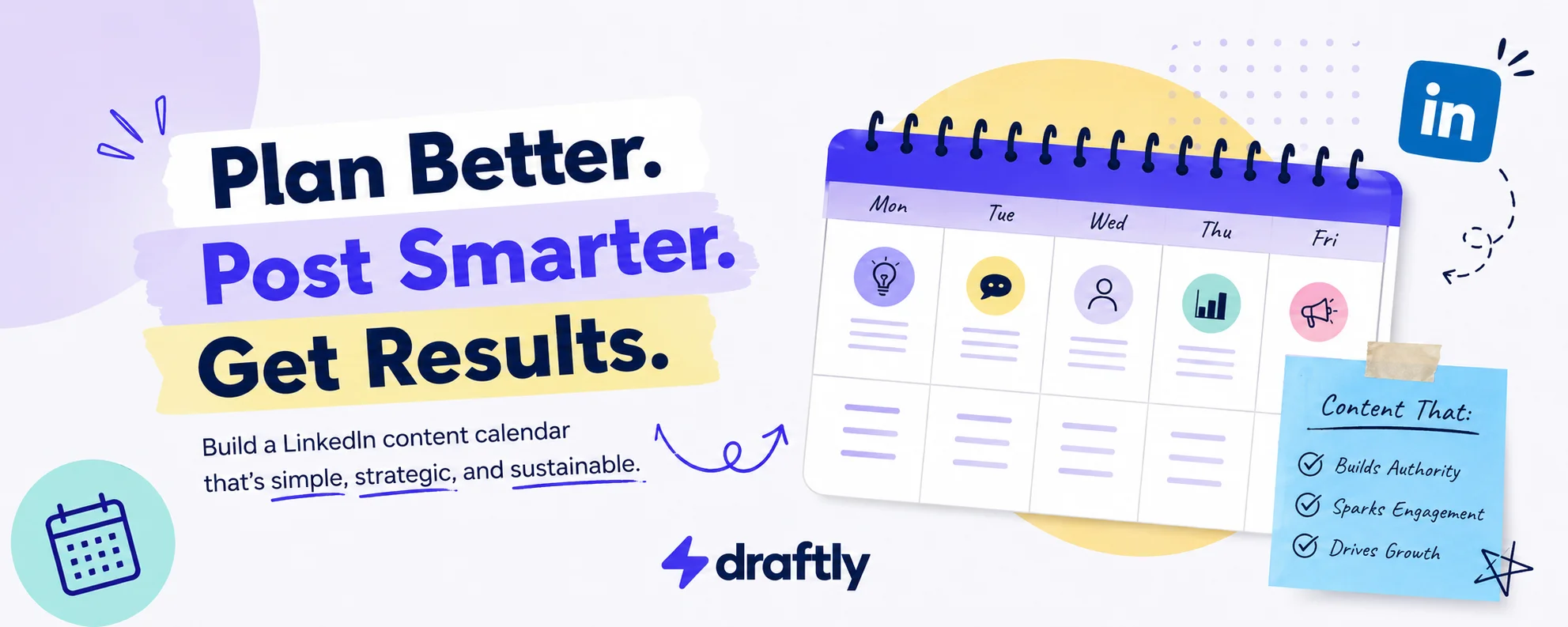
Most content calendars fail because they get set up once and never opened again. Here's how to build a LinkedIn content calendar that survives past week two, from fields to pillars to posting-mix rules.

If your connection requests keep getting ignored, it's not you, it's almost always the message. Here's a simple, non-salesy sequence for building real professional relationships that actually respond.

The right keywords do nothing if they end up sitting in a field LinkedIn barely searches. Here's how to find yours and put them somewhere that actually counts.

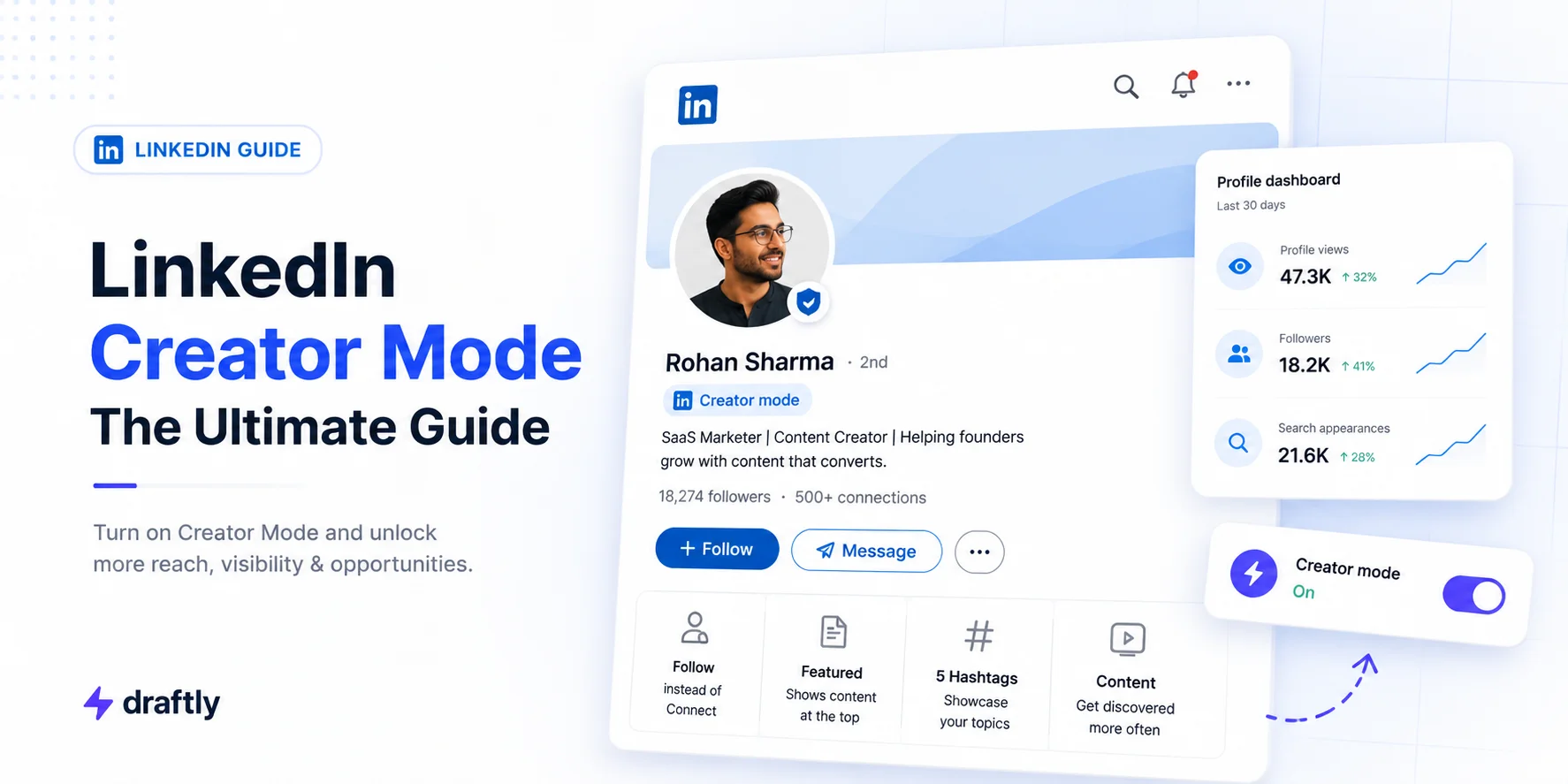
If you've been hunting for a Creator Mode toggle that isn't there anymore, you're not missing anything. LinkedIn removed it in March 2024. Here's where the Follow button, analytics, and newsletter tools actually live now.

Reposting takes about ten seconds. Knowing when to add your own take, what to do when the Repost button won't show up, and how to undo it if you change your mind is the part worth actually reading.

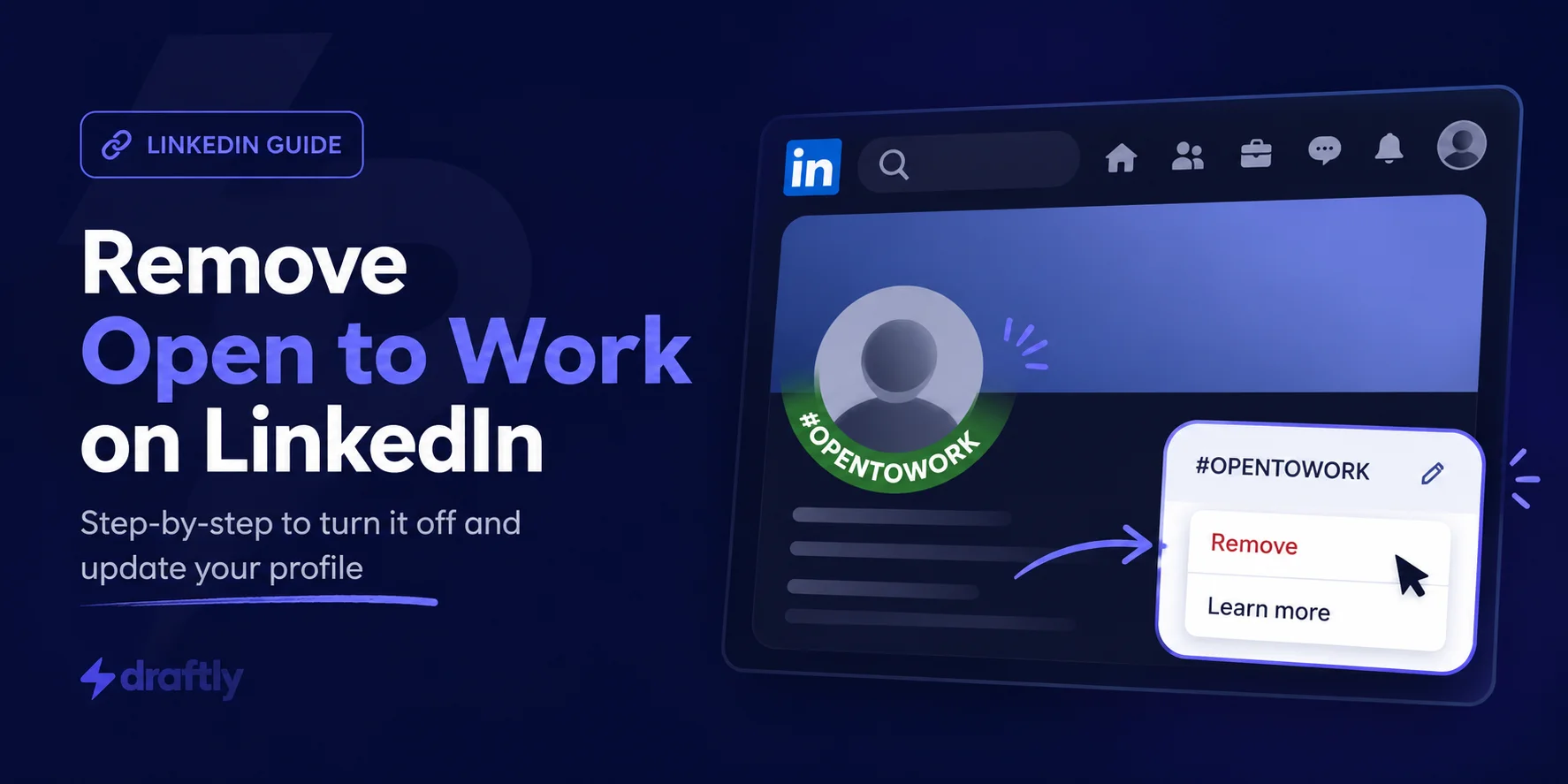
You landed the role or your search is done. Here's how to remove the Open to Work badge from desktop, iPhone, and Android, plus how to hide the green frame while staying visible to recruiters.

A complete walkthrough for posting a LinkedIn article, from opening the editor to formatting the body, adding media, and filling in the SEO settings most people skip. Plus how to promote it after it goes live so it keeps working for you.

Elevate your LinkedIn game with comments that go beyond the basics. Discover tips and tricks to make your comments impactful, grow your connections, and establish yourself as a knowledgeable professional. Read this article if you're serious about building stronger networking skills and making your LinkedIn presence stand out.
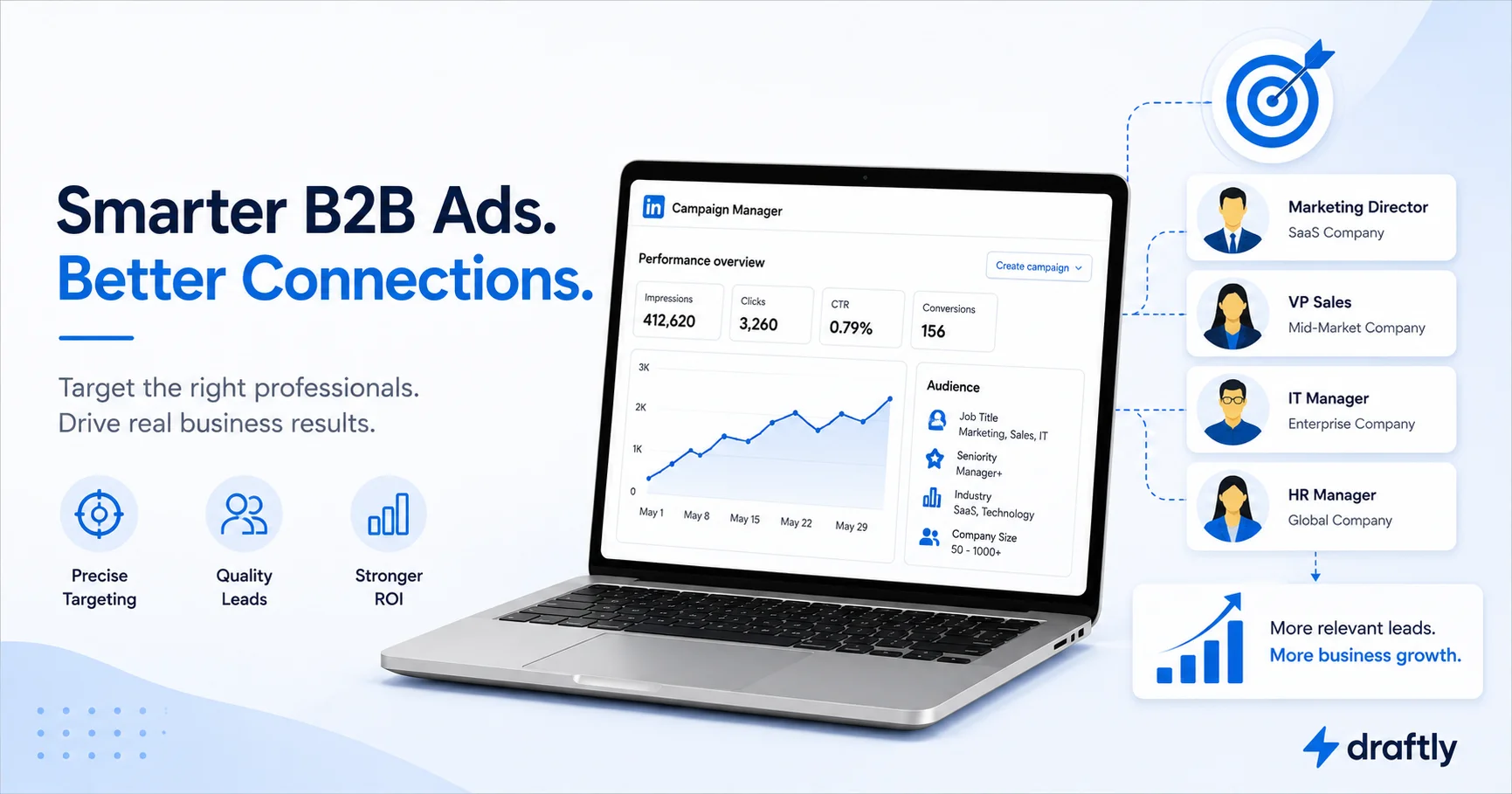
Most people have hundreds of LinkedIn connections but zero leads coming from them. This guide gives you a simple, step-by-step outreach plan to change that, without sounding like a salesperson.

In 2026, LinkedIn is vital for B2B branding. This article explores effective content strategies and advertising tactics to engage your target audience. Learn to optimize your posts, leverage LinkedIn ads, and use tools to streamline your branding efforts. Position your brand for growth and stay ahead in the competitive B2B landscape.
Learn how to craft effective LinkedIn cold outreach messages for advice in 2026. Get proven templates, best practices, and expert tips to boost your networking success.

Previewing your LinkedIn posts ensures they look professional, engaging, and well-formatted. Learn how to use LinkedIn’s built-in tools and third-party solutions like Draftly to refine your content before publishing for maximum visibility and impact.

In 2026, AI revolutionizes LinkedIn by enhancing content creation with real-time insights, personalized suggestions, and optimized engagement strategies, helping professionals stand out effortlessly.

LinkedIn carousels are a powerful way to boost engagement in 2026. Learn how to create, optimize, and design compelling carousel posts, plus discover tools like Draftly to streamline your LinkedIn content strategy.

Building a personal brand on LinkedIn can unlock career opportunities and help you stand out. Learn how to create a strong LinkedIn presence with five simple steps: defining your goals, optimizing your profile, adding meaningful connections, sharing quality content, and engaging with your network. Start elevating your LinkedIn strategy today and watch new opportunities unfold.

Master LinkedIn visuals with the ideal image sizes for 2026. Boost engagement, maintain professionalism, and create a lasting impression with polished, optimized content.

Showcase your career growth on LinkedIn by adding promotions professionally. Update roles, highlight achievements, engage your network, and boost visibility for recruiters and peers in 2026.

Learn how to find, customize, and share your LinkedIn URL in 2026 to boost professional visibility and create a polished, accessible online presence.

Set up a LinkedIn business page that builds trust, boosts visibility, and attracts leads. This step-by-step guide shows how to create, optimize, and grow your page, plus tools to stay consistent.

In 2026, boosting LinkedIn impressions is key to standing out professionally. Optimize your profile with a strong headline and achievements. Share high-quality, engaging content like videos and industry insights. Leverage LinkedIn features, post at peak times, and use relevant hashtags. Stay active with your network, expand connections, and track metrics for ongoing improvement. Success starts with consistency!

LinkedIn hashtags boost visibility, engagement, and authority. Learn top 2026 hashtags, effective usage tips, and tools like Draftly to optimize your LinkedIn strategy.

Craft a compelling LinkedIn headline with keyword-rich examples, expert tips, and tools to boost visibility, attract opportunities, and stand out in 2026. Optimize your profile today!

LinkedIn shows who viewed your profile based on privacy settings. Premium users get detailed insights, while Private Mode keeps visits anonymous. Use these features strategically to manage visibility, track engagement, and enhance networking opportunities.

Discover how to grow your LinkedIn followers in 2026 with proven strategies- optimize your profile, create engaging content, leverage features, and build authentic connections.

LinkedIn is now a powerful content platform where engaging posts drive visibility, thought leadership, and business growth. This guide explores strategies, storytelling, and AI tools to create compelling LinkedIn content in 2026. 🚀

Discover how the LinkedIn algorithm works in 2026 and learn proven strategies to boost engagement, maximize reach, and optimize your content for better visibility. Stay ahead with expert insights and AI-driven tactics.
Learn how to search LinkedIn by name in 2026 with step-by-step methods, advanced filters, and anonymous browsing. Discover ways to find profiles without logging in and optimize your search for better accuracy.

Learn how to download LinkedIn videos easily with the best tool available in 2026. Discover top free and paid options for desktop and mobile, ensuring seamless offline access to valuable LinkedIn content.

Easily cancel LinkedIn Premium with our step-by-step guide for desktop, iPhone, Android, and the app. Learn refund policies, troubleshooting tips, and smarter alternatives like Draftly!

Discover how to find trending topics on LinkedIn! Use tools like hashtags, LinkedIn Pulse, and influencer insights to boost engagement and position yourself as a thought leader.

Learn how to optimize your LinkedIn profile in 2026 to boost visibility, attract the right opportunities, and build lasting professional credibility using proven strategies and smart AI tools like Draftly.

Tagging on LinkedIn increases engagement, expands reach, and strengthens professional relationships. Thoughtful tagging helps spark conversations, acknowledges contributions, and enhances content visibility, making posts more interactive and valuable to your network.

AI is revolutionizing LinkedIn personal branding by optimizing profiles, automating content creation, and enhancing networking. Balance automation with authenticity to build a strong presence. Leverage AI tools like Draftly and LinkedIn Analytics for better engagement.

A well-optimized LinkedIn banner (1584 x 396 px) enhances your profile’s appearance, ensuring a strong first impression. Follow best practices to keep it clear, professional, and visually appealing across all devices in 2026.

Discover the best LinkedIn headline generator tools for 2026. Learn how to craft compelling, keyword-rich LinkedIn headlines that boost visibility and engagement. Try Draftly’s AI-powered tool to create standout LinkedIn headlines effortlessly.

Modern brand visibility extends beyond your website. LinkedIn has become a critical validation layer influencing trust, hiring decisions, B2B buying behavior, and AI-driven search visibility. Discover why consistent LinkedIn presence now plays a structural role in how brands are evaluated.

Want more inbound leads, authority, and real opportunities on LinkedIn in 2026? This practical personal branding strategy shows you how to clarify your niche, optimize your profile, create focused content, and grow consistently without chasing viral hacks.

Your LinkedIn summary is your digital elevator pitch. This guide shows how to write a clear, personal, and keyword-rich summary: with examples, tips, and tools to help you stand out.

LinkedIn private mode hides your identity while viewing profiles, but it’s not fully invisible. Premium users still see anonymous visits. Use it wisely for research, not networking: visibility matters when building connections.

LinkedIn Premium offers tools for job seekers, freelancers, and businesses, but is it worth the cost? This guide breaks down its benefits, pricing, and best use cases to help you decide.

Learn how to add certifications to your LinkedIn profile to boost credibility and job opportunities. Follow this step-by-step guide to showcase your achievements, upload PDFs, and optimize your profile for recruiters.

Struggling to create engaging LinkedIn posts? AI-powered LinkedIn post generators like Draftly help craft compelling content, optimize engagement, and maintain consistency, saving you time while boosting your LinkedIn presence effortlessly.

Want your LinkedIn posts to make a lasting impression? Learn how to craft attention-grabbing hooks, share high-quality content, and leverage storytelling to engage your audience. Discover expert tips on formatting, visual content, and boosting visibility with LinkedIn’s algorithm. Start creating posts that resonate, build connections, and achieve viral success with these practical strategies!

Unlock the potential of LinkedIn for your business with seven smart strategies. From optimizing your profile to creating engaging content and building relationships, this article offers actionable tips to enhance your online presence. Leverage LinkedIn's features and tools to connect with decision-makers, promote your services, and drive business growth. Consistency and engagement are key to your success!

Earning the LinkedIn Top Voice badge goes beyond recognition, it's a powerful boost for your personal brand. It increases profile visibility, elevates your authority, and opens doors to new career opportunities. This guide will show you how to craft quality content, engage meaningfully, and optimize your LinkedIn presence to achieve Top Voice status.

Struggling to make your LinkedIn posts stand out? This guide shares 10 powerful LinkedIn post ideas with examples to help you boost engagement and grow your presence. From thought-provoking questions to success stories, discover strategies for sharing valuable content, optimizing posting times, and leveraging tools like Draftly for efficient LinkedIn marketing. Start capturing attention today!

Tuesday to Thursday, 10 a.m. to 3 p.m. in your audience’s time zone is a starting point. Test it against your own results.

Struggling to create impactful LinkedIn posts? This guide introduces two proven LinkedIn post templates used by top influencers and thought leaders. Learn how to leverage the Narrative Approach to tell compelling stories and the Observational Insights method to share valuable perspectives. With step-by-step instructions and practical examples, you'll discover how to craft engaging content that resonates with your audience, sparks conversations, and enhances your LinkedIn presence. Whether you're looking to share personal anecdotes or industry insights, these templates provide a solid foundation for creating content that captures attention and drives engagement on the platform.

LinkedIn has become a powerhouse for sales professionals, with 65% relying on it to fill their pipelines. But standing out in a sea of outreach messages can be challenging. This guide offers 8 proven LinkedIn messaging templates to help you connect with prospects, from initial connection requests to follow-ups and pitches. Plus, discover 7 expert tips to enhance your LinkedIn messaging strategy and drive better results. Learn how to personalize your approach, optimize your profile, and become a recognized expert in your field to boost your sales success on LinkedIn.

Maximizing your LinkedIn presence is key to building connections and boosting opportunities. This guide covers the best LinkedIn automation tools to help you streamline your efforts and see better results.
Showing 1-9 of 97 articles