That's the strange thing about LinkedIn endorsements. They take almost no effort to give, yet LinkedIn's own data has tied having enough of them to a real jump in profile visibility. Here's what endorsements actually are, how they're different from a recommendation, whether they're worth chasing at all, and exactly how to get more of the right ones instead of a random pile of Excel and "Teamwork" badges nobody asked for.
What Are LinkedIn Endorsements?
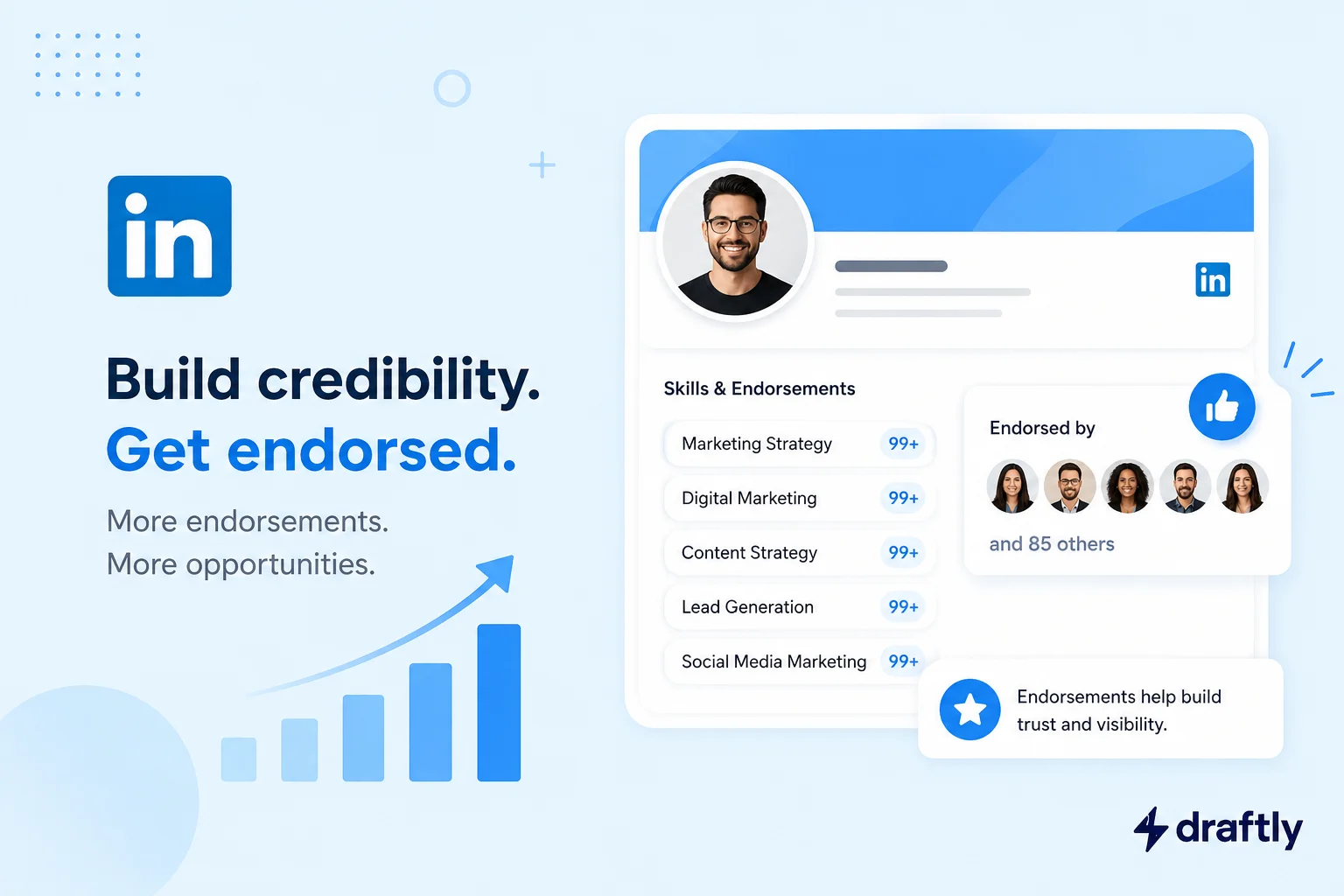
A LinkedIn endorsement is a one-click confirmation from one of your first-degree connections that you have a specific skill listed in your Skills section. There's no comment box, no character limit, no write-up. Someone visits your profile, sees "Content Strategy" or "Python" listed under Skills, and taps a small + to say, in effect, "yes, this person actually has this skill."
A few mechanics worth knowing before you touch anything:
- Only 1st-degree connections can endorse you. Someone has to actually be in your network first.
- You can't endorse yourself, and LinkedIn doesn't let you endorse the same person for the same skill twice.
- You can list up to 50 skills on your profile, and each one can rack up its own endorsement count independently.
- LinkedIn retired its skill assessment quizzes in 2024, the little badges you used to earn by passing a timed test. Endorsements, along with skills tied to real credentials like certifications and job history, are now the main peer-driven signal LinkedIn shows next to your skills.
Takeaway: endorsements are low-effort, peer-given stamps of approval, not a test you pass. Their value comes from volume and relevance, not depth.
LinkedIn Endorsements vs. Recommendations: What's Actually Different
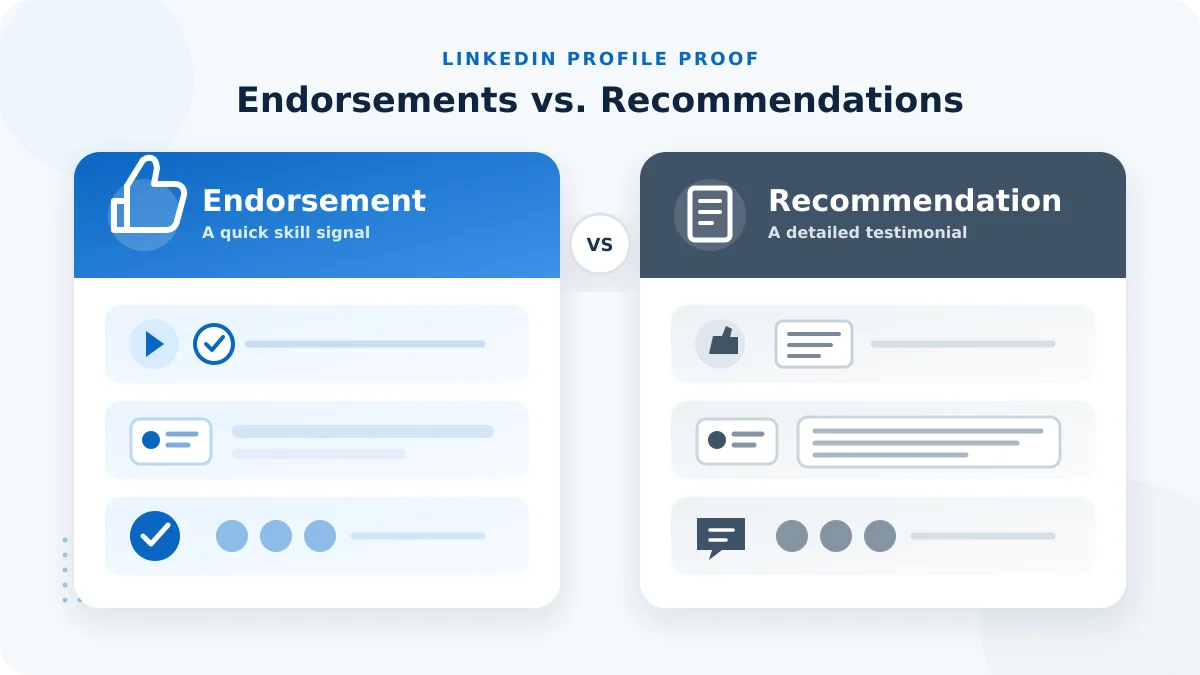
People mix these up constantly, and LinkedIn's own interface doesn't do much to separate them visually. Here's the real difference:
- Effort required: an endorsement is one click. A recommendation is a written testimonial someone has to sit down and actually compose.
- Where they live: endorsements sit quietly next to each skill and only show detail if someone clicks in. Recommendations get their own dedicated, more visible section on your profile.
- What they prove: an endorsement says "I believe this person has this skill." A recommendation explains how they know that, usually with a specific story or project attached.
- Credibility weight: because a recommendation takes real time and puts the writer's name next to a specific claim, it generally carries more weight with anyone reading your profile closely, like a hiring manager doing final due diligence.
Neither one replaces the other. Endorsements are the quantity play: a wide base of "yes, this checks out" from people who know you. Recommendations are the quality play: a small number of people willing to vouch for you in detail. A strong profile usually has both.
Takeaway: don't chase endorsements as a substitute for recommendations. They're solving two different problems on the same profile.
Do LinkedIn Endorsements Actually Matter?
It's fair to be skeptical of something this effortless to give out. But there's a real, well-documented reason to care about your skills section at all: LinkedIn has reported that members who list five or more skills on their profile get significantly more profile views, sometimes cited at up to 17 times more, than members who list none. Endorsements are what make those listed skills look credible instead of self-declared.
There's also a practical, unglamorous reason this matters: recruiters searching LinkedIn's talent tools can filter candidates by specific skills. A skill sitting on your profile with zero endorsements doesn't get filtered out, but a skill with a healthy, visible endorsement count reads as more trustworthy to a recruiter scanning fifty profiles in a row.
Getting this right ties directly into the keywords doing the heavy lifting across the rest of your profile. If you haven't already worked through the keywords that should actually be in your LinkedIn profile, that's the piece that should inform which skills you're even trying to get endorsed for in the first place.
Worth being honest about the limits, too: an endorsement doesn't verify anything. Anyone in your network can tap a button for a skill they've never actually seen you use. That's exactly why volume alone isn't the goal, relevance is.
Takeaway: endorsements are a real, if modest, visibility signal, especially in recruiter search. They work best as one piece of a genuinely optimized LinkedIn profile, not a standalone project.
How to Add Skills So People Can Actually Endorse You
You can't get endorsed for a skill that isn't on your profile. Setting this up takes a few minutes:
- Go to your profile and scroll to the Skills section (or click "Add profile section" if you don't have one yet).
- Click the + icon and start typing a skill. LinkedIn will suggest standardized skill names as you type, use those instead of typing a custom phrase, since standardized skills are what recruiter search actually filters on.
- Prioritize skills tied to your current role or the role you want next, not everything you've ever technically done. You get 50 slots, but the first three to five are what most visitors actually see.
- Pull skills straight from your accomplishments. Your experience section entries are usually the fastest source of skills you can genuinely back up, since you're already describing the work there.
- Save, and reorder the list so your most strategic skills sit at the top. LinkedIn lets you drag skills into the order you want them displayed.
Takeaway: treat your skills list like a curated shortlist, not an exhaustive resume dump. A tight, relevant list attracts more meaningful endorsements than a sprawling one.
How to Endorse Someone on LinkedIn (and When You Actually Should)
Giving an endorsement is even simpler than adding a skill:
- Visit the person's profile and scroll to their Skills section.
- Click the endorsement icon (it looks like a small checkmark or +) next to any skill you can genuinely vouch for.
- That's it. No confirmation dialog, no note attached, it posts instantly.
The part worth slowing down for isn't the mechanics, it's the judgment call. Only endorse a skill you've actually watched someone use. Endorsing everyone for everything the moment they endorse you turns the whole feature into noise, and it quietly undercuts your own credibility as an endorser.
If you just wrapped up a project with someone and want to endorse them with a bit more context, pair the click with a short note instead of a silent tap:
"Just wanted to say, the way you handled [specific thing] on [project] was genuinely impressive. Endorsed you for [skill], and happy to write you a full recommendation too if that'd help."
That single message does more for the relationship than the endorsement itself, and it often prompts a reciprocal endorsement (or recommendation) without you ever having to ask.
Takeaway: an endorsement is quick to give, but a quick note attached to it is what actually makes it memorable to the person receiving it.
How to Get More (and Better) LinkedIn Endorsements
Chasing a big number is the wrong goal. Chasing endorsements on the right skills, from people whose opinion actually carries weight, is the useful version of this:
- Ask specifically, not generally. "Could you endorse me for skills?" gets ignored. "Would you mind endorsing me for project management, since that's most of what we worked on together?" gets action, because it takes zero thinking on their end.
- Lead with giving, not asking. Endorse a handful of people whose work you've genuinely seen first, especially recent collaborators. A fair number will notice and return the favor without being asked at all.
- Time it around real moments. Right after you finish a project, ship a launch, or wrap a contract is when collaborators remember your contribution most clearly, and when they're most likely to say yes quickly.
- Layer in other proof at the same time. Endorsements land harder when they sit next to other credibility signals. If you've got relevant credentials, make sure they're actually added as certifications, and use your featured section to show the actual work behind the skills people are endorsing.
- Keep the list current. A skill you added five years ago and haven't touched since is exactly the kind of thing worth removing before you go asking for fresh endorsements on the skills that matter now.
Takeaway: the fastest way to get more useful endorsements isn't asking more people, it's asking the right people about the right skills at the right moment.
How to Manage, Hide, or Turn Off Endorsements
Not every endorsement is one you want visible, and that's fine to fix:
- Go to your Skills section and click the pencil (edit) icon.
- Click into any individual skill to see who's endorsed you for it.
- Toggle a specific endorser's endorsement off if you'd rather it not show, without needing to remove or block the connection itself.
- Reorder or remove entire skills from the same edit screen if a skill no longer fits where you're headed professionally.
- If you'd rather not be endorsed at all, LinkedIn has a setting to turn off endorsements platform-wide for your profile. This is worth knowing about if you work in a regulated field like finance or law, where an unverified skill claim next to your name can raise compliance questions.
Takeaway: you have full control over what shows up here. A little quarterly cleanup keeps your skills section looking current instead of accidental.
Conclusion
LinkedIn endorsements won't make or break your profile on their own, but a short, relevant skills list backed by real endorsements is a small, easy win that makes the rest of your profile look more credible at a glance. Ask specifically, endorse genuinely, and clean the list out once in a while.
Endorsements are a nice static trust signal, but the thing that actually keeps people coming back to your profile is what you post. If keeping that side consistent feels like the harder part, Draftly's free plan can help you plan and schedule the content that does the heavier lifting for your LinkedIn presence.