Most people pay for LinkedIn Sales Navigator and then use it like a fancier search bar. That's leaving most of what you paid for on the table.
If you're still relying on regular LinkedIn search, or sending the same connection note to everyone, you're making this harder than it needs to be. Sales Navigator exists to solve that exact problem. It helps you find the right people, see what they're actually doing right now, and reach out with something relevant to say instead of a generic pitch.
Here's how to actually use it, from setup to outreach to the mistakes that quietly kill response rates. It's worth doing well since it's one piece of a much bigger LinkedIn lead generation strategy, not the whole thing on its own.
What Is LinkedIn Sales Navigator?
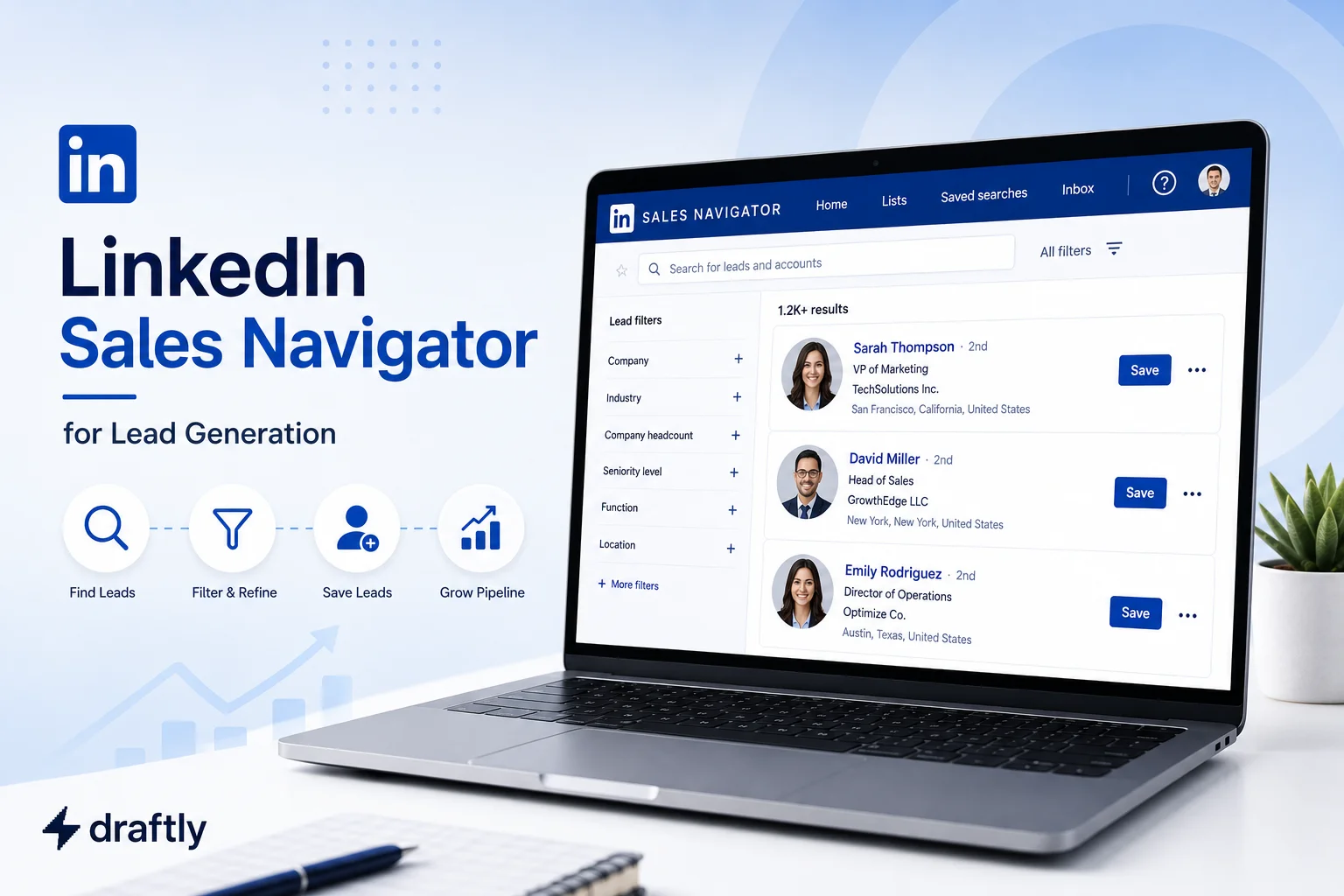
Sales Navigator is LinkedIn's paid prospecting tool. It runs on top of the regular platform but adds advanced search filters, saved lead and account lists, real time buyer signals, and InMail, none of which you get on a standard or even Premium account.
It comes in a few tiers (Core, Advanced, and Advanced Plus), and each one unlocks more filters, more InMail credits, and deeper CRM integration. Which tier makes sense really depends on how much outbound you're doing and whether your team needs shared reporting. A solo founder doing a dozen outreach conversations a week doesn't need the same plan as a five-person SDR team running hundreds.
The short version: it's not "LinkedIn with extra steps." It's built specifically for prospecting, and it only earns its price tag if you use it that way.
Setting It Up the Right Way
Getting real value out of Sales Navigator starts before you ever run a search. Two things matter most here: knowing exactly who you're looking for, and making sure you're not rebuilding that same work from scratch every week.
Start With Your ICP, Not the Filters
Before you touch a single filter, get clear on who you're actually looking for. Sales Navigator's filters only work if you feed them a real ideal customer profile:
- Job title and seniority, so you're reaching decision makers, not just anyone with a related title
- Industry and company size, based on where your product genuinely fits
- Geography, if your sales process is territory based
- Time in current role, which is a decent proxy for how much say someone has over budget
A loose search returns tens of thousands of people. A tight one returns a few hundred worth your time. It's tempting to cast a wide net when you're new to this, but a bigger list just means more time spent qualifying people who were never going to reply.
Save Your Searches
Once a search is working, save it. Sales Navigator will alert you when new people match it, new hires, promotions, job changes, so you're not rebuilding the same filters from scratch every week. This is the difference between prospecting being a weekly chore and it running quietly in the background while you focus on conversations that are already in motion.
Finding Leads Worth Your Time
Once your searches are dialed in, the next skill is telling a genuinely warm lead apart from someone who just happens to match your filters on paper.
The Filters That Actually Move the Needle
Some filters matter a lot more than others. The ones worth prioritizing:
- People who've posted on LinkedIn in the last 30 days, since active users are far more likely to actually see and reply to your message
- Time at current company, which helps filter out people mid transition who aren't making decisions yet
- Company headcount growth, a reasonable signal that a company has active budget
Pay Attention to Spotlights
Spotlights surface timely signals: someone who just changed jobs, someone who follows your company, someone who's been posting recently. These are your warmest leads. A job change especially tends to convert well, since new hires are usually evaluating tools and vendors in their first few months.
A smaller list of warm leads will outperform a huge list of cold ones almost every time.
A Quick Example
Say your ICP is VP of Sales at 50 to 200 person B2B SaaS companies. Instead of pulling a raw list of every VP of Sales matching that description, layer in a Spotlight for "changed jobs in the last 90 days" and a filter for "posted on LinkedIn in the last 30 days." That combination might shrink a list of 4,000 people down to 60, but those 60 are actively settling into a new role and are visibly active on the platform. That's a far better use of your InMail credits than working straight down an alphabetical list.
Reaching Out Without Sounding Like Everyone Else
Finding the right person is half the job. What you actually say when you reach out is what decides whether any of this turns into a conversation.
Connection Request or InMail?
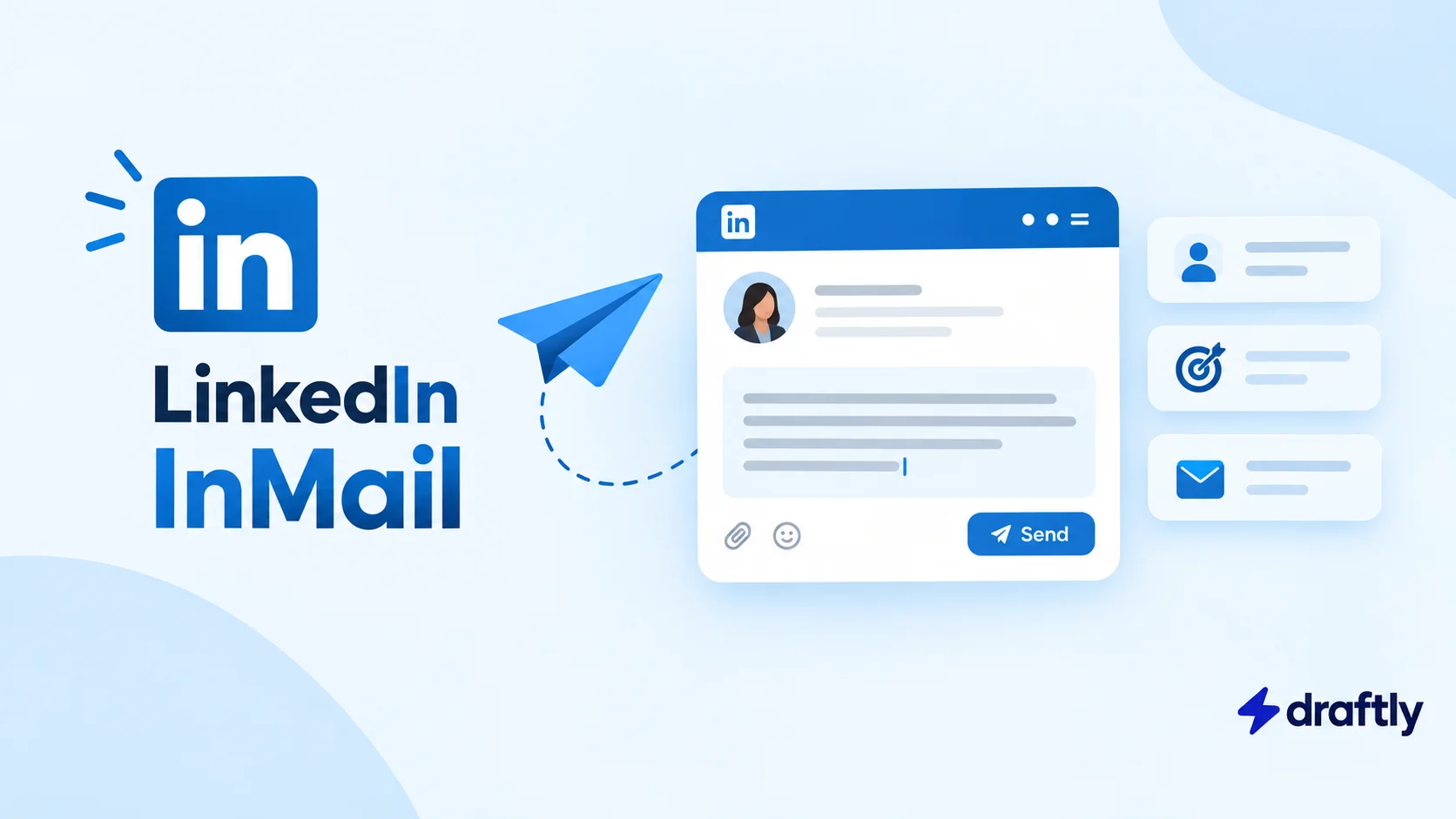
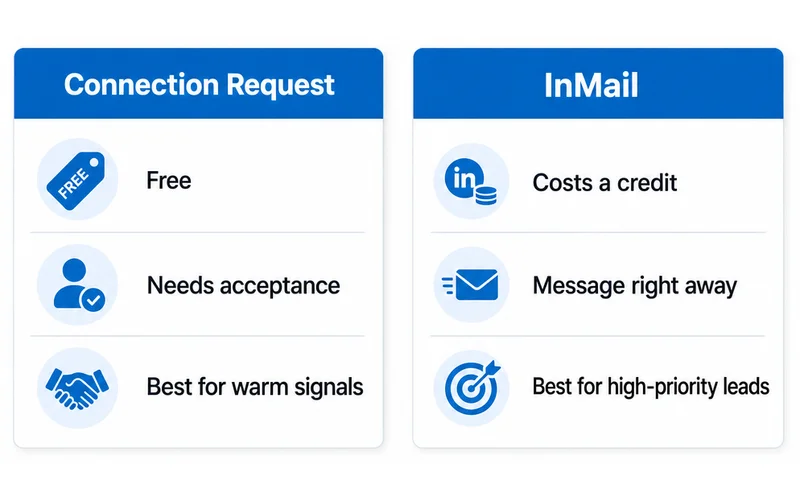
Connection requests are free but limited, and work best when you have an actual reason to reach out (a shared group, something they posted, a mutual connection). InMail costs a credit but lets you message people you're not connected to yet, which makes sense for higher priority leads you don't want to wait on.
A First Message That Isn't a Pitch
Here's a structure worth adapting for a first InMail:
"Hi [Name], saw you moved into [Role] at [Company] last month, congrats on the new seat. I work with [similar role or industry] on [specific problem], and wanted to pass along [one relevant insight or resource] in case it's useful while you're settling in. No pitch, just thought it might help."
Once you've got a reply, the tone shifts. Getting the opening line right matters, but what really moves things forward is knowing how to write a cold outreach message on LinkedIn that holds up past the first exchange, backed by a few solid LinkedIn messaging templates for the follow-ups that come after.
Following Up Without Being Annoying
Most replies don't come from the first message, they come from the second or third. A simple cadence works better than a clever one: a short nudge after four or five days if you hear nothing, referencing something specific from your first note rather than just "following up." After two unanswered follow-ups, it's usually worth letting the thread go quiet rather than pushing a third time. Persistence helps, but it has a ceiling, and past that ceiling it just reads as pressure.
Keeping Track of Who You've Talked To
Once leads start coming in, don't let them sit in your search results. Save people into lists organized by ICP, deal stage, or campaign. Tag them (warm, responded, not now) so you know who needs a follow up without having to remember. Add a quick note after each conversation so context doesn't disappear between touches.
Used this way, Sales Navigator ends up functioning as a lightweight CRM for your outreach, not just a search tool. It won't replace an actual CRM once your pipeline grows past a certain size, but for most solo founders and small teams, it's enough to stay organized without adding another tool to the stack.
Should You Add Automation on Top?
Sales Navigator handles targeting and messaging, but it doesn't send connection requests or messages for you automatically. Some teams add a separate automation tool on top to handle that volume. It's worth treating this as a separate decision from Sales Navigator itself, since automating outreach too aggressively can put your account at risk if it looks like bot behavior to LinkedIn. Not all LinkedIn automation tools carry that risk equally, so it's worth knowing which ones are actually safe before you add one to your process.
Do You Need Sales Navigator and Premium?
They're built for different jobs. Premium is more about general visibility: who viewed your profile, expanded search, some learning content. Sales Navigator is built specifically for prospecting: filters, lists, InMail. If lead generation is the actual goal, Sales Navigator is the tool doing that work, and Premium on its own won't get you there. Whether LinkedIn Premium is worth it for you specifically depends on whether you actually need that general visibility on top of prospecting, or just the prospecting itself.
Mistakes Worth Avoiding
A few habits quietly undo most of the value Sales Navigator offers:
- Sending the same InMail to everyone, which defeats the purpose of a tool built around personalization at scale
- Skipping Spotlights, which means missing some of the highest converting signals available, and most people never even check them
- Leaning on InMail volume instead of message quality, since more credits sent isn't more replies if nothing in the message is actually relevant
- Not saving your searches, which means redoing the same manual work every week that the tool was built to automate
- Following up too many times after silence, which tends to hurt your reputation more than a missed lead ever would
Conclusion
Sales Navigator only pays off when you actually use its filters and signals to find people worth talking to, not just more people. Build a real ICP, watch for signals like job changes and recent activity, and let your outreach reflect that instead of sending the same message to everyone on your list.
If you're already finding leads this way, keeping your Draftly content calendar active alongside your outreach means the people you're messaging see consistent posts from you too, not just a cold InMail out of nowhere.