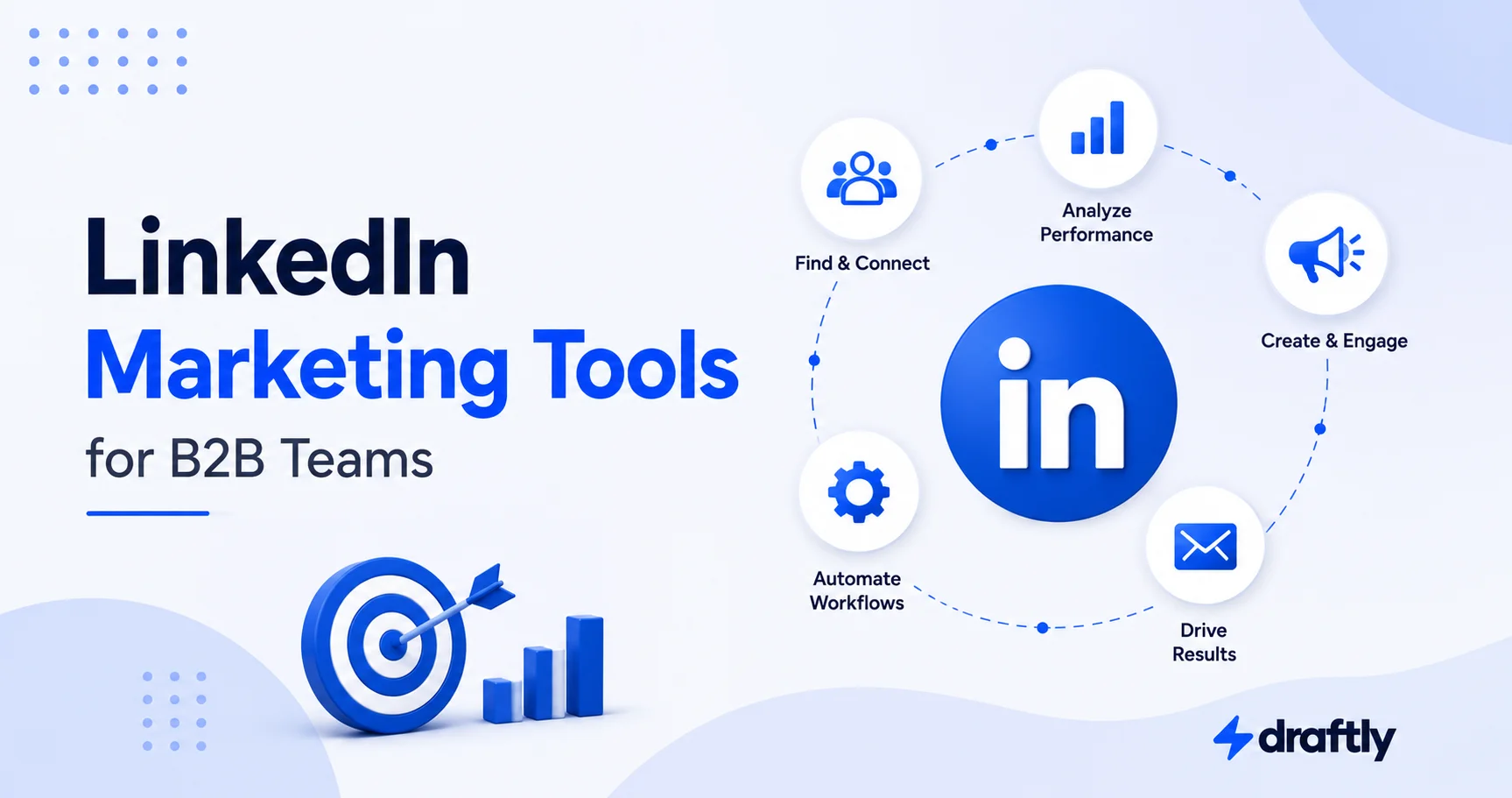
LinkedIn is one of the only places where buyers, founders, executives, and revenue teams all show up in the same feed. That's exactly why it's easy to overcomplicate. Below are 11 tools worth knowing about, organized by the job each one actually does, with a standout feature, an honest limitation, and real pricing for each.
Strategy and tooling are two different problems, and we've written about the first one in our LinkedIn B2B marketing guide. This piece is about the second: what to actually install.
The 10 Tools at a Glance
| Tool | Best For | Standout Feature | Pricing |
|---|---|---|---|
| Draftly | Consistent publishing | Planning and scheduling in one place | See draftly.so for current plans |
| Canva | Visual content | Templates sized for LinkedIn posts and ads | Free plan; paid Pro adds brand kits |
| AuthoredUp | Post formatting | Rich-text formatting plus post-level analytics | From roughly $16.63/month (individual) |
| Buffer | Organic analytics | Post-level analytics on LinkedIn's official API | Free plan; Essentials from about $5/channel/month |
| Campaign Manager | Paid ads | Native Lead Gen Forms and retargeting | Free to set up; pay per campaign |
| Fibbler | Ads attribution | Ties ad engagement to specific accounts | From about $89/month |
| Sales Navigator | Prospecting | 50+ advanced search filters | From roughly $120/month (Core) |
| Dripify | Outreach automation | Multi-step drip sequences with CRM sync | From $39/user/month (annual) |
| LeadDelta | Contact organization | CRM-style filters for your own network | From roughly $17.50/user/month |
| HubSpot | CRM and follow-up | Free tier connects LinkedIn leads to pipeline | Free tier available |
The Best LinkedIn Marketing Tool for Consistent Publishing
Draftly
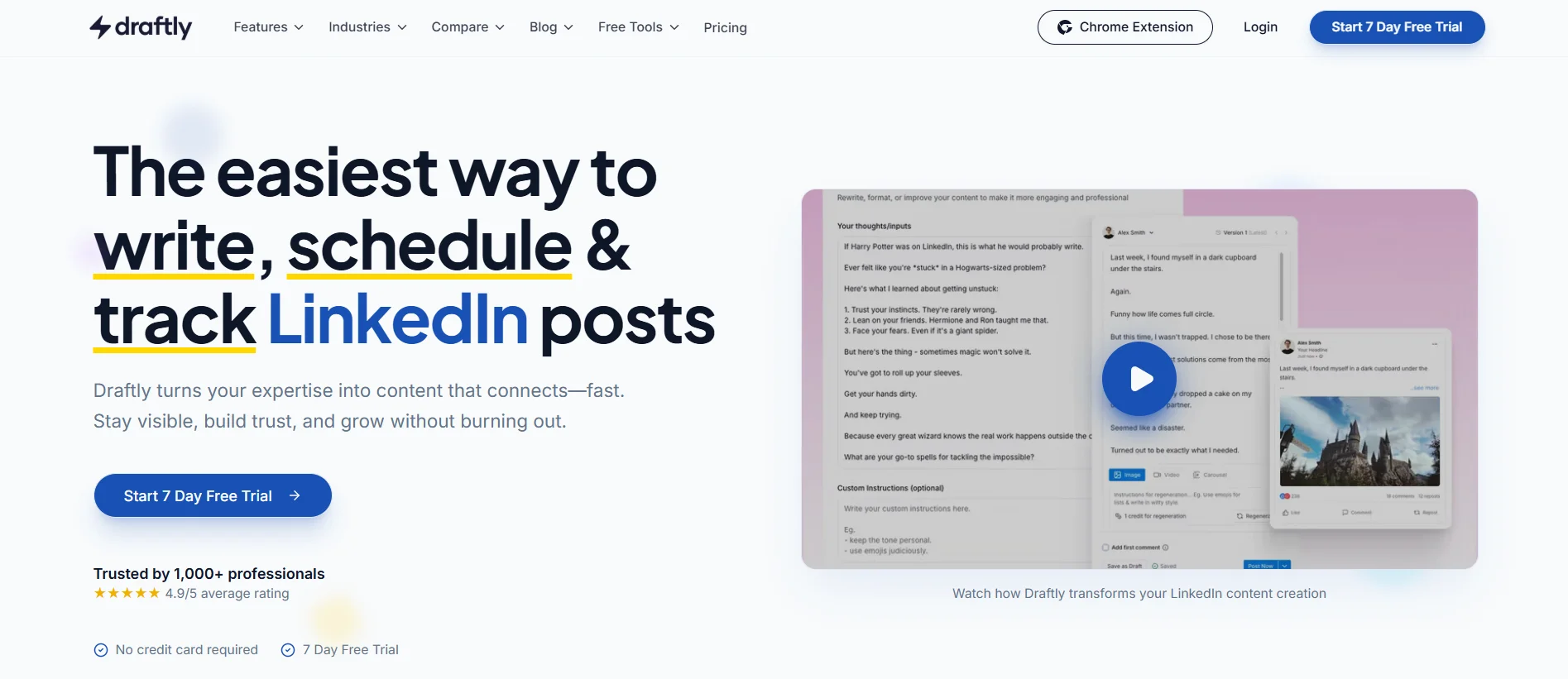
Nine times out of ten, a stalled LinkedIn strategy isn't a bad-idea problem. It's an empty-calendar problem. Draftly is built for planning, drafting, and scheduling LinkedIn content, so publishing doesn't depend on someone remembering to log in every morning. It's worth fixing first, because every other tool on this list, from analytics to ads to CRM, only has something to work with once there's content out there to measure.
Draftly pricing: see draftly.so for current plans.
The Best LinkedIn Marketing Tool for Visual Content
Canva
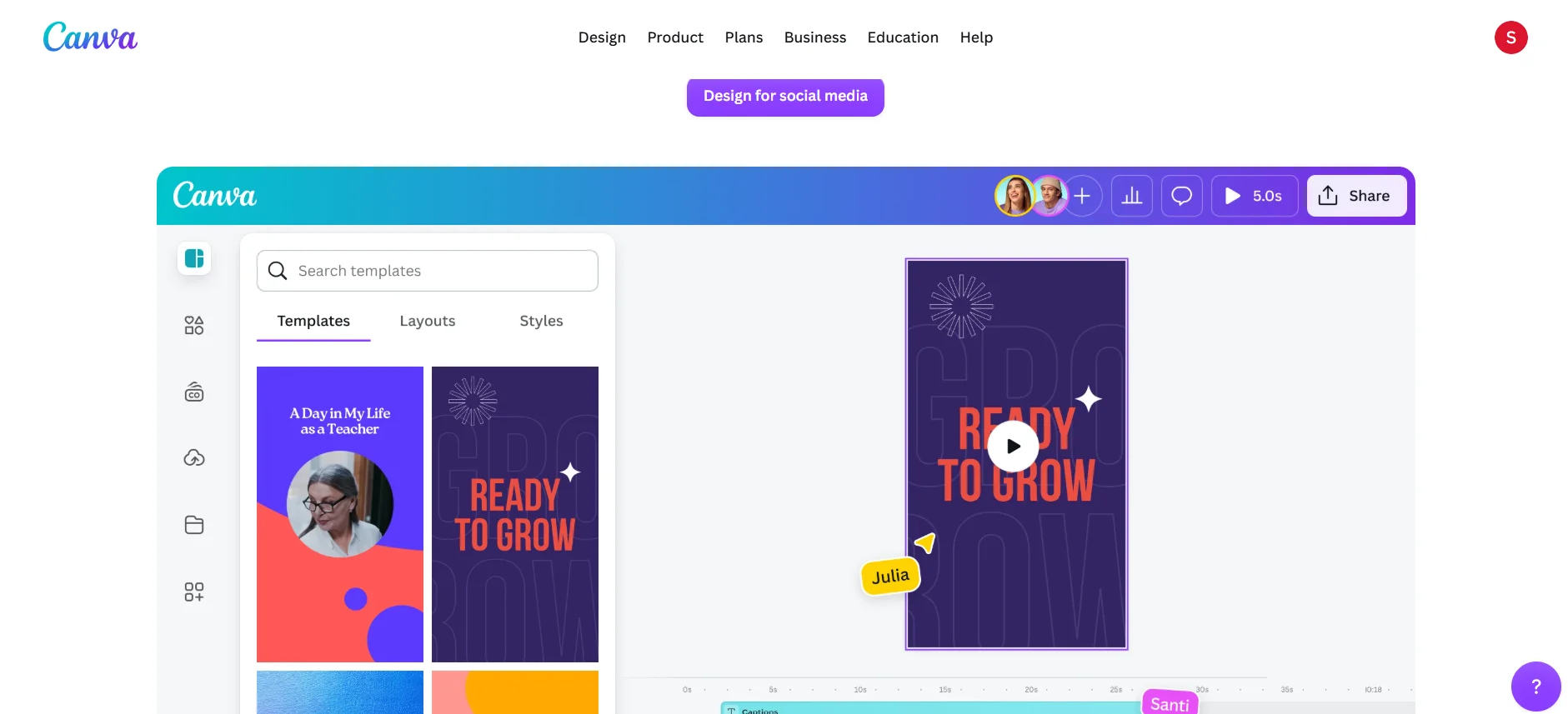
Canva is still the default for LinkedIn visuals: carousels, infographics, banner graphics, ad creative. You don't need a design background to use it well. It also exports assets pre-sized for LinkedIn's ad formats, not just organic posts, which saves you a resizing headache you'd otherwise only discover after an ad gets rejected.
The tradeoff is that Canva doesn't touch scheduling, analytics, or copywriting. It's a design layer you pair with something else here, not a standalone LinkedIn tool.
Canva pricing: Free plan available; paid Pro plans add premium templates and brand kits.
The Best LinkedIn Marketing Tool for Post Formatting
AuthoredUp
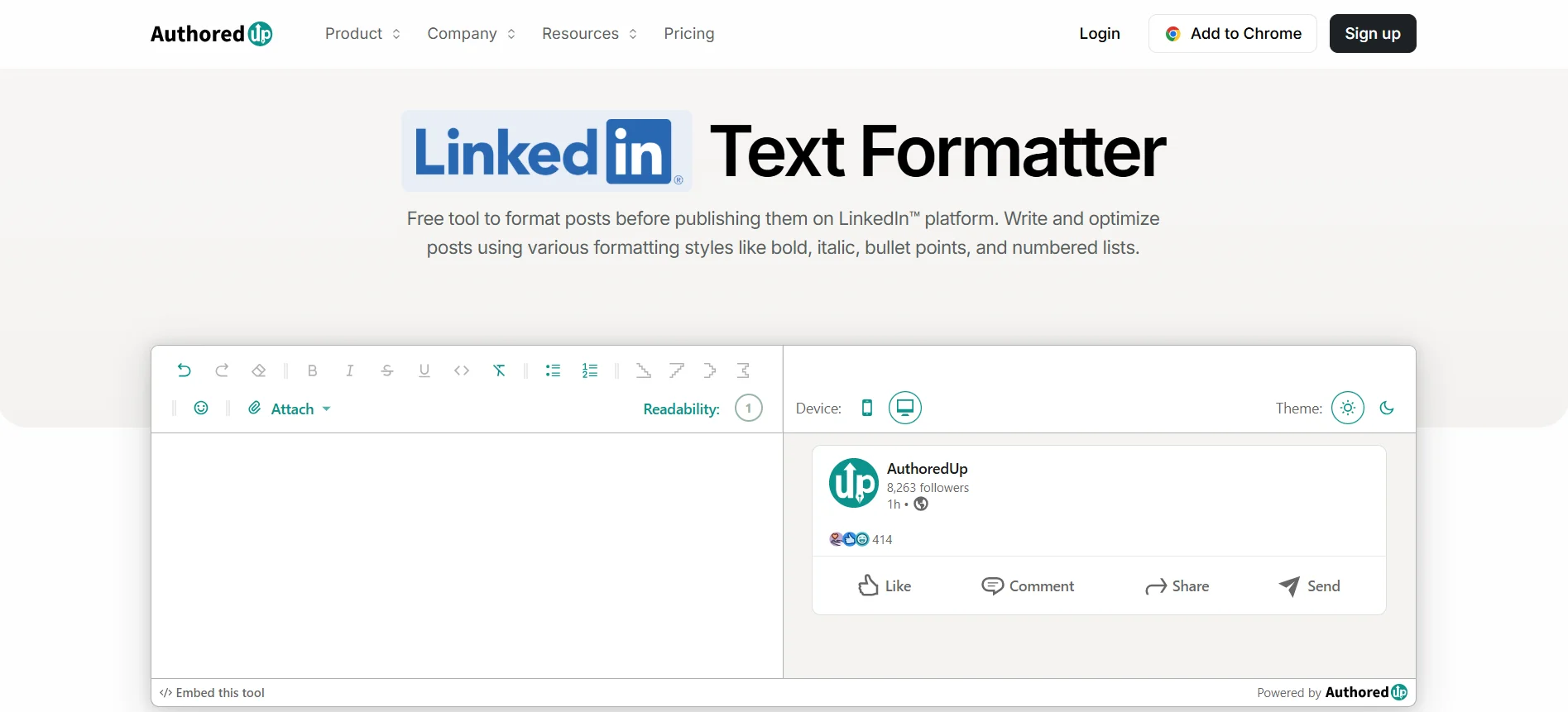
LinkedIn's native post editor is bare-bones, and AuthoredUp fixes that. It adds rich-text formatting, a desktop-and-mobile preview so you catch awkward line breaks before you publish, and post-level analytics that break down impressions, reactions, and engagement rate over time. That last part is genuinely useful for spotting a post that got reach but not interaction, and adjusting the next one accordingly.
There's no free plan, so it earns its keep specifically if formatting polish and post-level data matter to how you work. Less so if you're only posting occasionally.
AuthoredUp pricing: Individual plan from roughly $16.63/month (billed annually); business plans scale per profile.
The Best LinkedIn Marketing Tool for Organic Analytics
Buffer
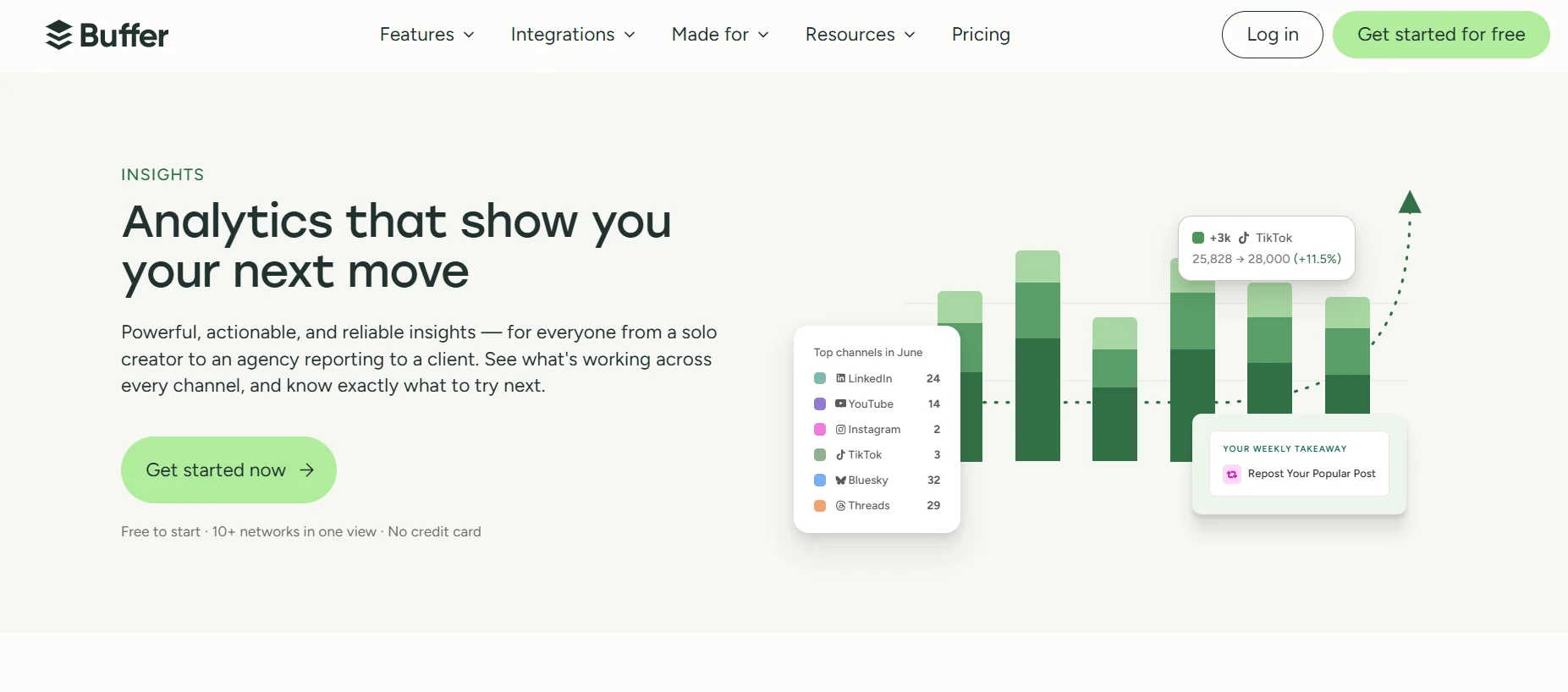
Buffer is one of the safer bets: it runs on LinkedIn's official Member Post Analytics API rather than scraping your session, and it covers the basics well, impressions, engagement, and reach, plus audience breakdowns by job title, seniority, and company size for company Pages.
It's not the deepest analytics tool out there. If you need granular audience segmentation beyond what Pages offer, or heavy multi-client reporting, you'll outgrow it. But for a team that mainly wants to know what's working without risking account access, it's a solid, durable choice.
If you want a broader comparison of analytics tools by use case, whether you're running a solo profile, a company Page, or reporting across multiple client accounts, we've covered that in a separate breakdown of LinkedIn analytics tools.
Buffer pricing: Free plan available; Essentials plan (unlimited scheduling, full analytics) from roughly $5 per channel per month, billed annually.
The Best LinkedIn Marketing Tool for Paid Ads
LinkedIn Campaign Manager
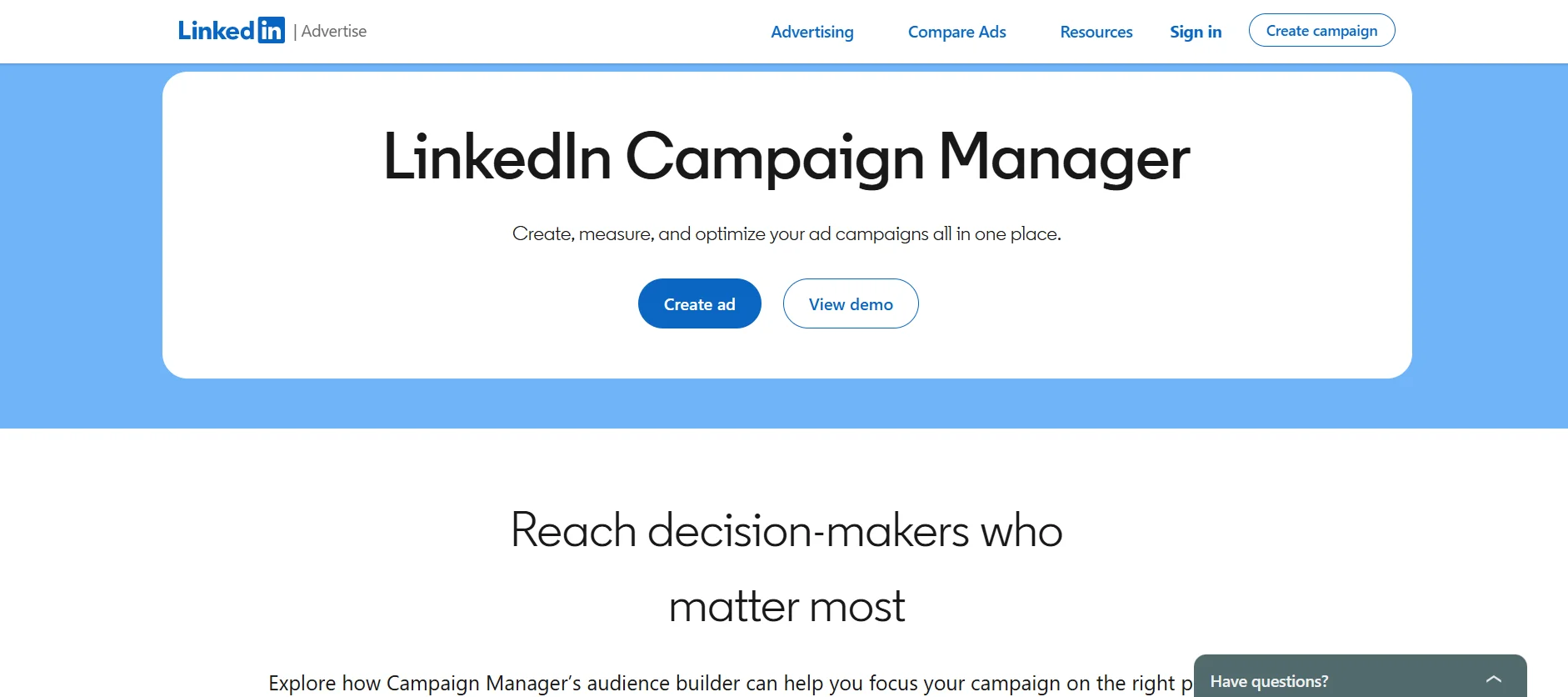
Campaign Manager is the native control center for Sponsored Content, Lead Gen Forms, and retargeting. It costs nothing to set up. You only pay for the campaigns you actually run, which is why it's the default starting point for nearly every B2B team running LinkedIn ads. We walk through the fundamentals of getting campaigns live in our piece on running LinkedIn ads for B2B.
Campaign Manager pricing: Free to set up; cost scales with ad spend.
The Best LinkedIn Marketing Tool for Ads Attribution
Fibbler
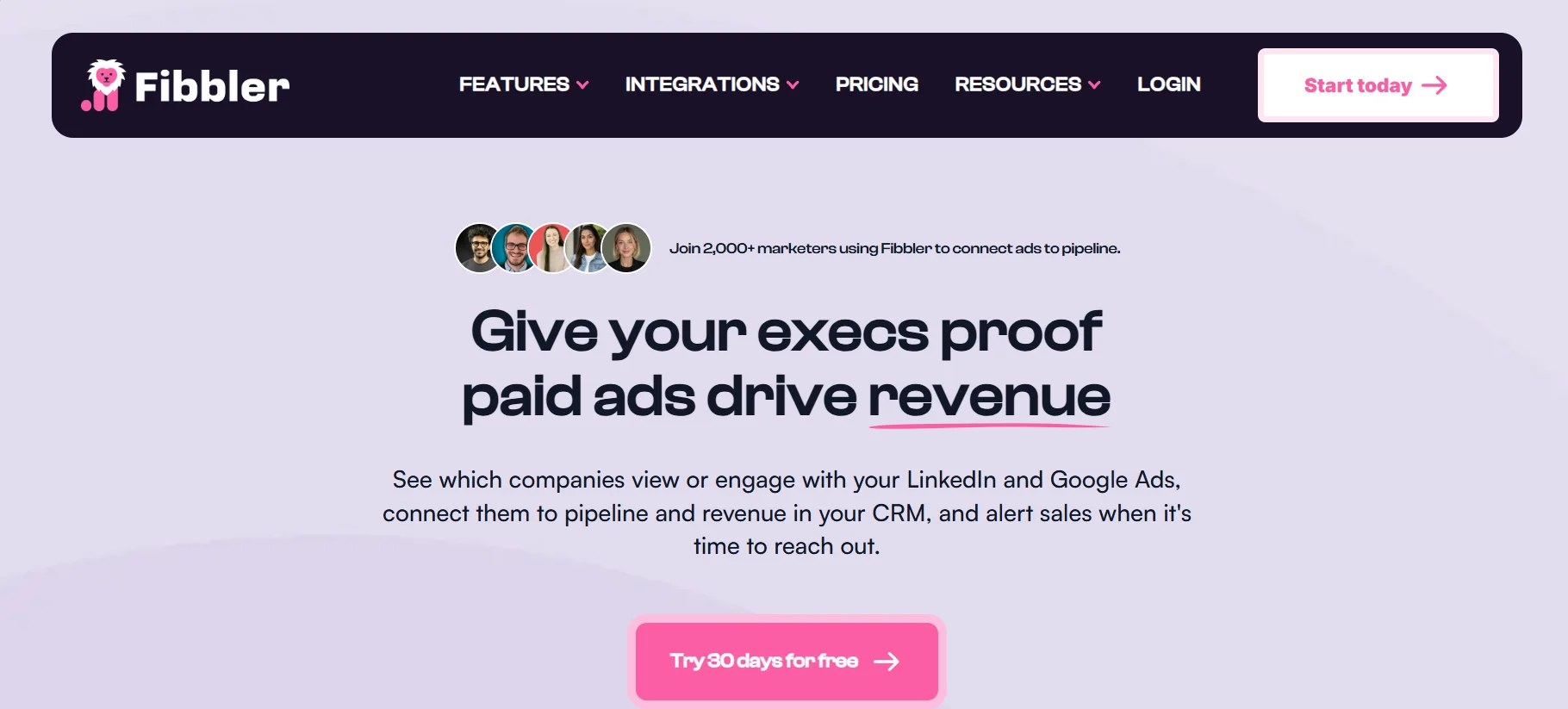
A newer category of tool has popped up specifically to answer a question Campaign Manager doesn't: which companies actually saw your ads, and did that turn into pipeline? Fibbler is built around that gap. It ties ad engagement back to specific accounts instead of relying on clicks and form fills alone. It's a niche addition worth researching once paid spend is a real, ongoing part of your budget, not something to buy on day one.
Fibbler pricing: From about $89/month (Growth plan); higher tiers add more usage and a Google Ads add-on.
The Best LinkedIn Marketing Tool for Advanced Prospecting
LinkedIn Sales Navigator
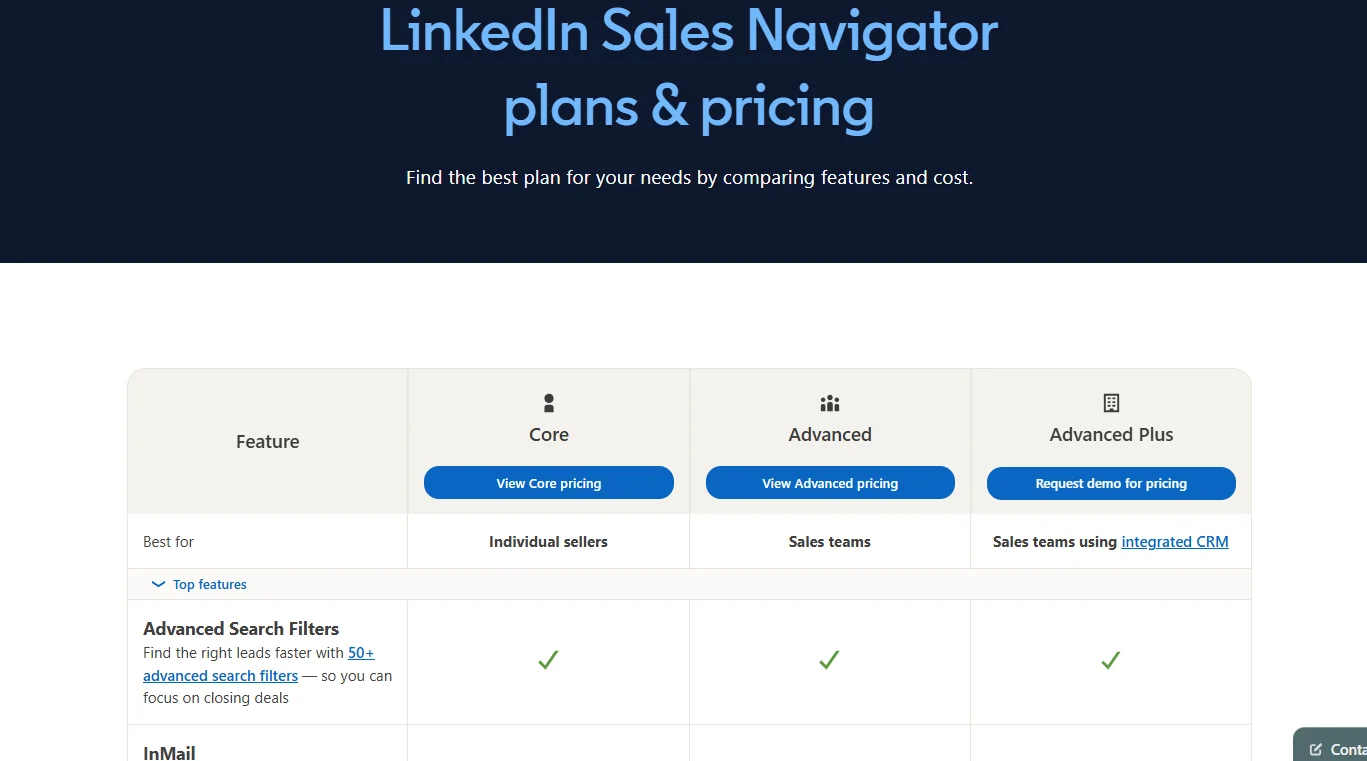
Sales Navigator earns its place once you know roughly who you want to reach: filtering by role, industry, seniority, and company size, with saved searches, alerts, and a Connections filter that surfaces shared contacts as a warm path into an account. As of 2026, the Core plan runs about $120 a month (less if you pay annually), Advanced adds team and collaboration features, and Advanced Plus is custom-priced for CRM sync and enterprise integrations.
It's genuinely overkill if most of your growth comes from inbound content. The price only pays for itself with real outbound volume.
Sales Navigator pricing: From roughly $120/month (Core, billed monthly; lower billed annually).
The Best LinkedIn Marketing Tool for Outreach Automation
Dripify
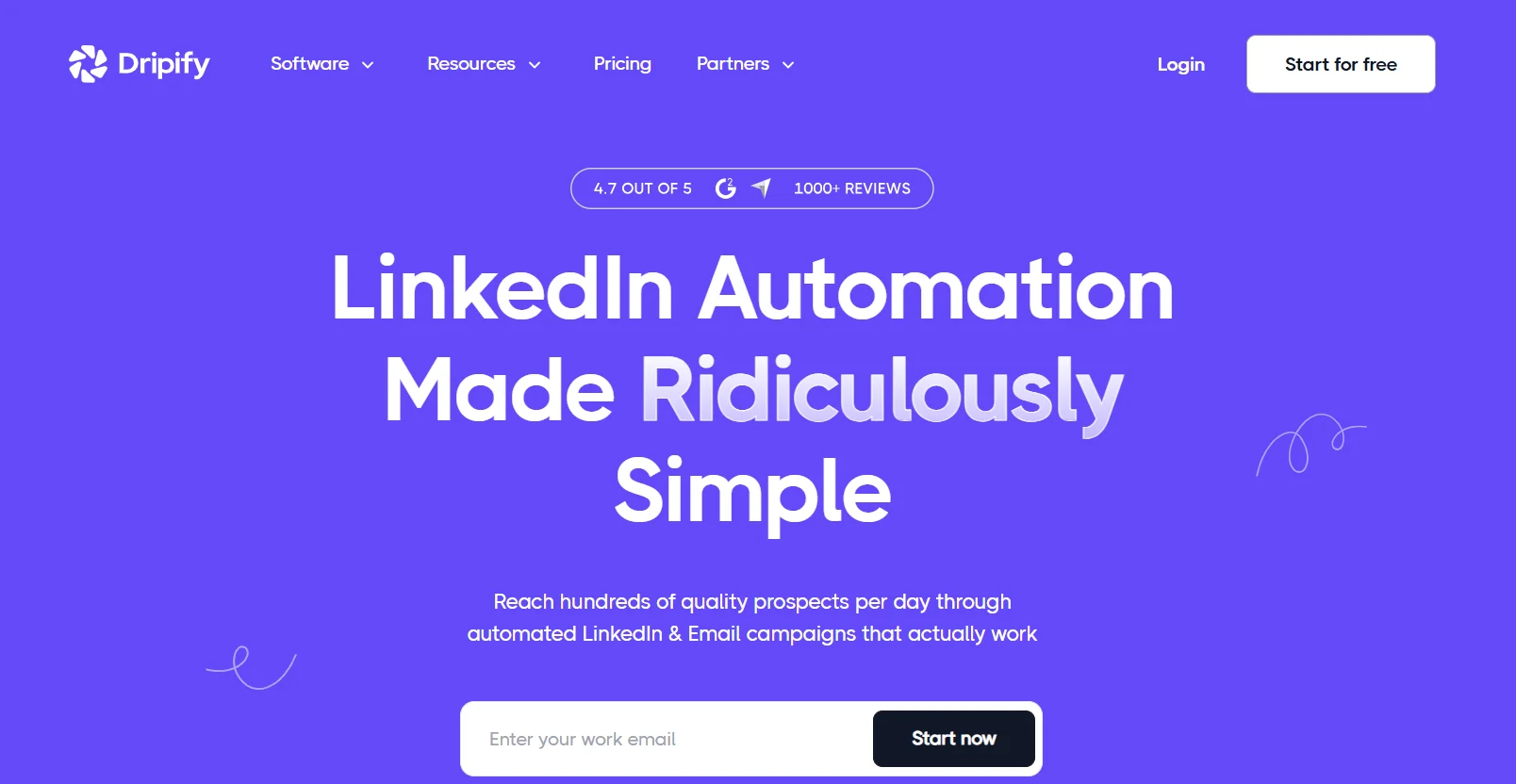
Dripify automates the outreach workflow end to end: connection requests, personalized follow-ups, multi-step drip sequences, and it syncs with CRMs like HubSpot or Salesforce so handoffs don't mean manual data entry. Campaign-level analytics on acceptance and reply rates help you adjust messaging based on what's actually starting conversations.
Worth knowing before you commit: it doesn't support conditional branching, so you can't set a different follow-up for someone who ignores message one. And like other automation tools, it works by acting inside your logged-in LinkedIn session, which carries more account risk than anything native.
Dripify pricing: From $39 per user per month, billed annually.
The Best LinkedIn Marketing Tool for Organizing Your Network
LeadDelta
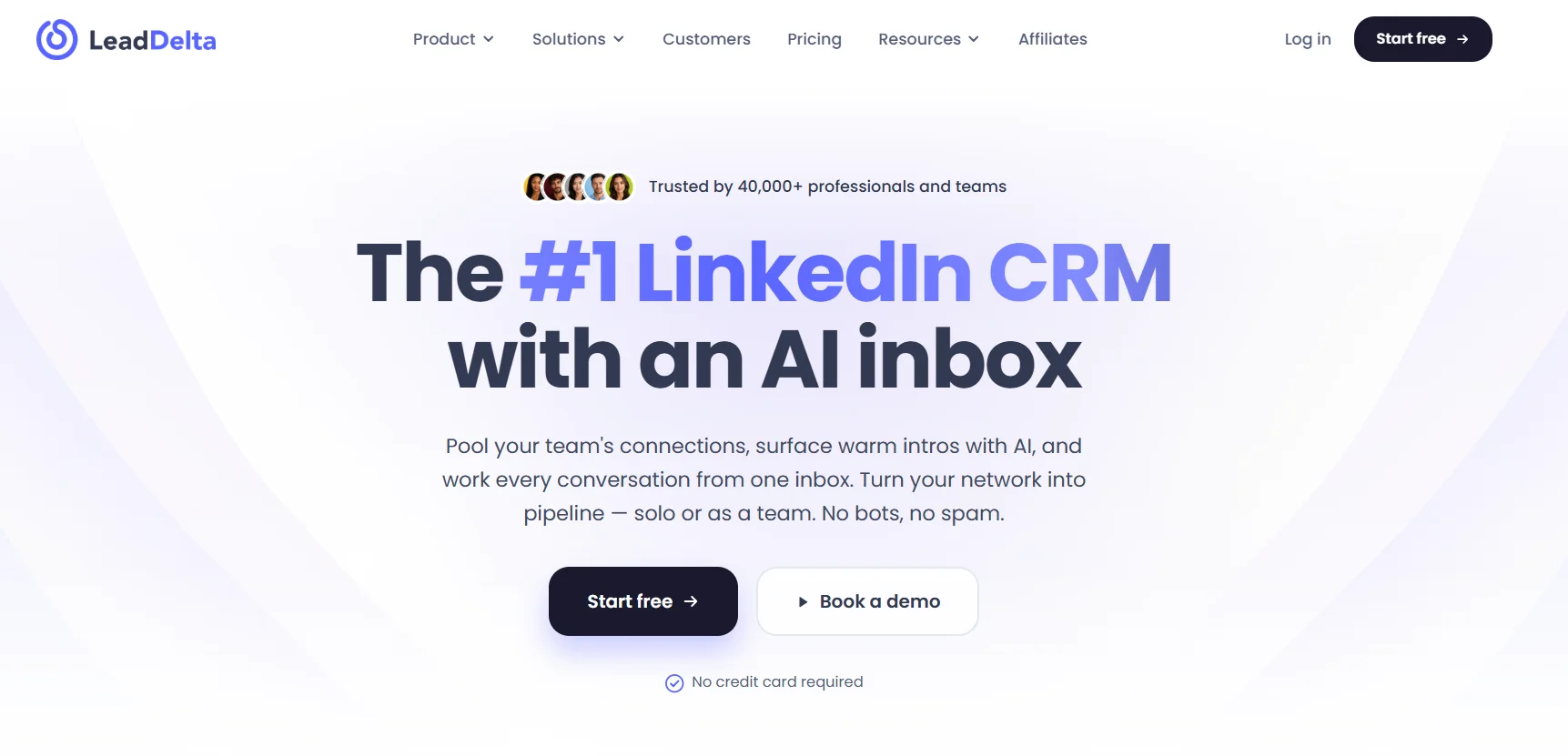
Most people treat their LinkedIn connections like an ever-growing pile of business cards. LeadDelta turns that pile into a searchable, filterable dashboard, sortable by last messaged, client type, or location, with bulk actions like tagging and an enrichment feature that finds verified emails for contacts who've gone quiet on LinkedIn.
It doesn't do automated messaging or deep analytics, so think of it as a tool for organizing an existing network rather than running outreach campaigns.
LeadDelta pricing: From roughly $17.50 per user per month for the Starter plan.
The Best LinkedIn Marketing Tool for CRM and Follow-Up
HubSpot
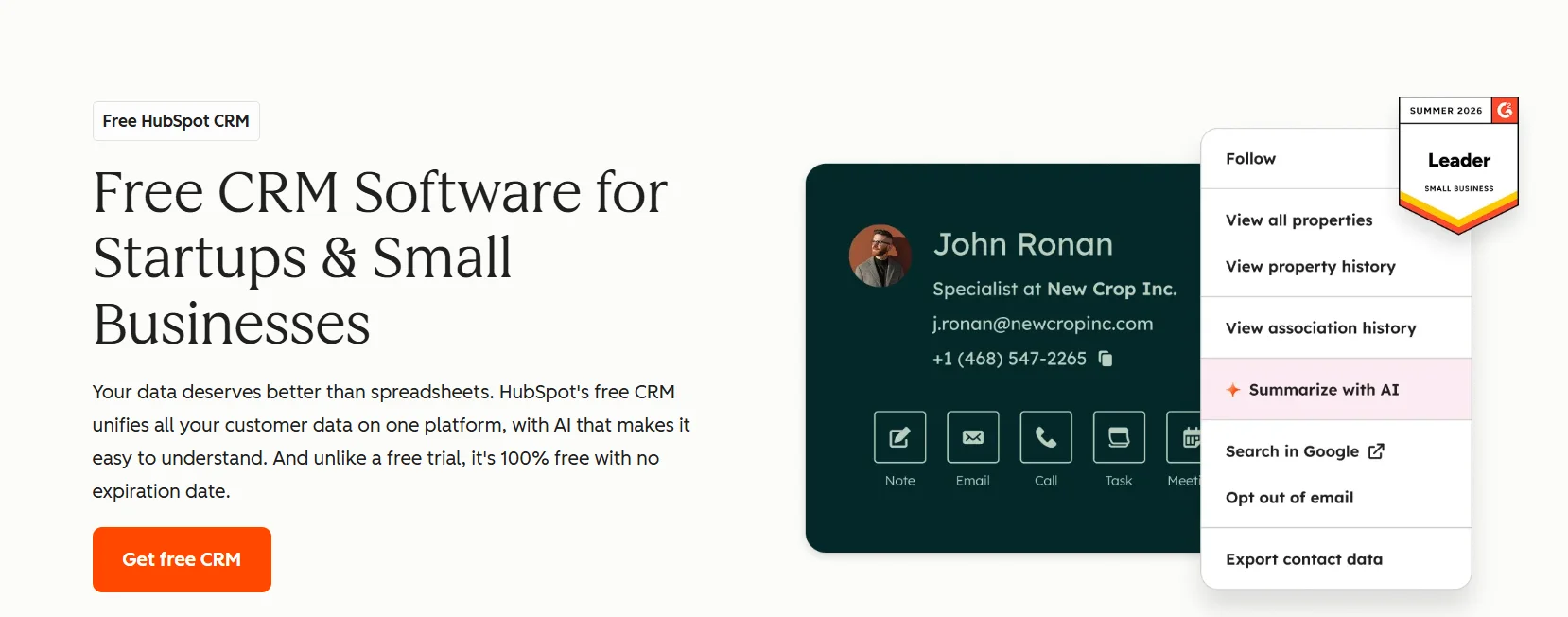
HubSpot isn't LinkedIn-specific, but it's usually where LinkedIn-sourced leads, ad form fills, and follow-up sequences actually end up living once someone leaves the platform. Its free CRM tier is generally enough to start connecting LinkedIn activity to real contacts before you pay for anything, which makes it a reasonable default even for teams not ready to commit to a full marketing stack.
HubSpot pricing: Free CRM tier available; paid tiers add marketing and sales automation.
Don't Forget Your Company Page
A strong personal brand from one founder or executive will usually outperform a quiet company Page, but the two work best together. If your Page still isn't set up properly, that's worth doing first, and we've laid out the steps for creating a LinkedIn business page. And if you're still figuring out what your company's LinkedIn presence should even say before you add more tools to the mix, our piece on building a B2B brand on LinkedIn is a good place to start.
Do You Need Free Tools, or Are You Ready to Pay?
Several tools above have a genuinely usable free tier. Canva's free plan covers most day-to-day design needs, Campaign Manager costs nothing to set up, Buffer's free plan covers basic scheduling, and HubSpot's free CRM tier is enough for early-stage lead tracking. Paid tools tend to earn their keep in three specific spots: deeper analytics history (Buffer Essentials, AuthoredUp), advanced prospecting filters (Sales Navigator), and AI-assisted drafting built into your scheduling tool, which is one of the reasons teams pick a platform like Draftly over a bare calendar. If budget is tight, start free in every category and upgrade only the one where you've actually hit the ceiling.
How to Build a Stack Without Overcomplicating It
Most teams don't need every category above on day one. A reasonable build order looks like this:
- Fix consistency first with a content and scheduling tool. Nothing else matters if you're not publishing regularly.
- Add analytics once you have enough posts to actually compare performance against.
- Layer in a CRM connection so leads don't disappear the moment someone leaves LinkedIn.
- Add ads and attribution tools only once paid spend is a real, ongoing part of your budget.
- Consider outreach automation and lead-list tools last. Both amplify a strategy, they don't create one.
Conclusion
The right LinkedIn marketing stack isn't the biggest one. It's the smallest set of tools that actually removes your current bottleneck, whether that's inconsistent posting, unclear performance data, or leads that vanish after the first conversation. Start with content and scheduling, then add each layer only once you've outgrown what you have.
If consistent publishing is where your stack is thin right now, that's what Draftly was built for: plan, draft, and schedule your LinkedIn content in one place instead of chasing consistency by hand.