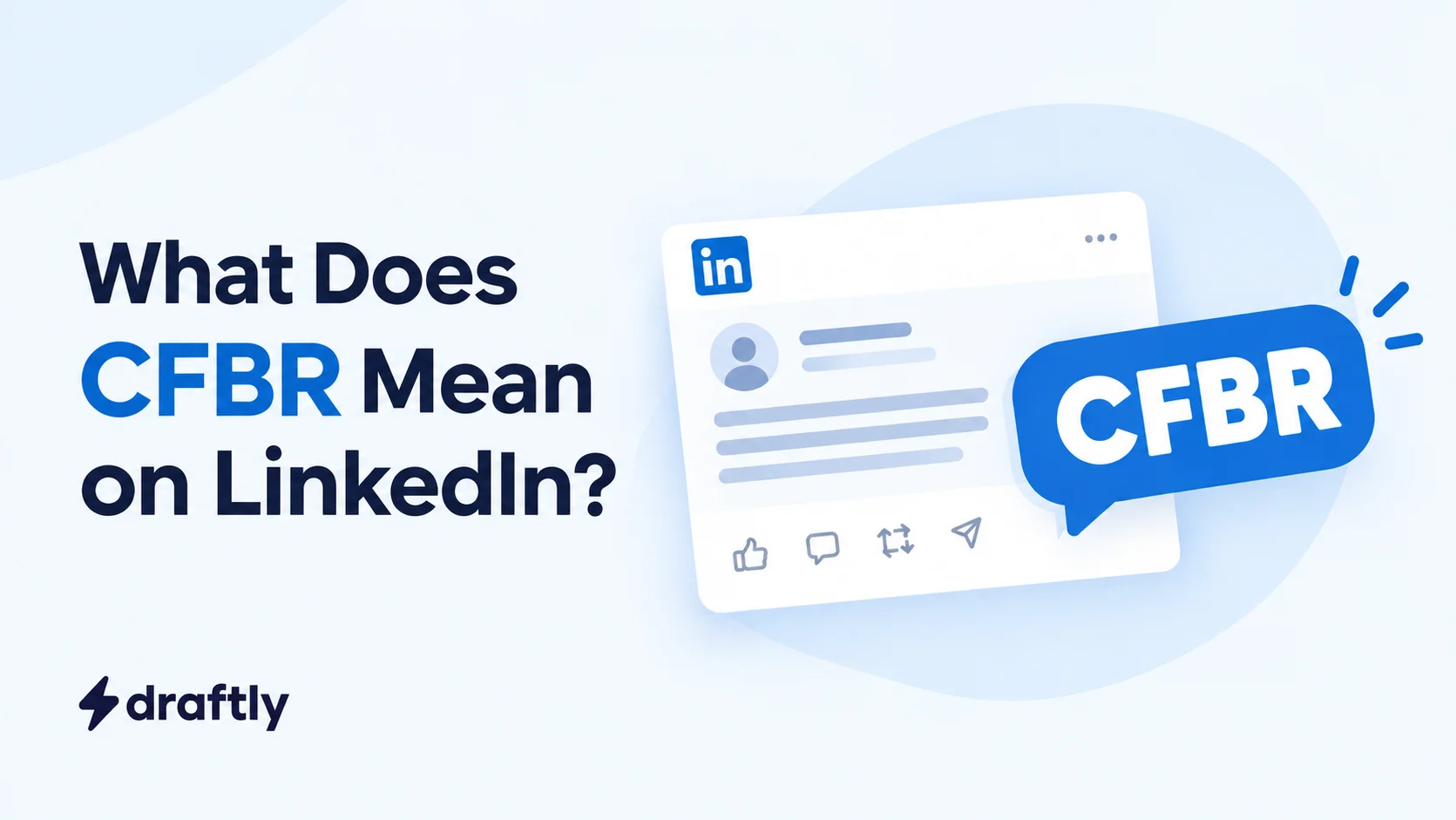
CFBR on LinkedIn stands for "Commenting for Better Reach." People leave it under a post to help that post reach more people. It does work, but only a little, and most of the benefit doesn't go to the person commenting.
You've probably seen it stacked under layoff posts and hiring updates, sometimes forty or fifty times in a row. Each one is someone trying to help, and together they look like a wall of the same four letters.
This guide covers what CFBR means, where it came from, how it's supposed to boost reach, whose reach it actually helps, and what to comment instead when you want your comment to count.
How Is CFBR Used on LinkedIn?
You’ll also see it written as #CFBR, cfbr, or the typo CBFR. They all serve the same purpose: helping a post reach more people.
When someone comments CFBR, they're basically saying: "I don't have anything to add, but I want more people to see this."
You'll mostly spot it under:
- Job search and "I've been laid off" posts: people want recruiters to see the post
- Hiring posts: so the opening reaches more candidates
- Urgent requests: blood donor appeals, fundraisers, or missing person posts
- Posts by friends or colleagues: a quick way to show support
Takeaway: CFBR is a way of boosting someone else's post, not a message to the person who wrote it.
Why Is Everyone Commenting CFBR?
CFBR took off during the wave of tech layoffs in late 2022 and 2023. Big companies were cutting thousands of jobs at a time, and LinkedIn filled up with "open to work" posts almost overnight.
Connections wanted to help, but few had time to write a recommendation for every person they knew. Four letters were quick, and they still nudged the post along.
The trend got big enough that the New York Times covered it, in a piece later republished by The Seattle Times under the headline "Sorry you were laid off. 'CFBR.'" That headline sums up how a lot of people feel about it: well meant, but a little empty.
Since then, CFBR has spread well beyond layoff posts. It's especially common in India, where you'll see it under hiring posts, exam prep groups, and pretty much any post someone wants to go viral.
Takeaway: CFBR started as a fast way to help laid-off connections, and it stuck around because it takes almost no effort.
How Is CFBR Supposed to Boost Reach?
The logic behind CFBR comes from how LinkedIn's feed works.
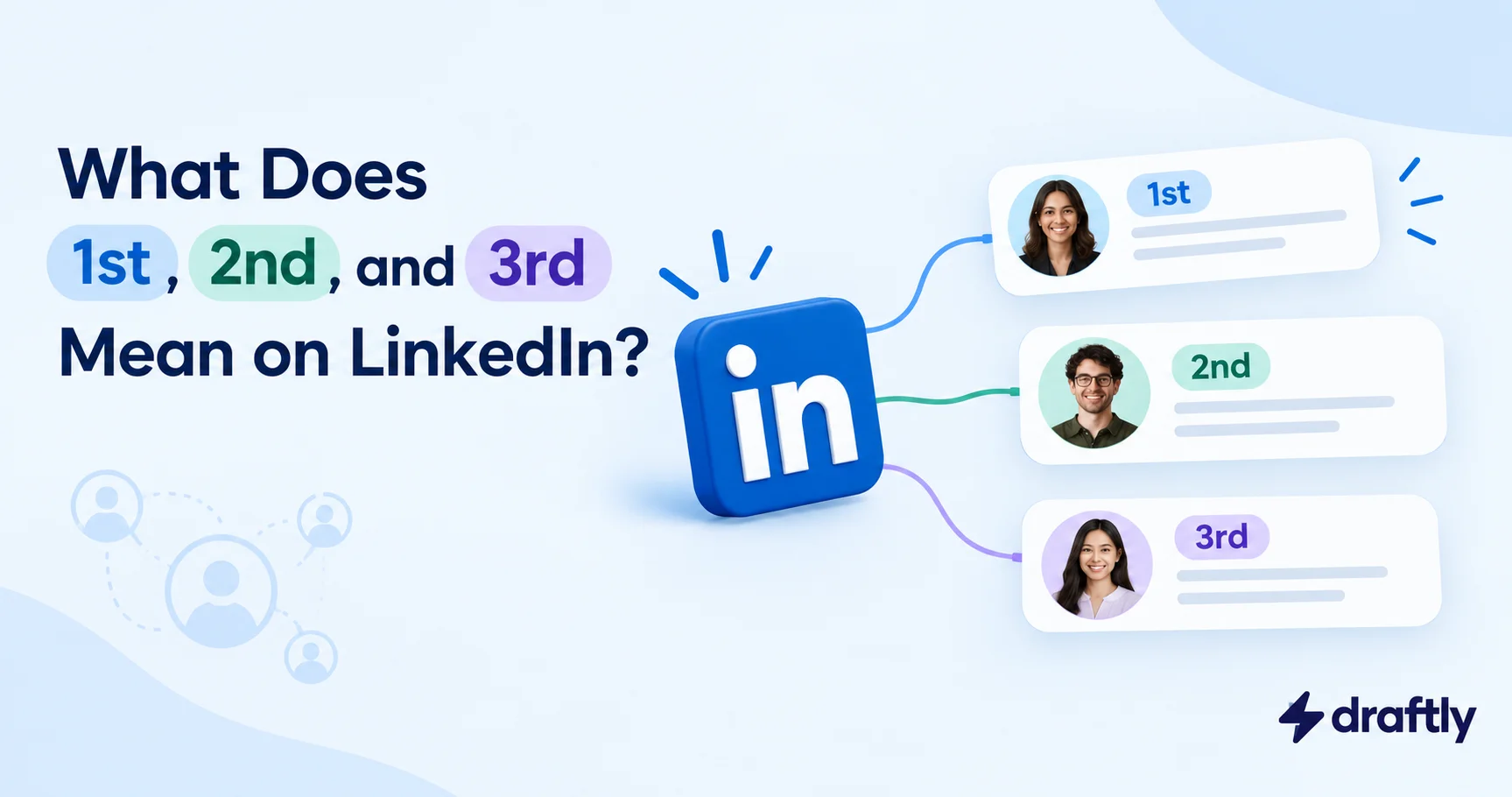
When you comment on a post, LinkedIn can show that post to your connections, usually with a line on top like "Priya commented on this." That puts the post in front of people who aren't connected to the original author at all, including their second- and third-degree connections.
Comments also carry more weight than a like. They take more effort and they start a conversation, and conversation is one of the biggest factors in how the LinkedIn algorithm decides who sees a post. So in theory, every CFBR comment works like a small bridge carrying the post into a new network.
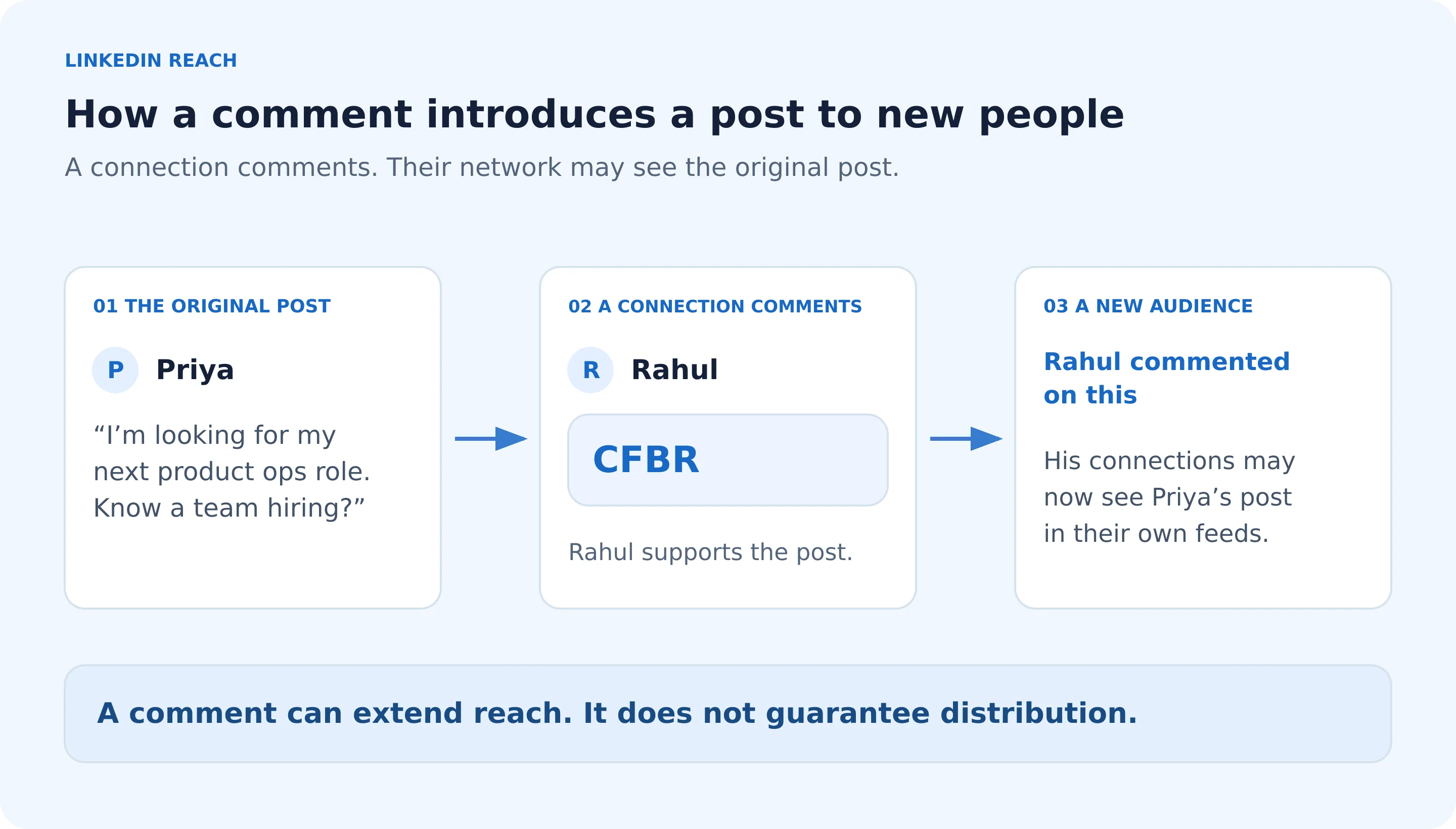
Takeaway: CFBR works because comments travel. Every comment can carry a post one step further out.
Does CFBR Really Boost Your Reach?
Only a little. CFBR gives the post a small push. It gives you, the commenter, almost nothing.
Here's how that breaks down:
| What CFBR does | What CFBR doesn't do |
|---|---|
| Counts as a comment, so the post can reach your network | Give anyone a reason to click on your profile |
| Shows the author that people have their back | Tell readers anything about the person or the post |
| Helps a little in the first few hours after posting | Hold up against LinkedIn's crackdown on low-effort engagement |
The bigger issue is where LinkedIn is heading. In March 2026, LinkedIn announced changes to its feed to cut down on engagement bait, calling out "comment to agree" style prompts by name. It also said it's acting against comment automation, engagement pods, and unauthorised third-party tools.
A single CFBR under a friend's post isn't going to get anyone in trouble. But a wall of identical one-word comments is exactly the kind of low-substance activity LinkedIn says it wants less of.
Takeaway: CFBR can still help a post, but it's a weaker signal today than it was in 2023.
Whose Reach Does CFBR Actually Help?
This is the part most guides skip.
A lot of people comment CFBR hoping to get their own name out there. The idea makes sense. Comment on a busy post, get seen by more people, get more profile visits.
The problem is that nobody clicks on a profile because of four letters. When someone scrolls through 60 CFBR comments, every one of them looks the same. There's nothing to be curious about.
If you want to grow your own visibility, you need a comment that makes people want to know who you are: an opinion, an experience, or a useful detail. Those are the comments that make people check your profile. You'll notice it the moment you see who viewed your profile after a week of real comments compared with a week of CFBRs.
Takeaway: The reach from CFBR mostly goes to the person who wrote the post, not the people commenting on it.
When Is CFBR Fine, and When Does It Backfire?
CFBR isn't bad on its own. It depends on where and how you use it.
CFBR is fine when:
- You can't vouch for the person: you want to support their job search but don't know their work well enough to recommend it
- The post is urgent: a medical emergency, where speed matters more than words
- The author asked for it: they've directly asked people to comment so the post travels further
CFBR backfires when:
- You leave it everywhere: on every viral post you see, whether or not you know the person
- The post asked for more: it wanted advice or opinions, and you've given neither
- It's really about you: you're using it purely to get your own name in front of people
- It's automated: tools that mass-post comments are exactly what LinkedIn is targeting, and getting your account restricted is a real risk
Takeaway: One CFBR for someone you care about is fine. CFBR on autopilot isn't.
What to Comment Instead of CFBR
The fix takes about fifteen extra seconds. Instead of four letters, write one or two sentences using this formula:
One specific detail + who should care.
That gives the post the same reach as CFBR, and it gives readers a reason to act. It also makes you look like someone worth knowing, because comments people actually stop to read almost always have a specific detail in them.
Here's how it looks in different situations.
On a job search post, if you've worked with them
"Worked with Priya on our checkout redesign at Acme. She fixed an onboarding problem the rest of us had been stuck on for months. Anyone hiring for product ops, she's the person to talk to."
On a job search post, if you haven't
"Boosting this for my network. Priya's looking for product ops roles, remote or in Bangalore. If your team's hiring, her DMs are open."
On a hiring post
"Sharing this. The team's hiring a backend engineer with Go experience, remote-friendly. Tagging a couple of people who might know someone."
On an urgent request
"Pushing this up. They need O+ blood donors near Andheri by Friday. All the details are in the post."
On a post you want to be seen on
"We tried this at our startup last year. The part that surprised us was how much faster onboarding got once we cut the welcome email in half."
None of these take more than a minute. And if you want to go a step further, tagging someone on LinkedIn who might be able to help puts the post directly in front of the right person, which beats any number of CFBRs.
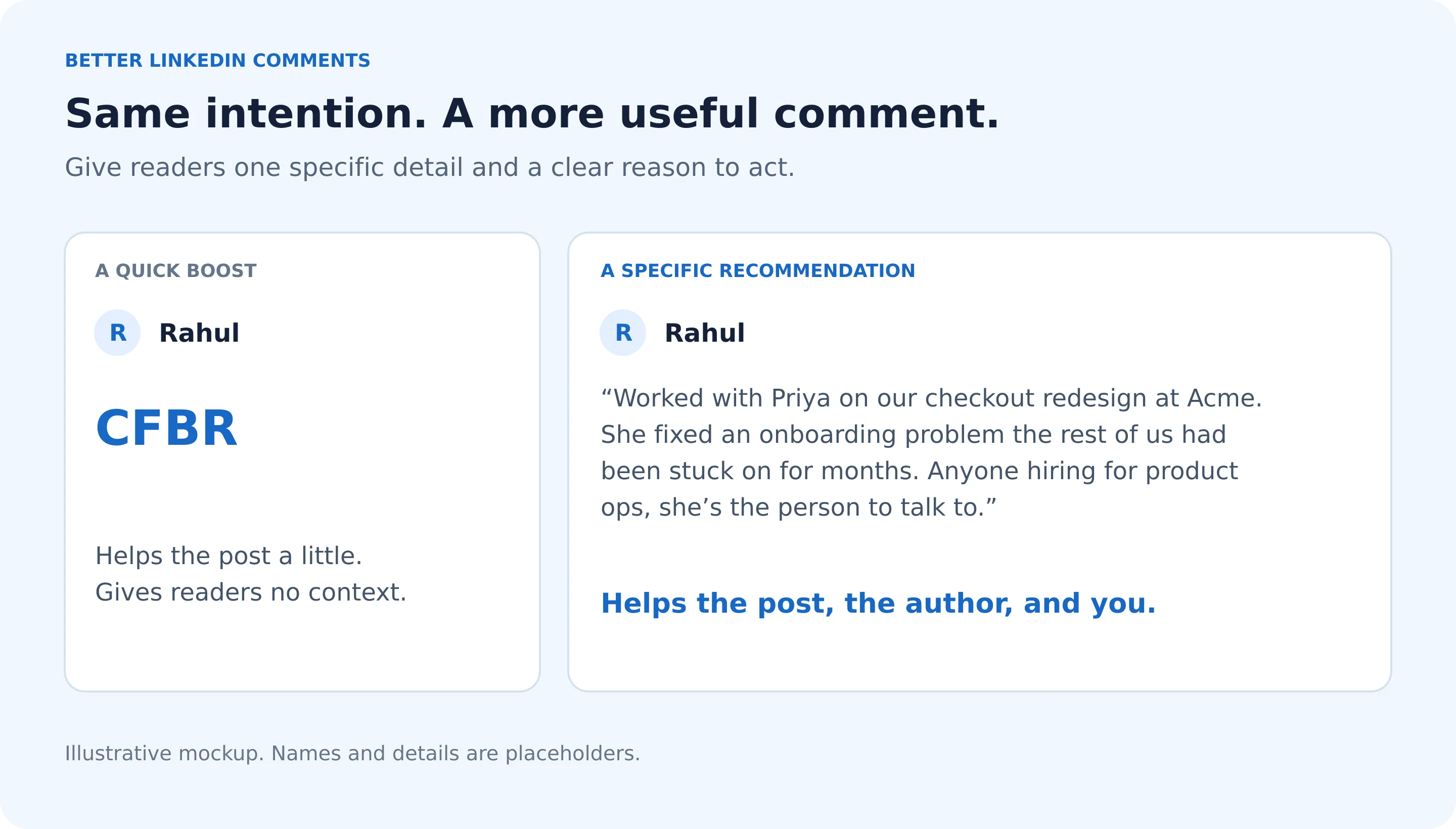
Takeaway: A comment with one real detail does everything CFBR does, and gives people a reason to click on your name.
How to Make CFBR Comments on Your Post Count
If you're the one posting, every CFBR is someone trying to help you. A few small moves make that help go further.
- Reply early, and keep it personal. Replies add fresh activity to your post, which keeps it circulating. Something like "Thanks, Rahul. Really appreciate you sharing this" works. Change a few words each time instead of pasting the same line under every comment.
- Make your post easy to act on. Say exactly what you're looking for: the role, the location, and how people can reach you. That way everyone who comments is pushing something useful.
- Ask for the kind of comment you want. Instead of "please comment CFBR," try "If you've worked with me, a line about what I'm good at would mean a lot." You'll get fewer comments, but far better ones.
- Back it up with your profile. If you're job hunting, turn on LinkedIn's Open to Work feature so recruiters who land on your profile know you're available.
If your posts usually die after a few hours, replying early is also one of the easiest fixes when your LinkedIn reach feels stuck.
Takeaway: Every CFBR on your post is a chance to keep the conversation going, so reply to them.
CFBR vs Other LinkedIn Comment Shorthand
CFBR has a few cousins you'll run into.
| Shorthand | What it means | Where you'll see it |
|---|---|---|
| CFBR | Commenting for Better Reach | Job search, layoff, and hiring posts |
| CFR | Comment for Reach | Same as CFBR, one letter shorter |
| CBFR | Almost always a typo for CFBR | Anywhere CFBR shows up |
| ++ or +1 | A quick boost or "I agree" | Viral and opinion posts |
| Interested | "I want this role" | Hiring posts, especially in India |
| #OpenToWork | The person is looking for a job | Profile photos and job search posts |
You'll also see #cfbr used as a hashtag on posts themselves. It's one of the more oddly popular LinkedIn hashtags, even though adding it to your own post doesn't make it reach more people.
Does CFBR Work Outside LinkedIn?
Not really. CFBR grew up on LinkedIn, and it only makes sense there because LinkedIn shows posts to your network when you comment.
- Facebook: you'll spot it now and then in groups, but it does much less there
- Instagram: comments don't push posts into your followers' feeds, so the trick doesn't carry over
- Reddit: posts rise on upvotes, not comments, and a CFBR there usually just gets mocked
Conclusion
CFBR comes from a good place. It does give a post a small push, but most of that reach goes to the person who wrote the post, not the people commenting on it.
If you want to help someone, or get seen yourself, swap the four letters for one real sentence. And if you're the one writing the post, Draftly's AI post editor helps you write job search and hiring posts that give people something worth sharing.