Introduction
LinkedIn is where careers get built and deals get started, but showing up consistently takes more time than most of us have. Between writing posts, replying to comments, finding leads, and sending follow-ups, staying active can quickly turn into a part-time job. That is exactly the problem automation tools are built to solve.
The right tool handles the repetitive work, like scheduling content, managing connections, or running outreach, so you can focus on the conversations that actually move the needle. The wrong one makes you sound like a robot and can even put your account at risk. To help you choose, we rounded up five of the best LinkedIn automation tools, what each one does best, and who it is for.
1. LinkedIn Outreach and Content Platform - Draftly
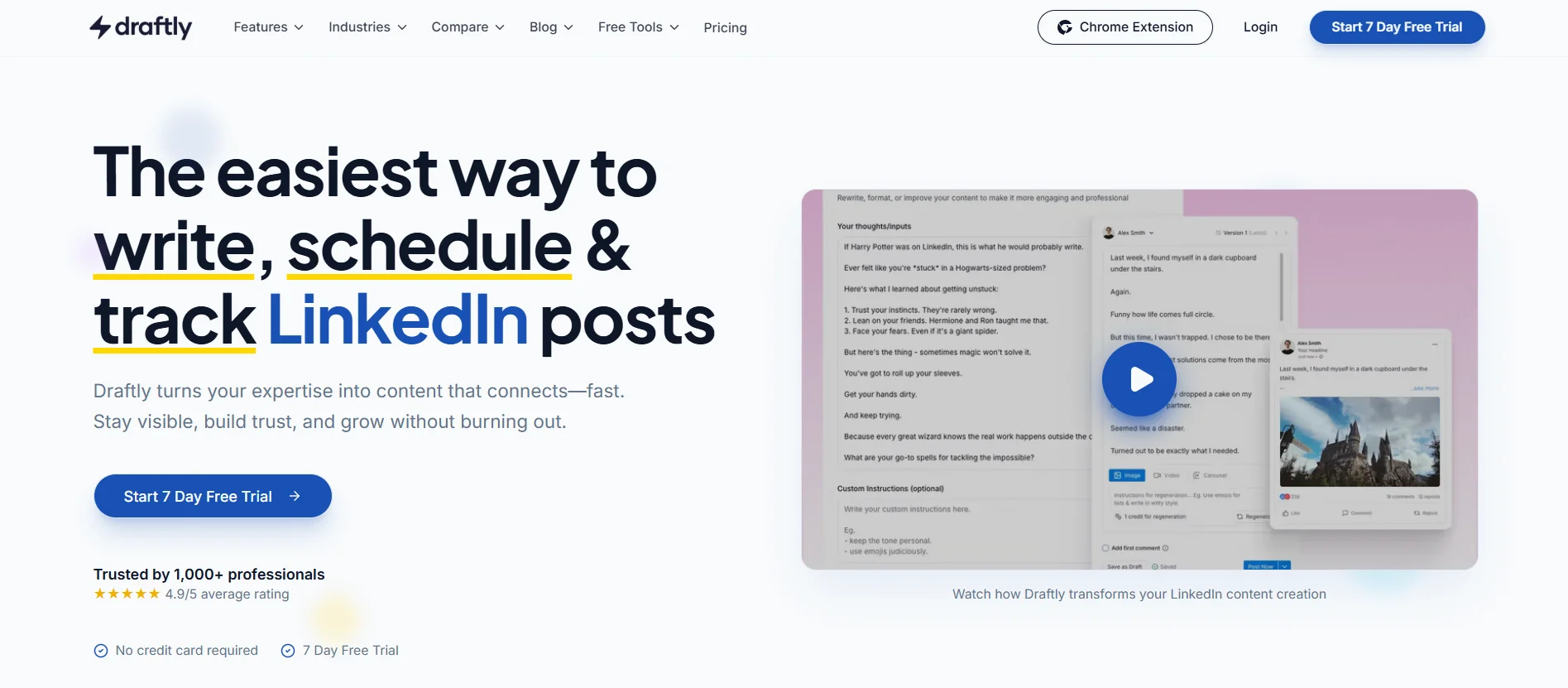
Draftly combines LinkedIn content creation with browser-based outreach. Build campaigns with connection invites, wait steps, and follow-up messages; discover leads from a regular LinkedIn search or import a CSV; and stop a sequence automatically when someone replies. Outreach runs through the Draftly extension in your own LinkedIn session, under the working hours and daily limits you set.
Main Features
Content Creation: Generates LinkedIn posts that reflect your voice and style, based on insights from successful content.
Automated Scheduling: Allows users to schedule posts in advance, ensuring consistent engagement on LinkedIn.
Outreach Campaigns: Create sequenced invites, waits, and follow-ups with per-step A/B message splits, reply detection, and lead-level stop or resume controls.
Browser-Session Safety: Runs from your own browser with configurable working hours, daily limits, randomized gaps, and pauses on LinkedIn warnings or checkpoints.
AI Campaign with Claude: Connect a Claude account to inspect campaign results and take permitted actions through read, write, or full access. Every tool call is journaled, and suggested replies require your approval.
Pricing: Free plan available. Starter is $19/month or $190/year, Pro is $49/month or $490/year, and the optional LinkedIn Outreach add-on is $19/month or $190/year.
2. LinkedIn Lead Generator - Phantombuster
Phantombuster is a versatile tool that automates tasks like scraping profiles, sending connection requests, and messaging. It’s great for generating high-quality leads, making your outreach more efficient. By automating these tasks, Phantombuster can also help you get noticed on LinkedIn by increasing your profile visibility and streamlining engagement with potential connections.
Main Features
Profile Scraping: Extracts data from LinkedIn profiles, helping users gather leads and insights.
Automated Messaging: Sends personalized connection requests and follow-up messages automatically.
Pricing : 14-day free plan, plans start from €56/month
3. LinkedIn Jobfinder - JobScan
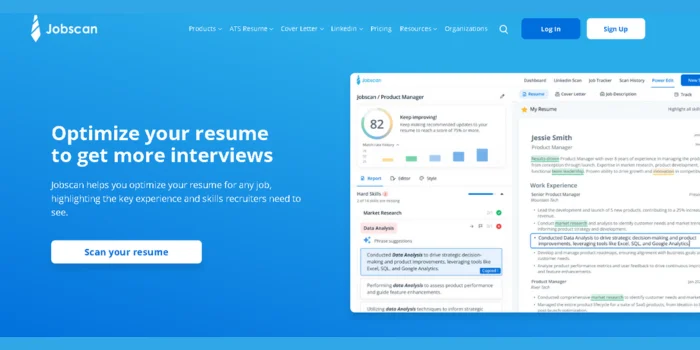
JobScan helps job seekers optimize their LinkedIn profiles to match job descriptions. It analyzes your profile and provides suggestions to improve your chances of landing interviews, making it easier to get noticed on LinkedIn. As one of the best LinkedIn automation tools, JobScan streamlines the process of profile optimization, helping you stand out to recruiters and improve your visibility in job searches.
Main Features
Profile Optimization: Analyzes LinkedIn profiles against job descriptions to provide actionable suggestions for improvement.
Resume Matching: Helps users align their resumes with LinkedIn profiles to increase visibility to recruiters.
Pricing: Free for basic version, $49.95 for upgraded version
4. LinkedIn Connection Manager - Dux-Soup
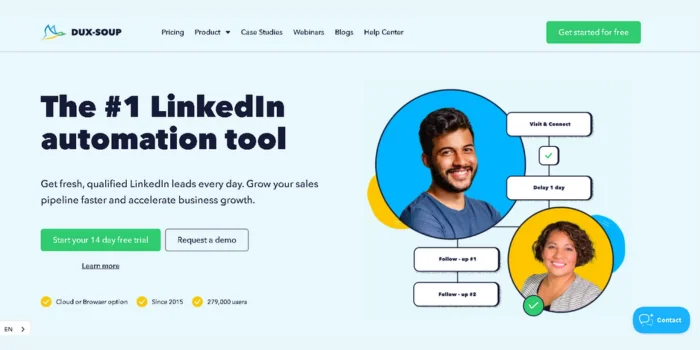
Dux-Soup automates profile visits, connection requests, and follow-ups. It’s a time-saving tool that helps increase your visibility on LinkedIn and can drive engagement. For those wanting to know how to get noticed on LinkedIn, this tool is essential. Additionally, while it focuses on boosting connections, it can complement a LinkedIn viral post generator by enhancing the visibility of your posts and helping them gain more traction across your network.
Main Features
Automated Profile Visits: Visits profiles automatically to increase visibility and generate more connection requests.
Follow-Up Automation: Sends automated follow-up messages to new connections, enhancing engagement.
Pricing : 14-day free plan, plan starts from €9.92/month
5. LinkedIn Outreach Tool - Zopto
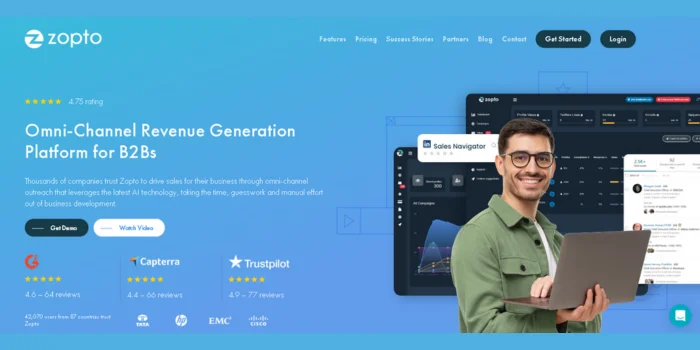
Zopto is designed for startups and small businesses, automating outreach efforts and targeting the right audience. It also provides insights on the best time to post on LinkedIn for maximum engagement, making it a valuable asset in your LinkedIn strategy.
Main Features
Targeted Outreach: Automates the process of connecting with targeted audiences based on specified criteria.
Analytics Dashboard: Provides insights and analytics on outreach performance, helping users refine their strategies.
Pricing : plan starts from $197/month
Conclusion
Integrating these best LinkedIn automation tools into your LinkedIn strategy can significantly enhance your networking and lead generation efforts. Whether you're looking to generate high-quality leads, increase visibility, or discover the best time to post on LinkedIn, these tools will help you achieve your goals efficiently.