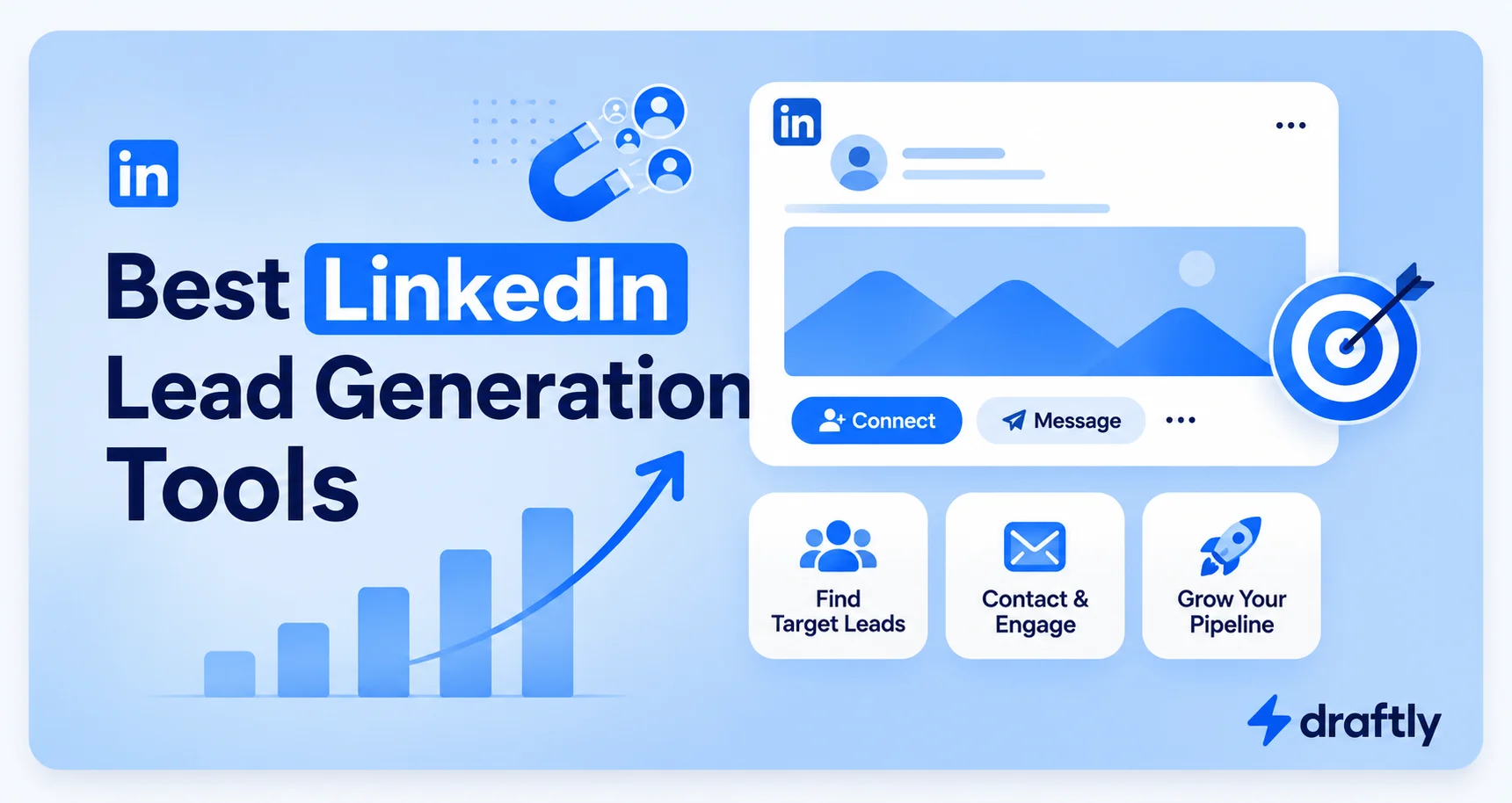
If you sell anything to businesses, LinkedIn is probably where your next client is hiding. The tricky part is finding them, reaching out without sounding like a robot, and doing it without spending your whole week on it.
That is where lead generation tools come in. Some help you send messages and connection requests on autopilot. Others help you build a name for yourself so people come to you instead. A few do both.
I have gone through the tools people actually talk about and used, tested, or researched them closely enough to tell you what they are good for. Here is the list, starting with a content tool that deserves the top spot, followed by the outreach tools most agencies and sales teams rely on.
1. Draftly
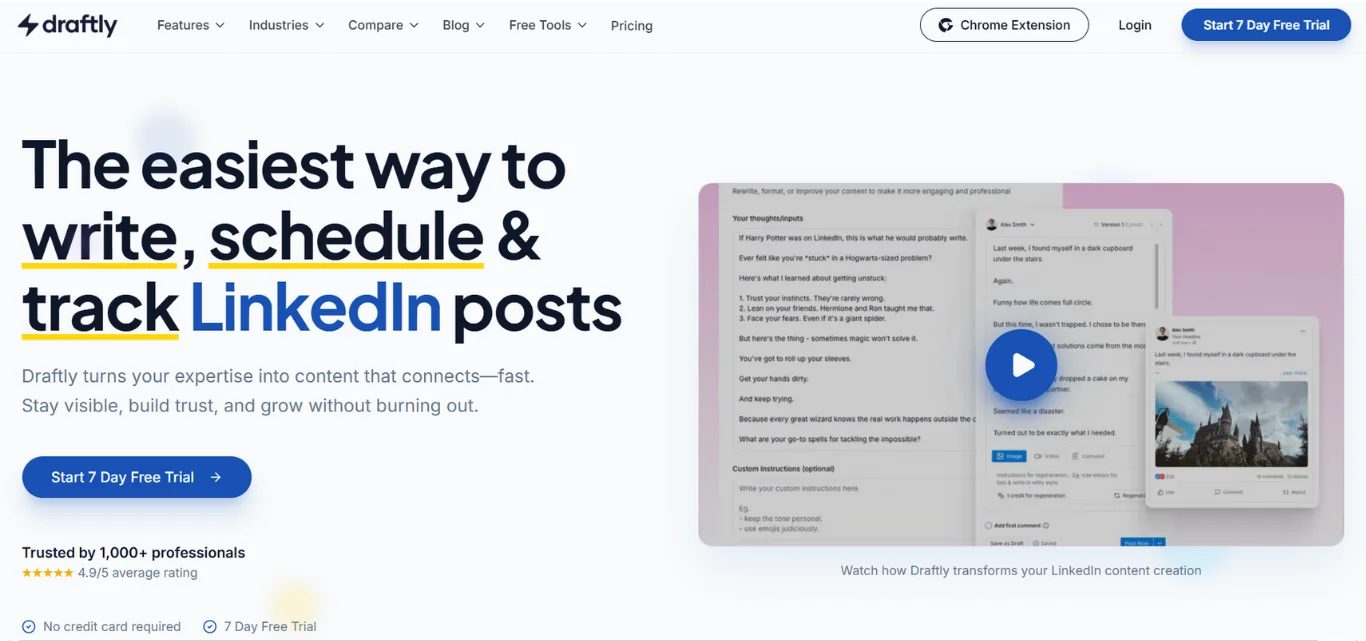
Draftly is built for one job: helping you write LinkedIn posts that sound like you, not like a chatbot. You give it a rough idea or a link, and it turns that into a post you can publish in minutes. There is no template to fill in, you just drop your thoughts and let the AI shape them.
What makes it stand out is the Brand Voice feature. You set your tone once, and every post keeps the same style after that. It also has a Carousel Maker for turning ideas into slide posts without needing a design tool.
Top features:
- Turns YouTube videos, tweets, and news into ready LinkedIn posts
- Brand Voice keeps your tone consistent across every post
- Carousel Maker for slide-style posts with no design skills needed
- Idea Generator so you are never stuck on what to post
- Smart Commenting for quick replies on other posts
Best for: Founders, consultants, and sales reps who want to build a personal brand on LinkedIn without hiring a ghostwriter.
2. SalesRobot
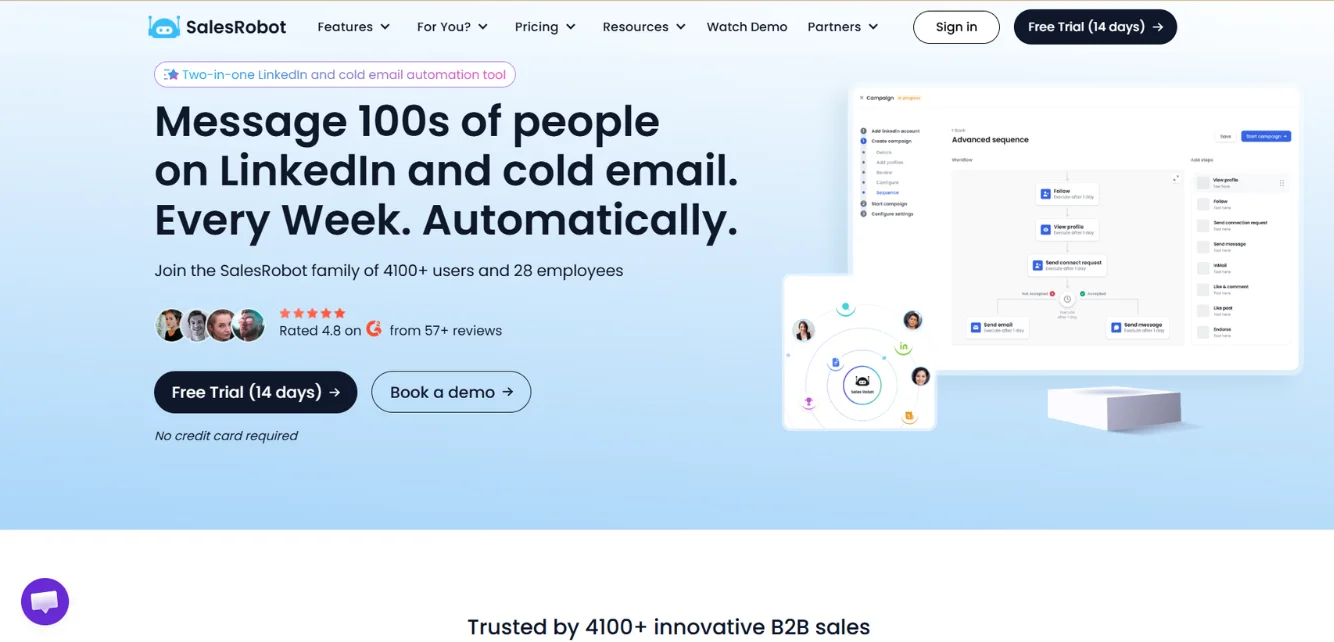
SalesRobot helps you go out and start conversations directly. It automates the manual parts of LinkedIn outreach, sending connection requests, following up when people go quiet, and messaging prospects in a way that reads like a real person, not a script.
It runs fully in the cloud, so there is no browser tab to keep open, and it uses IP rotation to keep your account safe. The standout feature is the AI Appointment Setter, which can take over your inbox and push conversations toward a call on its own.
Top features:
- AI Appointment Setter that manages replies and books meetings for you
- Personalized video and voice note sending at scale
- Combines LinkedIn and email outreach in one platform
- Import leads from LinkedIn search, Sales Navigator, or a CSV file
- Unified inbox with auto-tagging so conversations stay organized
Best for: Sales teams and agencies who want serious outbound scale without babysitting every conversation.
3. Waalaxy
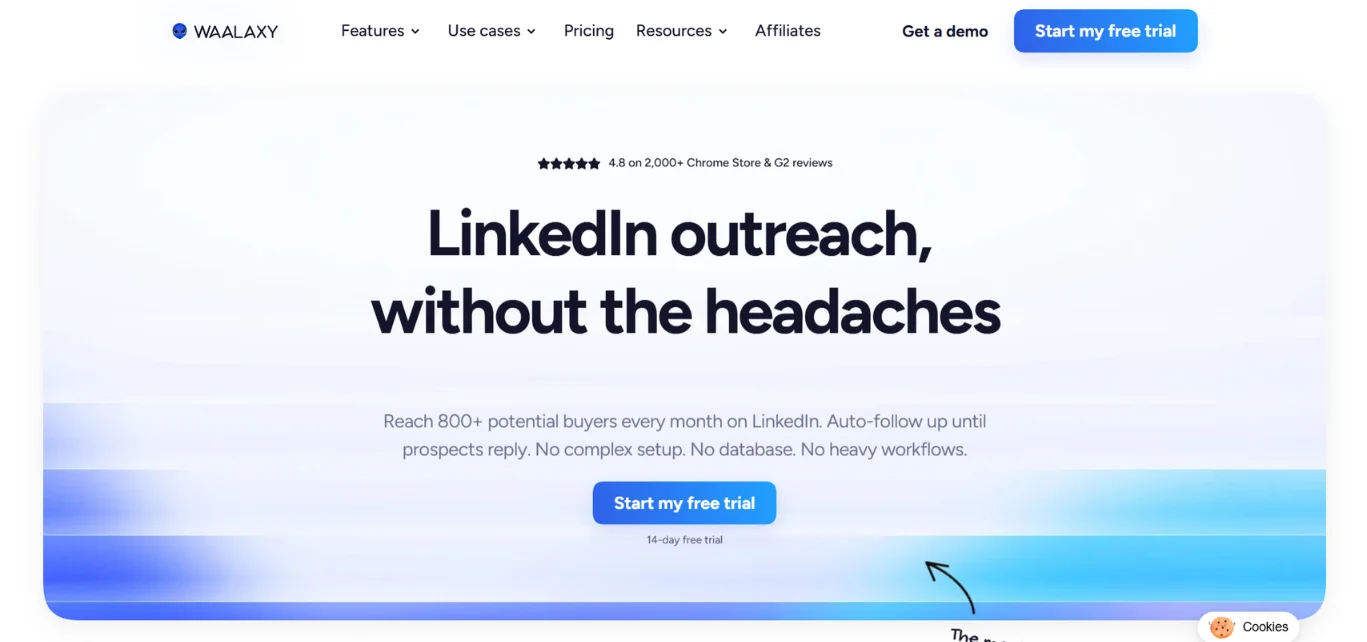
Waalaxy is one of the more popular names in LinkedIn automation, and it is easy to see why. It handles connection requests, follow-up sequences, and email outreach all from one dashboard, and it plugs into most CRMs without much fuss or setup time on your end.
It runs as a Chrome extension rather than a cloud tool, which some people find limiting since your browser needs to stay open for campaigns to keep running. Still, for smaller teams who want something simple, it gets the job done without a steep learning curve.
Top features:
- Email finder built right in
- LinkedIn connection requests and InMail support
- Cold email automation alongside LinkedIn outreach
- Saved replies so you are not typing the same thing twice
- Tag-based chat organization
Best for: Solo founders or small teams who want an easy starting point for LinkedIn and email outreach together.
4. Dux-Soup
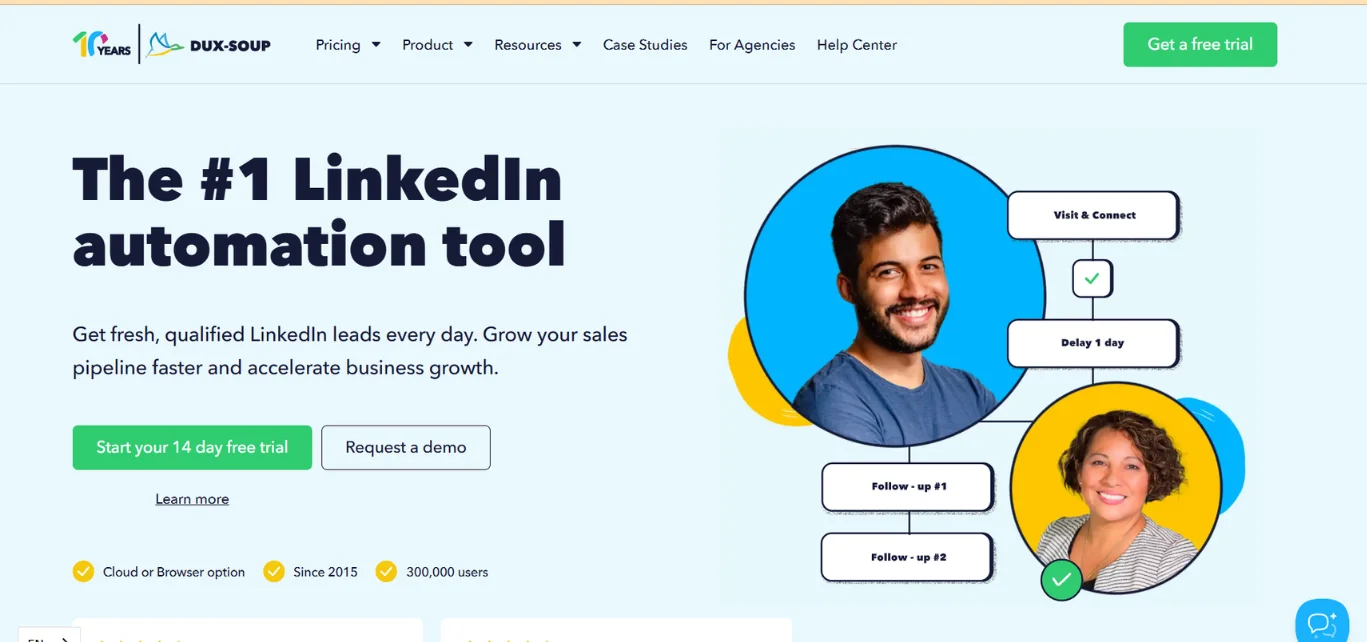
Dux-Soup has been around long enough to earn a loyal following, mostly because it keeps things simple. It is built only for LinkedIn, which means it does not try to do ten things at once. It focuses on making your outreach look and feel human so your account stays safe.
It also comes with an autoresponder that can handle simple replies, and it connects to popular CRMs if you want your leads flowing straight into your existing system. Pricing is one of its strongest points since it is one of the more affordable options out there.
Top features:
- Built specifically for LinkedIn, nothing else
- Multiple campaigns can run at the same time
- AI autoresponder for handling basic replies
- CRM integration for keeping leads organized
- Low starting cost compared to similar tools
Best for: People who want a no-frills LinkedIn automation tool without paying for features they will never use.
5. Linked Helper
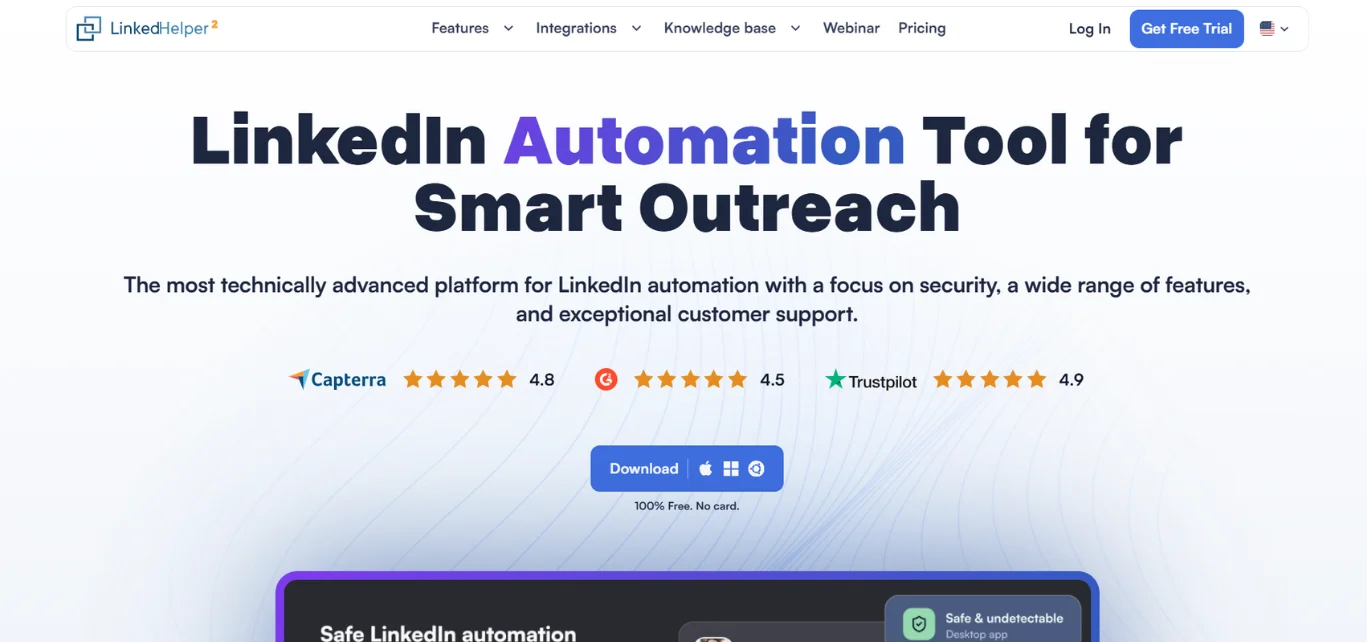
Linked Helper takes a different approach. Instead of running in the cloud, it is a desktop app you install on your computer, and your campaigns only run while it is open. That might sound old-fashioned, but it keeps costs low and gives you a level of control that cloud tools sometimes hide from you.
It can scrape data straight from LinkedIn, build lists, and run outreach sequences, all from your own machine. The trade-off is that if your laptop is closed or asleep, your campaign pauses too, so it suits people who are at their desk most of the day.
Top features:
- Runs locally on your desktop for full control
- Scrapes LinkedIn data for building prospect lists
- Affordable pricing compared to cloud alternatives
- Linked Helper supports separate LinkedIn account sessions
- Free plan available for testing
Best for: Freelancers and solo operators who are comfortable running campaigns from their own laptop.
6. Octopus CRM
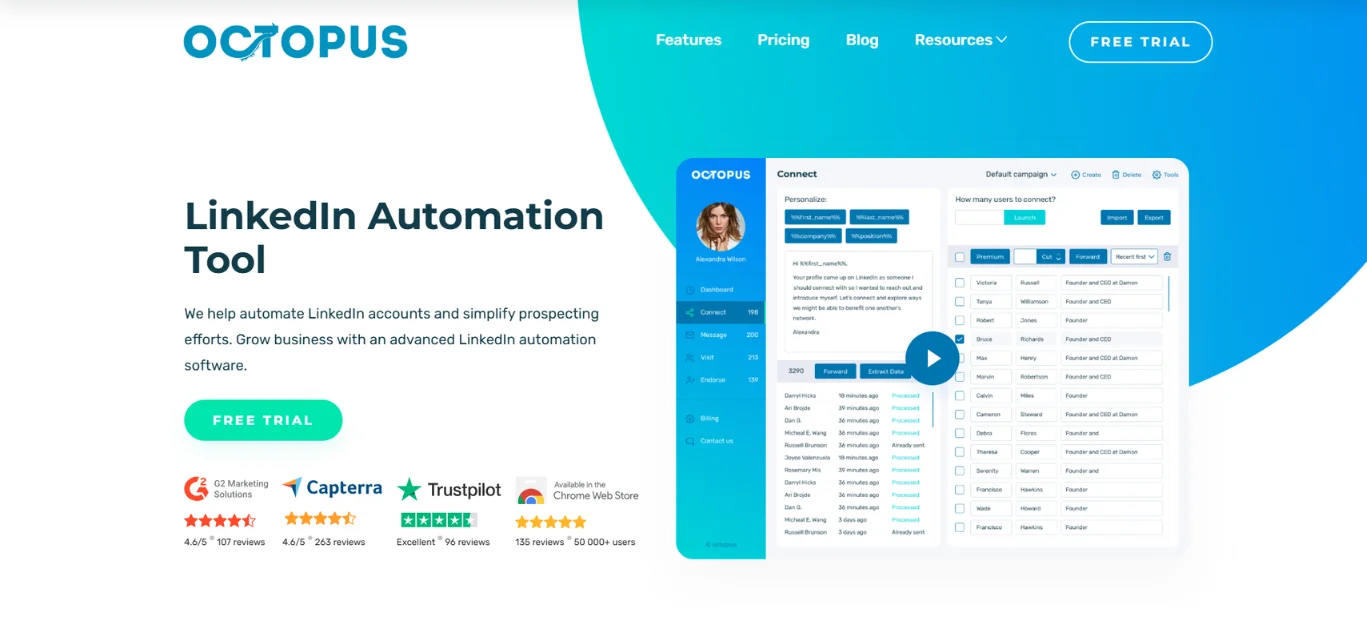
Octopus CRM leans into being cheap and easy to use. It is a Chrome extension that helps you send connection requests, follow up automatically, and keep basic notes on each prospect so nothing slips through the cracks.
It will not win any awards for advanced targeting or fancy AI features, but if your main goal is to get outreach moving without spending much money, it does the job. Because it runs as a browser extension, it does carry a bit more risk around account safety compared to cloud-based tools, so it is worth pacing your outreach carefully.
Top features:
- Very low starting price
- Simple lead identification and tagging
- Campaign analytics to track what is working
- Easy setup with no steep learning curve
- Four pricing tiers depending on how much automation you need
Best for: Anyone testing LinkedIn outreach for the first time on a tight budget.
7. Skylead
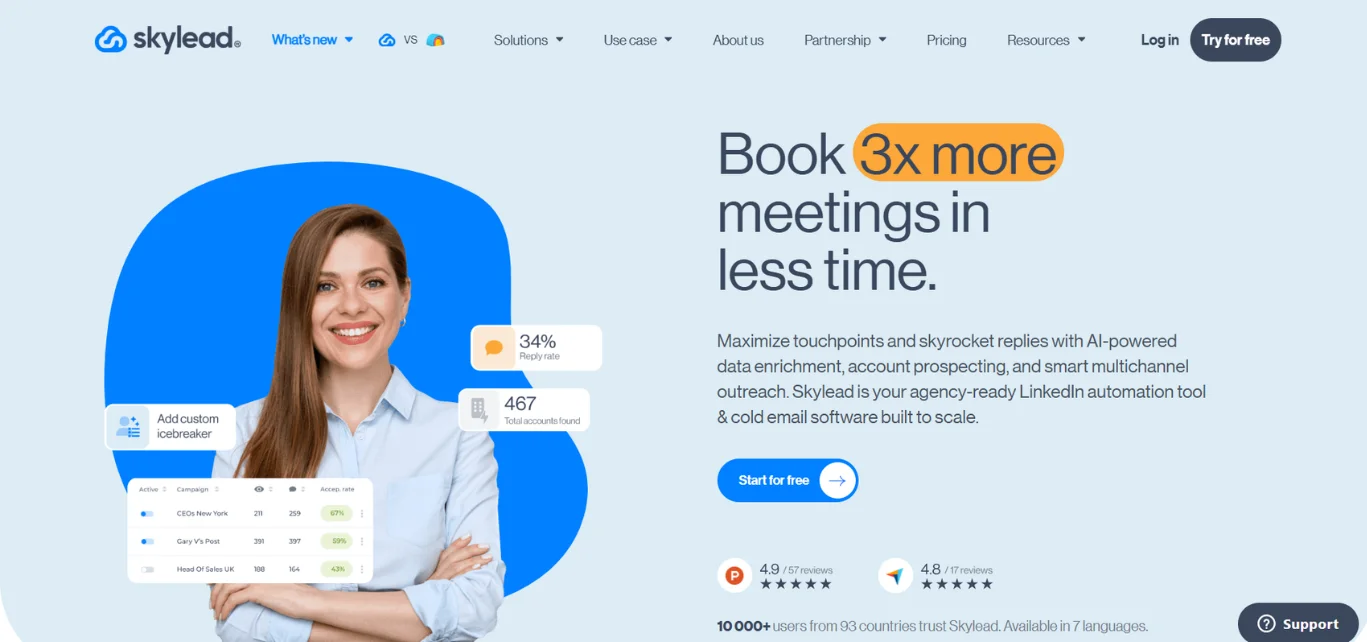
Skylead was built with recruiters, agency owners, and sales reps in mind, and it shows in how it handles sequences. You can set up conditional paths, meaning your outreach message changes depending on how a prospect responds or whether they accepted your connection request first.
It also has a built in email finder, so you are not stuck relying only on LinkedIn to reach someone. The one thing users often mention is that personalizing messages at scale can start to feel repetitive across a large, varied audience rather than a small, tightly defined niche.
Top features:
- Builds multi-channel sequences quickly
- Conditional logic based on prospect behavior
- Built-in email finder tool
- Works well for recruiters as well as sales teams
- Whitelabel option for agencies managing client accounts
Best for: Recruiters and agencies that need flexible, condition-based outreach sequences.
8. Taplio
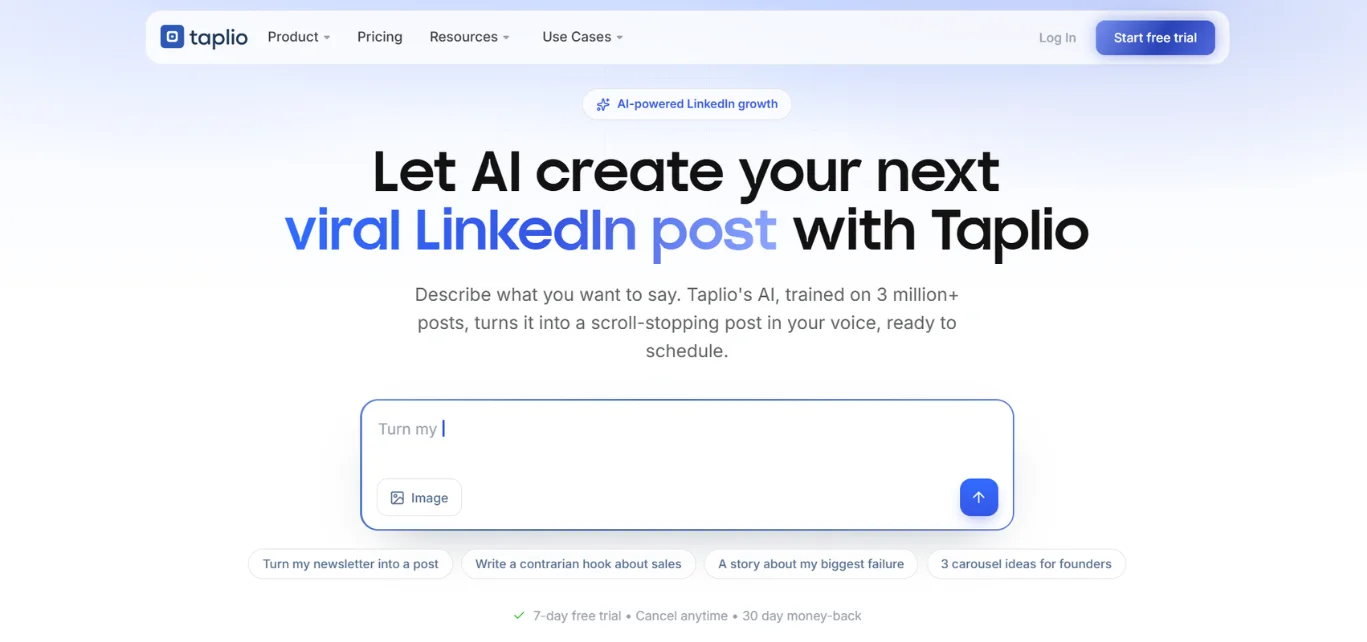
Taplio flips the focus from outreach to visibility. Instead of automating connection requests, it helps you figure out what to post on LinkedIn and when. It shows you what content is going viral in your niche, gives you writing help, and tracks how your own posts are performing over time.
It works well alongside an outreach tool since the two solve different problems. Outreach gets you in front of people, but a strong LinkedIn presence makes those same people more likely to actually respond when you do reach out.
Top features:
- Generates post ideas based on what is trending
- Detailed analytics on your own content performance
- Surfaces viral posts in your industry for inspiration
- Scheduling so you can plan posts in advance
- Works for LinkedIn and X content both
Best for: Founders and consultants who want to grow their personal brand and attract inbound leads.
9. Supergrow
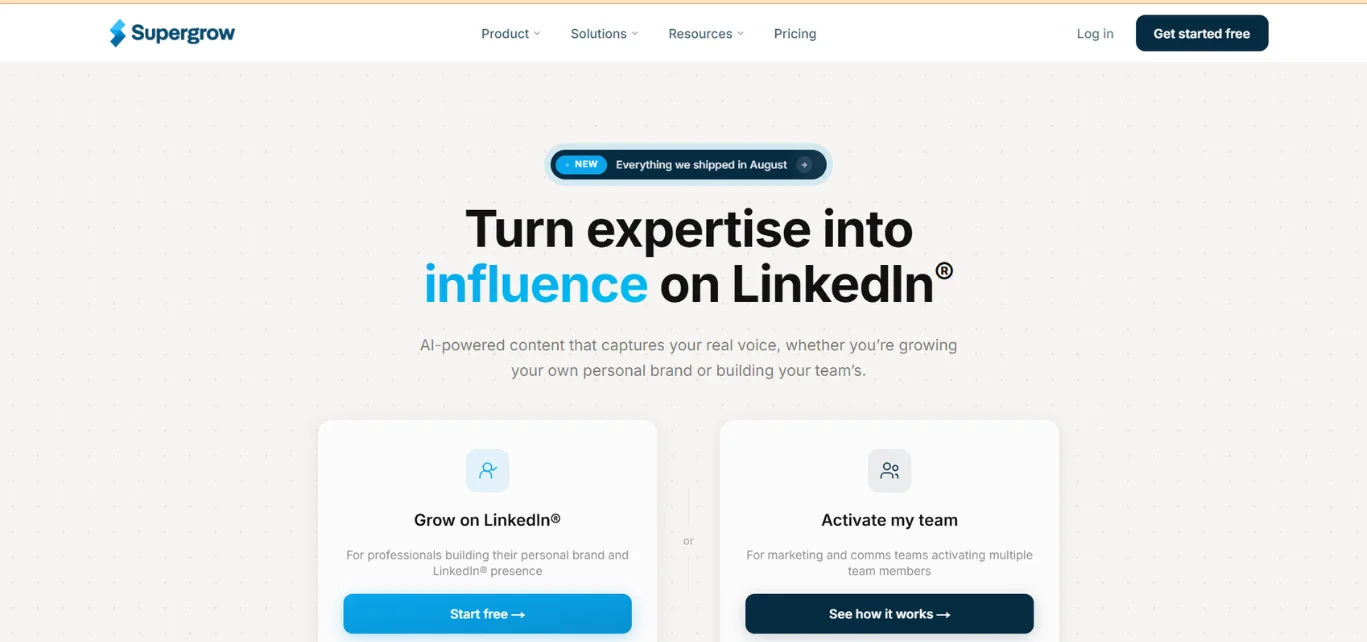
Supergrow is another content-first tool, built around helping you post consistently without running out of ideas. It has a swipe file feature where you can save posts, hooks, or ideas you like and come back to them later when you need inspiration.
It also includes a carousel builder, which has become one of the more effective post formats on LinkedIn right now. The tool is rated highly by its users, and a lot of that comes down to how simple the interface feels compared to some of the more cluttered content tools out there.
Top features:
- All-in-one personal branding tool for LinkedIn
- Swipe file to save and organize content ideas
- Carousel creation without needing design skills
- Team plans available for agencies managing multiple clients
- Clean, simple interface
Best for: Creators and small teams who post often and need a steady stream of content ideas.
10. AuthoredUp
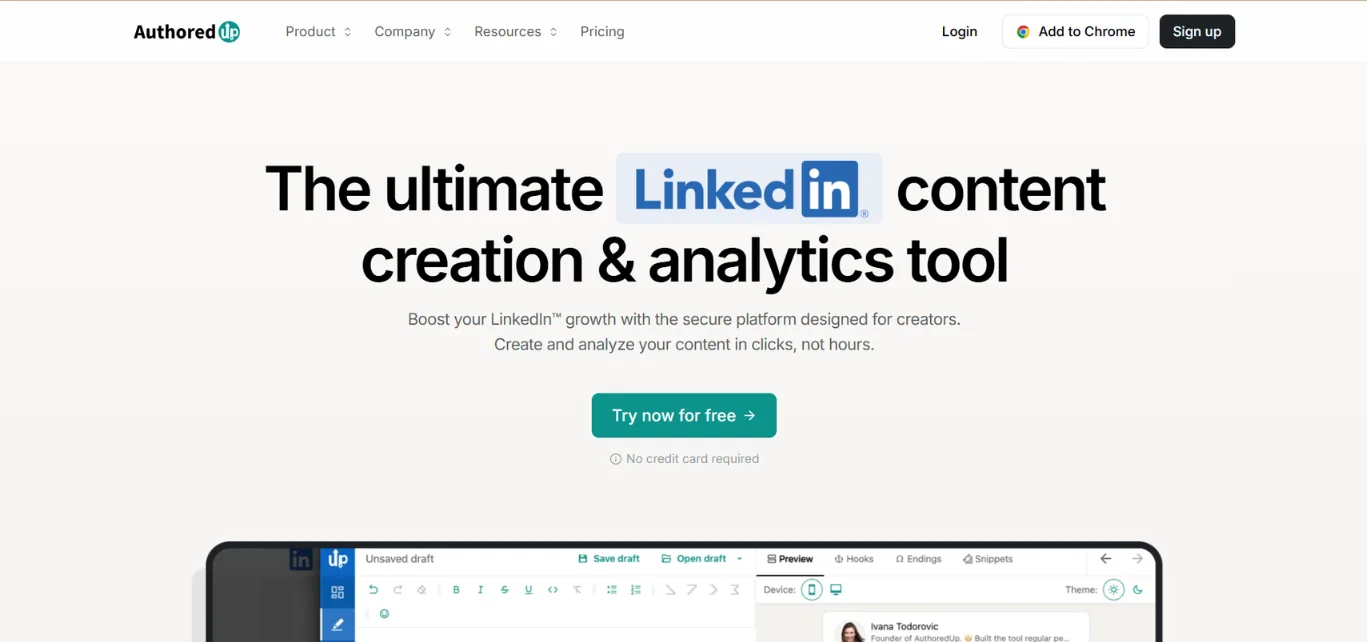
AuthoredUp focuses on something most people overlook: how your post actually looks once it is published. It helps you format your writing so it is easier to read on a small screen, breaks up long paragraphs, and even shows you a preview of how your post will appear before it goes live.
It also comes with a hook database, which is handy on days when you are staring at a blank post box with no idea how to start. It is a smaller, more focused tool compared to some of the others on this list, and that focus is exactly why people who write often on LinkedIn tend to like it.
Top features:
- Formatting tools that make posts easier to read
- Preview mode before publishing
- Hook database for opening lines
- Scheduling for LinkedIn content
- Simple, no-clutter design
Best for: Writers and professionals who post frequently and care about how their content reads on the page.
Which One Should You Actually Pick?
Here is the honest answer: there is no single best tool for everyone. It depends on what you are trying to fix.
If your problem is that nobody knows who you are, start with a content tool like Draftly, Taplio, Supergrow, or AuthoredUp. Build your presence first.
If your problem is that you know exactly who your ideal client is but you are not reaching enough of them, an outreach tool like SalesRobot, Waalaxy, Dux-Soup, Linked Helper, Octopus CRM, or Skylead will save you hours every week.
And if you have the budget and want both sides covered, plenty of people run a content tool and an outreach tool together. One brings people to you, the other goes out and finds them. Used together, they cover both ends of the same problem.
Whatever you pick, start with a free plan where you can, run it for a couple of weeks, and see how it actually feels to use day to day. That will tell you more than any list ever could.