If you've ever looked at your LinkedIn profile and wondered why your follower count and connection count are two different numbers, you're not imagining things. LinkedIn followers vs. connections is one of the most commonly misunderstood parts of the platform, and the difference actually matters if you're trying to grow your visibility or your network with any intention.
What's the difference between LinkedIn followers and connections?
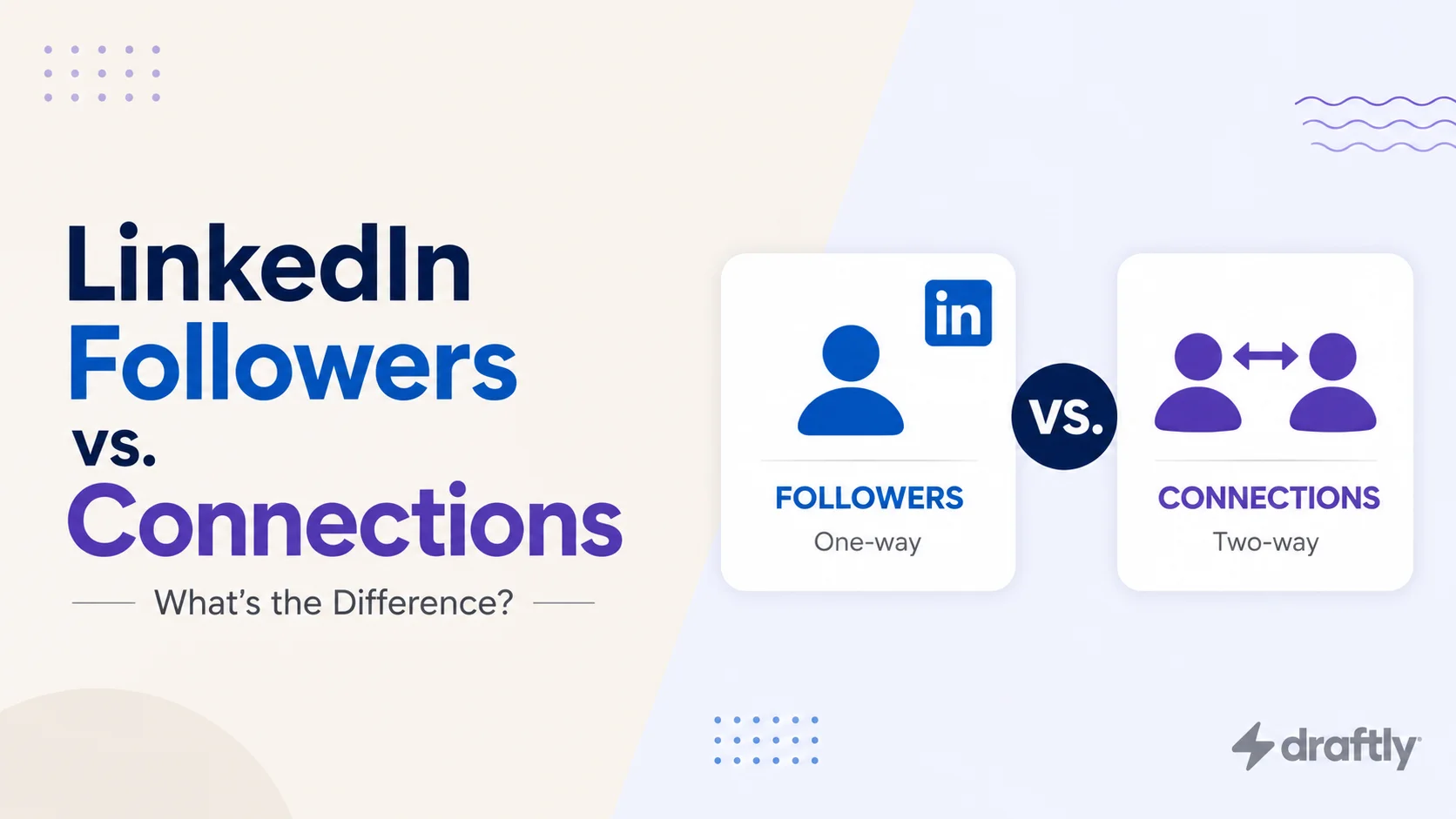
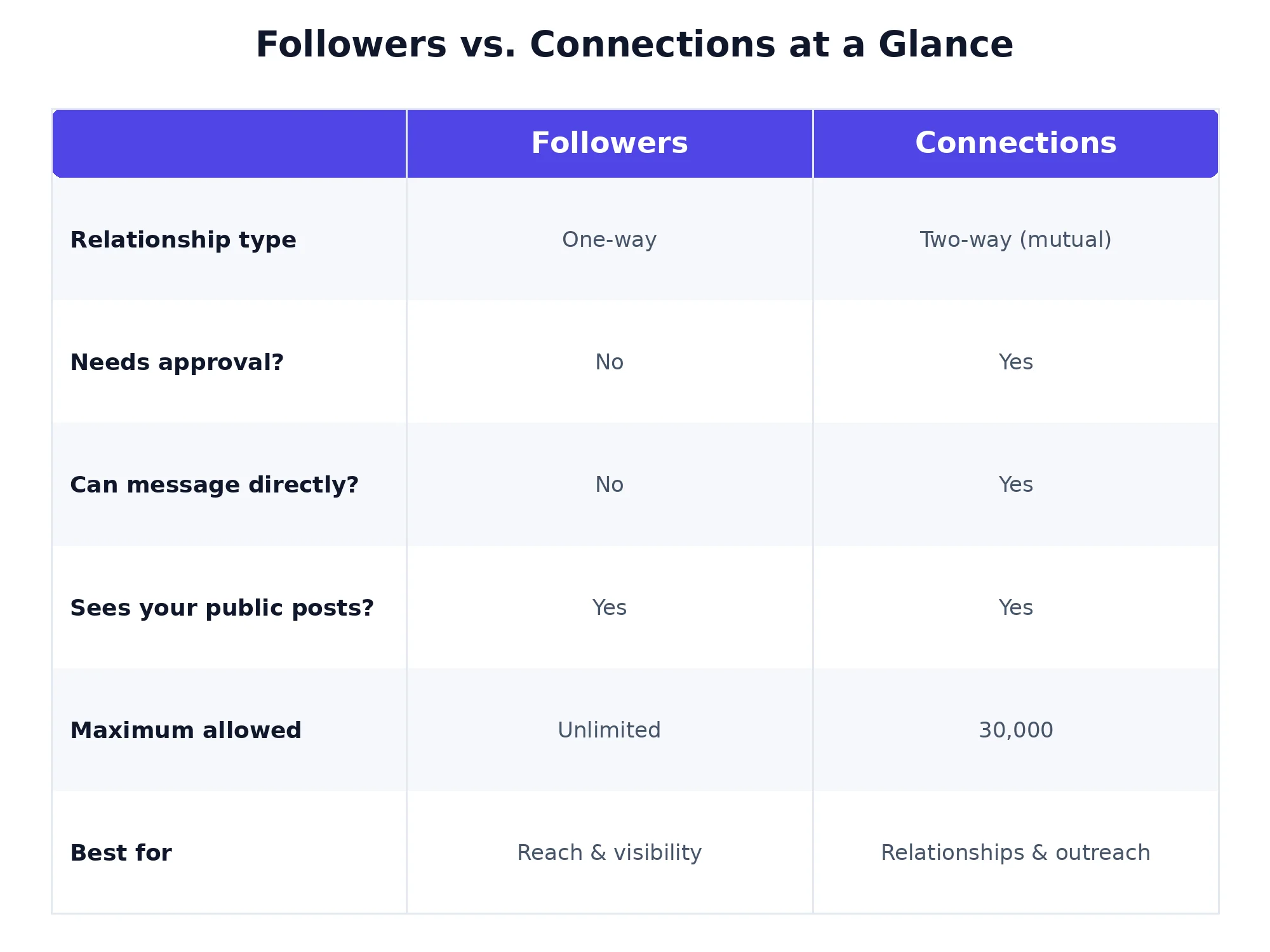
A follower has a one-way relationship with you: they see your public posts, but you don't see theirs, and no approval is needed. A connection is two-way: both people accept, can message directly, and see more of each other's activity. Every connection is automatically a follower, but not every follower is a connection.
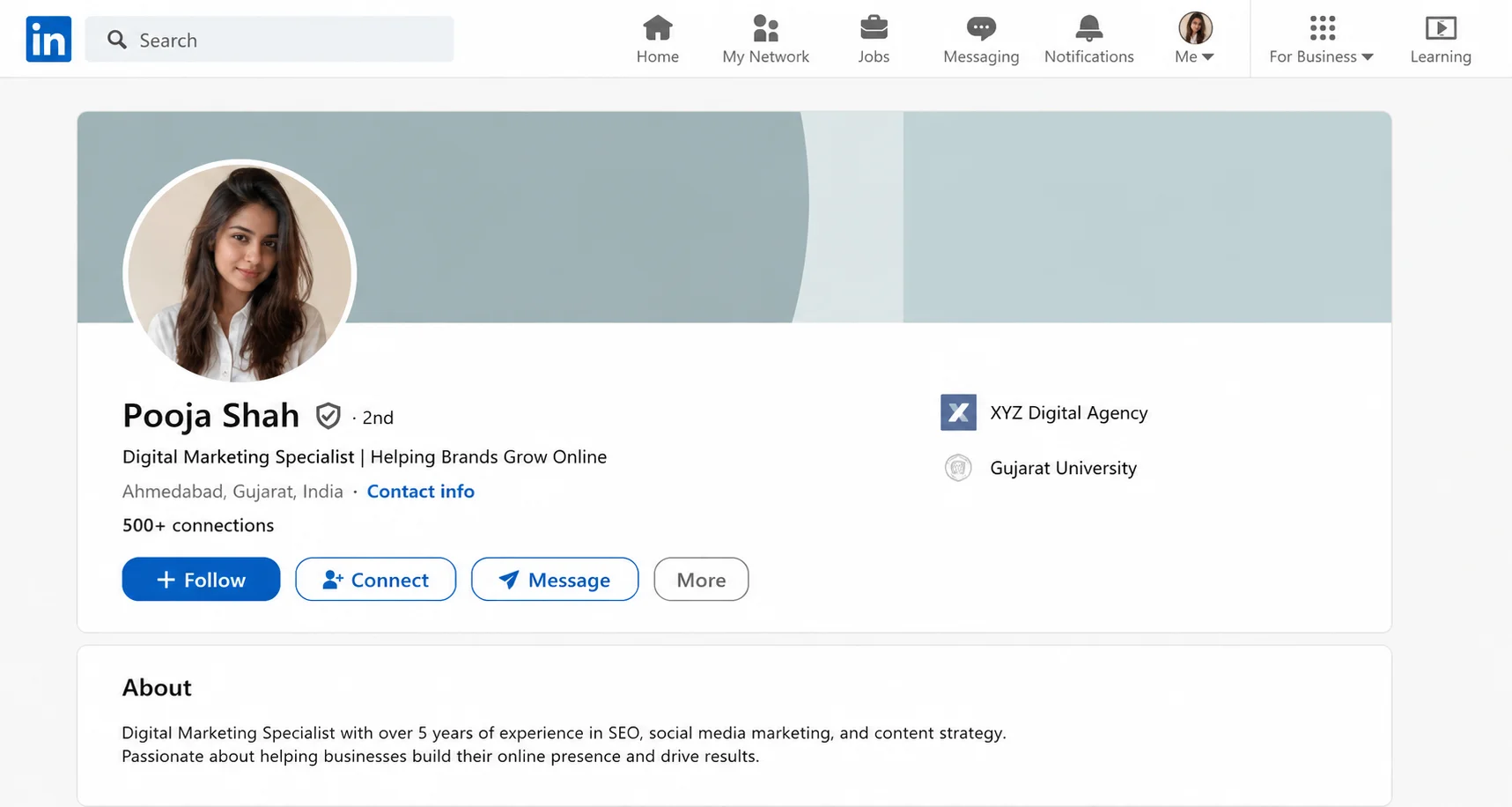
How LinkedIn followers work
Following someone (or a company page) is the lightweight option. You click Follow, and their public posts start showing up in your feed: no request, no acceptance, no notification most of the time. It works the same way on Twitter or Instagram: you're subscribing to what they post, not building a relationship.
A few things worth knowing about followers:
There's no cap on how many followers you can have.
Once you pass 30,000 connections, LinkedIn switches your profile's default button to "Follow," since you can't accept new connection requests past that point.
Followers can come from anywhere: people who found your profile, people who saw a post you made, or people who follow your company page.
Because there's no ceiling on followers, this is the number that tends to grow largest for people who post consistently and get shared or shown to people outside their immediate network. It's also why creators and executives with large personal brands often have follower counts in the tens or hundreds of thousands while their connection count sits at the platform maximum. The two numbers simply measure different things, and only one of them has a limit.
You can also follow LinkedIn newsletters and company pages the same way you follow a person, which is a separate audience from your personal network but works under the same one-way logic: opt in once, see the updates passively from then on.
How LinkedIn connections work
Connecting is the more deliberate, two-way version. When you send a connection request and the other person accepts, you become first-degree connections. That unlocks messaging, deeper visibility into each other's activity, and access to each other's extended network (your connections' connections become your second-degree network, and so on).
Unlike followers, connections are capped at 30,000 per account. LinkedIn treats this as a hard ceiling on your personal network, which is one reason creators with very large audiences eventually shift toward encouraging follows over connection requests.
Connections also come with a weekly sending limit: you can only send a set number of connection requests per week, regardless of how far you are from the 30,000 cap. That limit doesn't apply to following, which is one more reason the two numbers move at very different speeds. A new profile can pick up hundreds of followers in a week from a single post going wide, while connections grow only as fast as people individually accept your requests.
Followers vs. connections: side-by-side comparison
Which one does the LinkedIn algorithm favor?
Here's where it gets more useful than a dictionary definition. The LinkedIn algorithm doesn't treat your follower count as a guarantee of reach: a post can reach far more people than your total followers and connections combined if it earns strong early engagement, or reach almost none of them if it doesn't. For a fuller breakdown of the ranking signals involved, how the LinkedIn algorithm works covers this in more depth.
That said, followers and connections do feed the algorithm differently at the start. Connections tend to produce faster, more concentrated early engagement: people who know you are more likely to like or comment within the first hour, which is the window LinkedIn weights most heavily when deciding whether to expand a post's reach. Followers, especially a large base built from consistent posting, contribute more to sustained impressions over time, since they see your content passively without needing to be prompted to engage. If impressions are the metric you're chasing specifically, what actually moves the needle on LinkedIn impressions goes deeper on that side. Hashtags can also help a post surface to people who follow neither you nor your connections, so pairing your content with the right LinkedIn hashtags is worth doing alongside either strategy.
Which should you prioritize: followers or connections?
It depends on what you're actually trying to get out of LinkedIn.
If your goal is visibility (building a personal brand, getting your ideas in front of more people, growing an audience for content), prioritize followers. There's no cap, and the effort compounds: consistent posting attracts new followers, who then extend the reach of future posts. If building that base from scratch is the priority, how to grow your LinkedIn followers walks through tactics that work even with a small existing audience.
If your goal is relationship-driven (sales conversations, partnerships, recruiting, or general networking), prioritize connections. A follower can't be messaged directly, so if the endpoint of your LinkedIn activity is a conversation rather than an impression, connections are the more useful number to grow, even though they're capped.
Most people end up doing both simultaneously, which is fine: they're not mutually exclusive, and a healthy LinkedIn presence usually has a strong count in each column for different reasons.
A useful way to decide in the moment: if you're about to interact with someone whose content you want to keep seeing but have no reason to message, follow them. If you're about to interact with someone you'd realistically reach out to directly (a prospect, a former colleague, someone in your industry you want a relationship with), send the connection request instead. Defaulting to "connect with everyone" is what causes people to bump into the 30,000 limit years earlier than they need to, often with a network full of people they never actually talk to.
Why you can have more followers than connections
Once you understand the mechanics, this stops being confusing: followers are uncapped and passive, connections are capped and require mutual acceptance. It's common, especially for active posters, to have a follower count many times larger than their connection count. This isn't a sign you're doing something wrong; it's simply what happens when more people choose the low-commitment option of following your content instead of sending or accepting a connection request. It's also common for someone near the 30,000 connection limit to see almost all new interest arrive as follows, since LinkedIn won't let them accept more connection requests past that point.
There's a second, quieter reason the gap widens over time: people are far more willing to click "Follow" on a stranger's profile than to send that same stranger a connection request. Connecting implies some level of relationship or intent, even if it's just professional curiosity, and plenty of people who enjoy your content have no interest in a mutual network tie. Followers absorb all of that low-friction interest that would otherwise go nowhere.
Conclusion
Followers and connections answer different questions: followers tell you how many people see what you post, connections tell you how many people you have a direct, two-way relationship with. Neither number is inherently "better": a large follower count without any connections limits your ability to have direct conversations, while a maxed-out connection count without followers caps how far your posts can travel. The practical move is to treat them as two separate goals: grow followers if reach is what you need, grow connections if relationships are what you need, and don't be surprised when the two numbers drift apart over time.