Most messages recruiters get on LinkedIn say some version of the same thing: "Hi, I saw you recruit for [Company], I'd love to connect." They get dozens of these a week, and almost none of them get a reply.
That's not because recruiters are ignoring good candidates. It's because a message with no context, no specific role, and no reason to respond is easy to skip. The candidates who actually hear back are the ones who make it obvious, in the first two sentences, why this recruiter and why now.
Here's how to find the right person, write a message worth answering, and follow up without becoming the person a recruiter dreads seeing in their inbox.
Is Reaching Out to a Recruiter on LinkedIn Actually Worth It?
Short answer: yes, and it's not weird or pushy if you do it well. Recruiters are on LinkedIn specifically to find candidates, and a large share of them use it as their main sourcing tool. Reaching out directly puts you in front of someone who might otherwise never see your application in a pile of hundreds.
It's also not a replacement for applying through the front door. Think of it as a way to add a real person to a process that's often just an applicant tracking system reading your resume for keywords. A short, well-aimed message can be the difference between your application getting a second look and it disappearing into a queue.
Takeaway: it works when it's specific and short. It backfires when it's generic and long, which is exactly what most people send.
Get Your Profile Ready Before You Hit Send
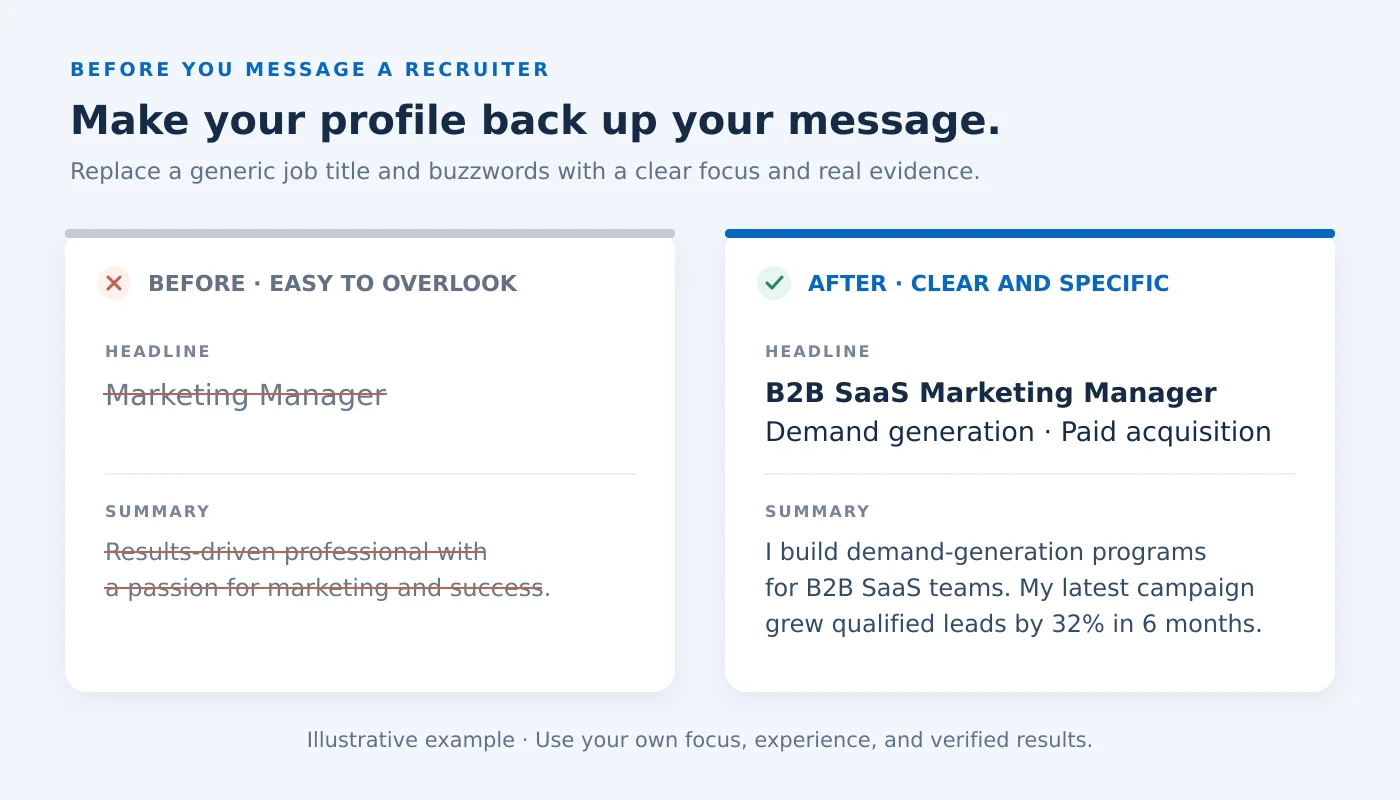
Before you message anyone, assume they're going to click your name first. If your profile doesn't back up your message, the message doesn't matter.
A few things worth checking before you reach out:
- Your headline says more than your job title. "Marketing Manager" tells a recruiter nothing about what you actually do or want next. If you need a hand rewriting it, these LinkedIn headline examples have real before-and-after ideas worth stealing.
- Your summary answers "so what does this person actually do." Recruiters skim it in about ten seconds. If yours is a list of buzzwords, it's worth rewriting your LinkedIn summary in plain language.
- Your experience section is current. A recruiter who sees your most recent role ended two years ago, with nothing since, will assume the profile is abandoned.
- Your photo and banner look like a real, current professional, not a photo from a decade ago or no photo at all.
None of this needs to be perfect. It just needs to hold up to a thirty-second skim, because that's all you're going to get.
Takeaway: the message opens the door, but your profile is what convinces them to actually walk through it.
How to Find the Right Recruiter to Message
Messaging a random recruiter at a company rarely works, because most recruiters own specific teams or job families, not the whole company. Finding the right one first makes everything after this easier.
- Start from the job posting. Many postings list the recruiter or hiring manager's name directly, or you can find them by searching the company name plus "recruiter" or "talent acquisition" in LinkedIn's search bar.
- Search by company and role. If the posting doesn't name anyone, search "[Company] + recruiter" or "[Company] + talent acquisition" and filter by people. Recruiters usually list the departments or job families they hire for right in their headline or About section.
- Check for a mutual connection first. If someone in your network already knows the recruiter or works at the company, a warm introduction will always outperform a cold message. This is one of the real, practical reasons to grow your LinkedIn connections with people actually in your field, not just anyone who accepts a request. It's worth a quick scan of your shared connections before messaging cold.
- Look at who posted the job internally. Company pages and individual posts about "we're hiring" are often shared by the recruiter running that specific search, which tells you exactly who to contact.
Takeaway: five extra minutes finding the right person is worth more than a well-written message sent to the wrong one.
Connection Request or InMail: Which Should You Use
If you're already connected, or the recruiter has an open profile, a regular message works fine. If you're not connected, you've got two options.
A connection request with a note is the simpler, free option. LinkedIn gives you a short character limit for the note, so it has to be tight: who you are, the role or area you're interested in, and one line on why. Keep it under 300 characters and skip the pleasantries.
InMail (available with LinkedIn Premium or Sales Navigator) goes straight to their inbox without needing acceptance first, and it gives you more room to explain yourself. It's worth using if you have a paid plan already, but it's not worth paying for on its own just to message one recruiter. A well-written connection note does the same job for free in most cases.
Takeaway: don't overthink the delivery method. A specific, well-timed connection request beats a generic InMail every time.
What to Say: Message Scripts for Every Scenario
The message changes depending on where you are in the process. Here's what to send in the four situations you'll actually run into.
Reaching Out Before You've Applied
Use this when you've found a role you want but haven't submitted an application yet, and you want to get on the recruiter's radar first.
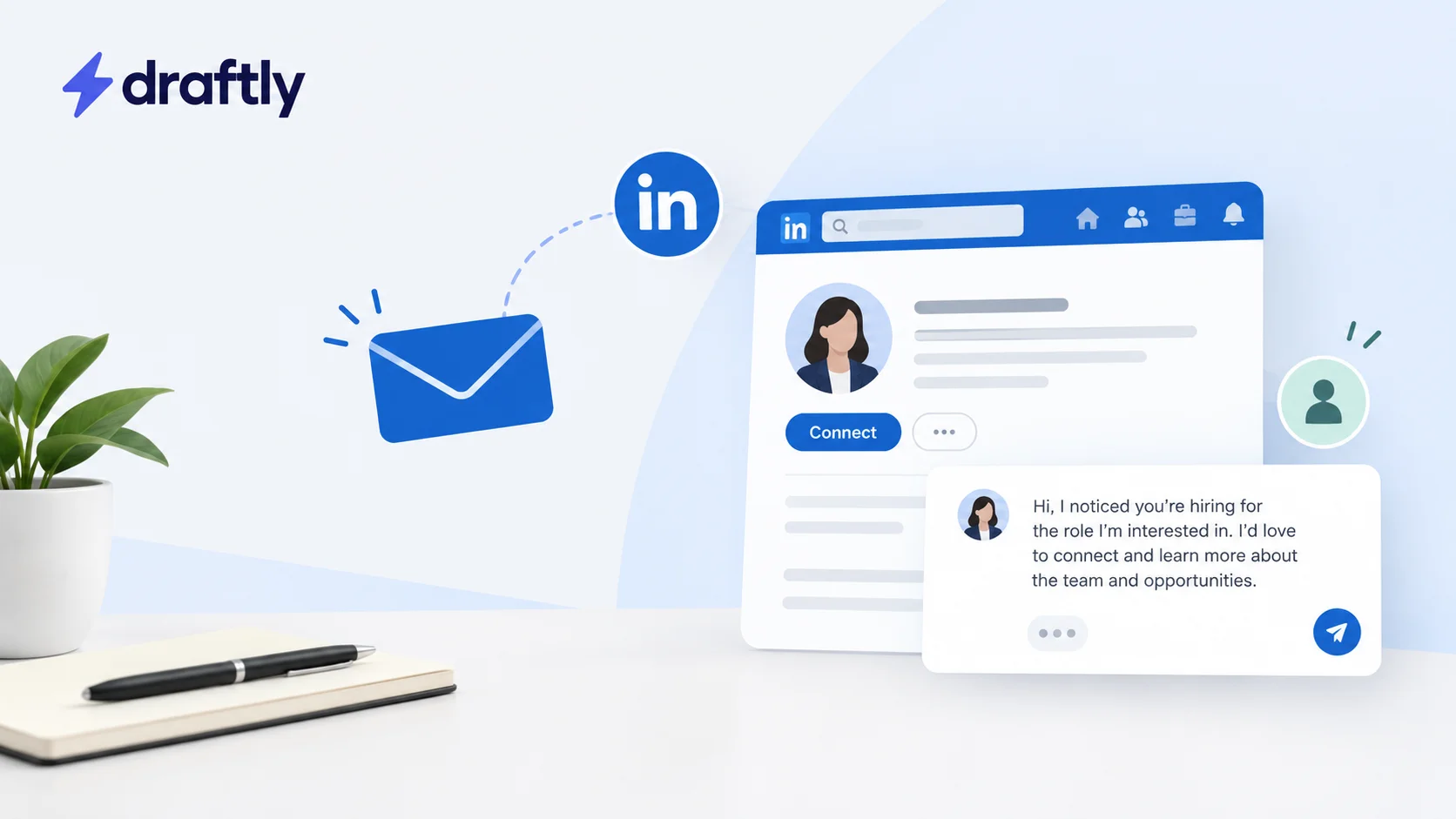
Hi [Name], I noticed you're hiring for the [Job Title] role on the [Team] team. I've spent the last [X years] doing [specific, relevant work], most recently [one concrete result or project]. I'd love to connect and learn more about what you're looking for in this hire.
Following Up After You've Already Applied
Use this once your application is already in the system, so the recruiter isn't hearing about you for the first time.
Hi [Name], I just applied for the [Job Title] role and wanted to reach out directly. I've been working in [field/area] for [X years], and [specific achievement tied to the role] is what makes me think this could be a strong fit. Happy to share more if it's useful.
Going Around a Recruiter to a Hiring Manager
Sometimes the recruiter isn't the fastest path, especially at a smaller company where the hiring manager screens candidates directly. The message needs to be more specific to their team, not just the role.
Hi [Name], I saw your team is hiring a [Job Title] and wanted to reach out directly. I've worked on [specific type of problem the team likely deals with], including [one concrete example]. I'd welcome the chance to talk about how that could apply to what your team is building.
Asking a Mutual Connection for a Warm Intro
If you found a shared connection in the step above, this beats a cold message every time. This is really the same networking on LinkedIn skill applied to a job search instead of a sales pipeline: give the other person an easy way to say yes.
Hi [Mutual Connection], I saw you're connected with [Recruiter Name] at [Company]. I'm interested in the [Job Title] role they're hiring for and would really appreciate an introduction if you're comfortable making one. Happy to send over anything that makes it easier.
Every one of these follows the same basic rules as any cold message on LinkedIn: be specific about who you are, specific about why you're reaching out to them, and short enough to read in ten seconds.
Takeaway: swap in your real experience and the actual role. A template only works as a starting point, never word for word.
How Long to Wait Before Following Up
If you haven't heard back, give it four to five business days before sending anything else. Recruiters manage dozens of open roles at once, so silence usually means "buried," not "not interested."
When you do follow up, send one short message, not a resend of your original one. Something like: "Hi [Name], just following up in case my last message got buried. Still very interested in the [Job Title] role if it's still open." One follow-up is normal. A second or third makes you memorable for the wrong reason.
Takeaway: one thoughtful follow-up is expected. Anything past that starts working against you.
Mistakes That Get Your Message Ignored
A few patterns that make recruiters scroll past without responding:
- Sending your resume as the opening message. Nobody has asked for it yet, and it reads as a mass-blast rather than a personal note.
- Writing three paragraphs about your career history. Recruiters skim. If the point isn't clear in the first two lines, it gets lost.
- Copy-pasting the same message to five recruiters at the same company. It's more obvious than people think, especially when the message doesn't mention the specific role or team.
- Messaging with no ask. "Hope you're doing well!" with nothing else leaves the recruiter unsure what you actually want from them.
- Following up too often. More than one nudge in a short window reads as impatience rather than interest.
Takeaway: every one of these mistakes comes from writing for yourself instead of for the ten seconds the recruiter actually has to read it.
What to Do Once a Recruiter Responds
If they reply with interest, respond quickly. Recruiters are often juggling multiple candidates for the same role, and a slow reply can cost you momentum. Answer any questions directly, and if they ask for your resume, send an updated version tailored to the role they mentioned, not a generic one.
If they reply to say the role isn't a fit, thank them anyway and ask if they know of other openings that might match your background. Recruiters often work multiple roles at once, and this is a natural way to stay on their radar for the next one instead of starting over from scratch later.
Takeaway: a reply, even a "not right now," is a foot in the door. Don't let the conversation end there if you don't have to.
Conclusion
Reaching out to a recruiter on LinkedIn only works when the message earns a response: specific to the role, specific to you, and short enough to actually get read. Get your profile in shape first, find the right person to message, and use the version of the script that matches where you actually are in the process. None of it replaces the slower work of building a personal brand on LinkedIn that already looks credible before a recruiter ever opens your profile.
If you're posting more on LinkedIn during a job search to stay visible while you do this outreach, Draftly's free plan can help you keep that content consistent without it turning into another full-time task on top of the search itself.