You've got about two sentences and 300 characters to convince a total stranger to let you into their network. Get it wrong, and your request sits in their pending list until they eventually swipe it away without a second thought.
Whether you're prospecting for a sale, reaching out to a hiring manager, or just trying to grow a network that's actually useful to you, the connection message is the smallest piece of writing you'll do on LinkedIn, and one of the easiest to get wrong. Here's what to say, how much room you actually have, and which template fits the person you're trying to reach.
What Counts as a LinkedIn Connection Message
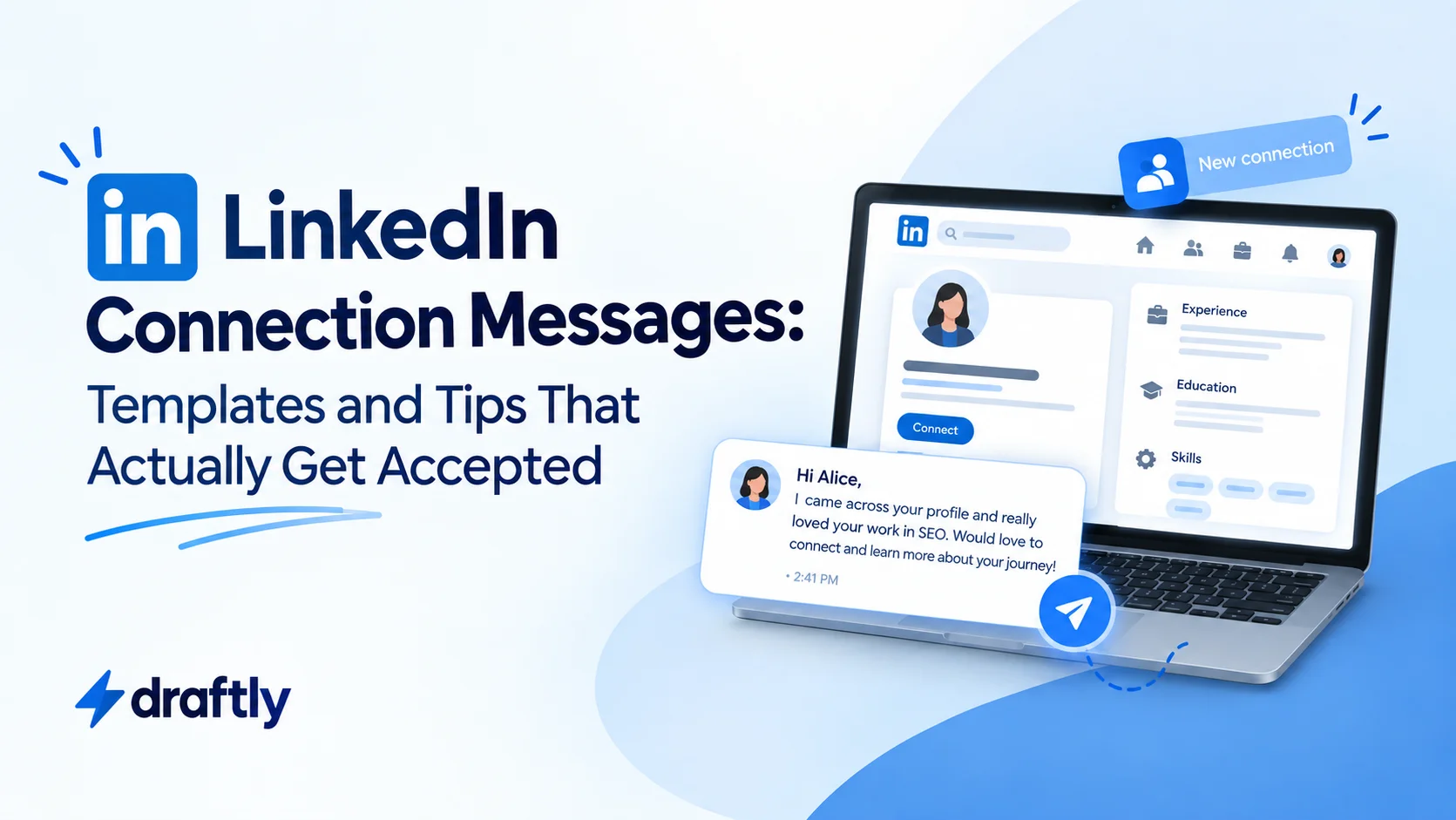
A LinkedIn connection message is the optional note you can attach to a connection request before the other person has accepted you. It's different from a regular LinkedIn message or an InMail, both of which only work once you're already connected, or once you're paying for Premium or Sales Navigator.
Three mechanical limits shape everything else in this guide:
- 300 characters. That's the cap LinkedIn puts on a connection note, roughly two short sentences. There's no way around this on a standard account.
- A note is optional, not required. You can send a blank request with a single click. LinkedIn never forces you to write anything.
- You can't edit a note after you've sent it. If you spot a typo or think of a better line five minutes later, your only option is to withdraw the pending request and send a fresh one. There's no "edit" button on an invitation that's already out.
That second point matters more than it sounds. Because a note is optional, sending one at all is already a small signal of effort, before the other person even reads what it says.
Takeaway: you're not writing a pitch here. You've got roughly two sentences to earn a click, nothing more.
Does Adding a Note Actually Help?
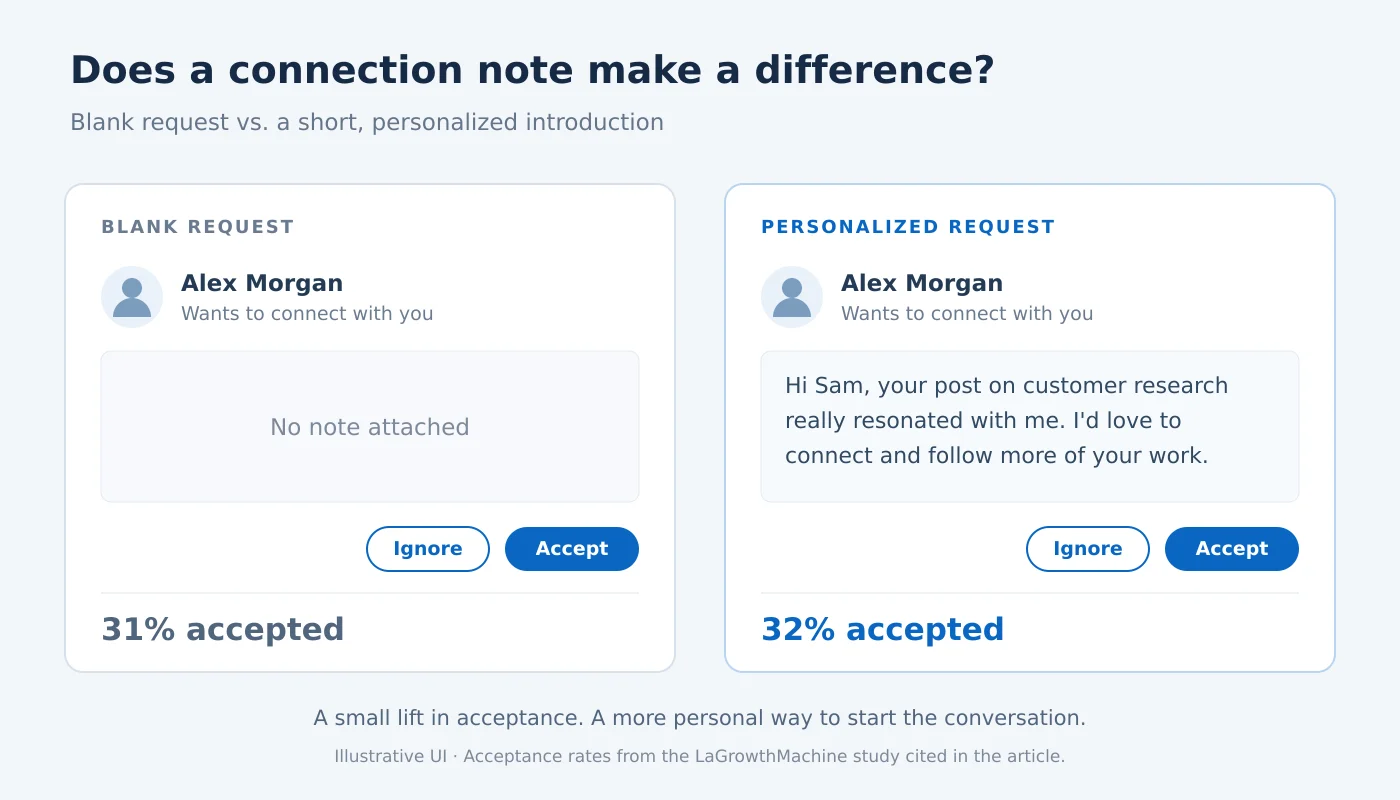
Short answer: yes, but not by the dramatic margin you'd hope for. A widely cited LaGrowthMachine study found blank connection requests landed a 31% acceptance rate, compared to 32% for a short, personalized note. A real edge, but a modest one, not a guaranteed win.
What moves that number more than the note's existence is what's actually written in it. A request that references something specific, a shared group, a recent post, a mutual connection, a shared alma mater, reads as intentional. A generic "I'd like to add you to my professional network" reads as automated, mostly because it usually is.
That modest gap also compounds differently depending on volume. If you're sending five highly researched requests a week, personalizing each one is barely extra effort. If you're running higher-volume outreach as part of a sales motion, a one-point difference in acceptance rate adds up fast, more accepted connections means more first-touch conversations at the top of the same funnel. For outreach at that scale, it's worth treating the note as the opening move in a longer LinkedIn lead generation strategy rather than a box to check before moving on.
Takeaway: don't expect a note alone to transform your acceptance rate. Expect a specific note to, and expect it to matter more the more volume you're sending.
LinkedIn Connection Message Templates by Scenario
The right message depends entirely on who you're messaging and why. Here are templates for seven situations you're likely to run into, all written to fit inside the 300-character limit.
1. Sales and lead generation outreach
"Hi [Name], I've been following [Company]'s work in [industry/space] and would love to connect. Always good to know more people doing interesting things in this space."
"Hi [Name], noticed we're both in the [industry] space. Would love to connect and swap notes on what's working these days."
Both versions do the same job: prove genuine interest before asking for anything. Save the actual pitch for after they've accepted.
2. Networking with industry peers
"Hi [Name], I saw your comment on [topic] and really agreed with your take on [specific point]. Would love to connect and follow more of your posts."
"Hi [Name], your post on [topic] was the best take I've read on it this week. Would love to stay connected."
Referencing the actual post or comment is what separates these from a generic "let's connect" request.
3. Reaching out to a recruiter or hiring manager
"Hi [Name], I noticed you're hiring for the [Job Title] role on the [Team] team. I've spent [X years] doing [relevant work] and would love to connect and learn more."
"Hi [Name], I just applied for the [Job Title] role and wanted to connect directly. Happy to share more about my background if it's useful."
The first works before you've applied, the second right after, so the recruiter isn't hearing about you for the first time.
4. A warm intro through a mutual connection
"Hi [Name], I saw you're also connected with [mutual connection]. I'd love to connect here too."
"Hi [Name], [mutual connection] mentioned you're doing great work in [area]. Would love to connect and hear more about it."
Mutual-connection notes consistently outperform cold ones, since the recipient has an easy way to verify you're not a random request.
5. Reconnecting with someone you've met before
"Hi [Name], great meeting you at [event/context]. Would love to stay connected here and keep in touch."
Keep this one short and specific to where you met. Vague reconnection attempts ("great to e-meet you!") tend to get ignored precisely because they could have been sent to anyone.
6. Alumni or shared background
"Hi [Name], fellow [School/Company] alum here. Would love to connect and hear how your path led to [their current role]."
A shared credential does a lot of the trust-building work for you here, so there's no need to oversell it in the note itself.
7. Reaching out to a potential client or collaborator
"Hi [Name], I help [type of business] with [specific service or outcome]. Came across your profile and would love to connect."
Lead with what you do for people like them, not a sales pitch. The goal here is still just the connection, not the close.
Takeaway: every template above does the same two things: it proves you're a real person who did five seconds of homework, and it asks for nothing beyond the connection itself.
The Formula for Writing Your Own
If none of the templates above fit your exact situation, here's the structure underneath all of them, so you can write one from scratch:
- One specific detail. A comment, a post, a mutual connection, a shared background, anything that proves you're not sending the same six words to five hundred people.
- One reason you want to connect. Not a task you want from them, just why their network is one you want to be part of.
- Nothing else. No pitch, no ask, no "quick call?" Save that for after they've accepted.
Stack those three in order, keep the whole thing under 300 characters, and you'll outperform most of the generic requests landing in someone's inbox. It's really the same instinct behind good personal branding: showing up as a specific, recognizable person instead of a template everyone can tell is a template.
Takeaway: the formula matters more than any single template. Learn it once, and you'll never be stuck rewriting the same generic line.
Mistakes That Get Connection Requests Ignored
A few habits quietly tank acceptance rates, even when the sender thinks they're being polite:
- Pitching in the note. The moment a stranger senses a sales pitch before they've even accepted you, the request reads as spam, not networking.
- Copy-pasting the same note to everyone. Generic requests get generic results. If the note could be sent to literally anyone, it probably will be ignored by everyone.
- Writing something that doesn't fit the character limit. A note that gets cut off mid-sentence looks careless, not busy.
- Skipping the note when you actually have a real reason to connect. A blank request isn't wrong, but it wastes a genuine opening when you do have something specific to say.
This note is really just one step of a full outreach strategy that also covers list-building and following up without turning annoying.
Takeaway: the fastest way to get ignored is to make your note interchangeable with everyone else's.
If You're Job Hunting Specifically
Recruiter and hiring-manager outreach follows slightly different etiquette than sales or networking notes. Timing matters more, right after a role posts, not weeks later, and what you say once they accept matters just as much as the note itself. Reaching out to a recruiter covers the fuller sequence: finding the right person to message, what to say before versus after you've applied, and how to follow up without seeming pushy.
Takeaway: the connection note gets you in the door, but a job search conversation needs a plan beyond that first message.
What to Send Once They Accept
Getting accepted is the easy part compared to what comes next. That first message deserves its own messaging templates, not whatever line comes to mind first, since you're no longer a stranger asking for five seconds of attention.
Takeaway: don't let a great connection note go to waste with a generic first message right after.
Conclusion
A LinkedIn connection message doesn't need to be clever, it needs to be specific and short enough to fit the platform's limit. Pick the template that matches your actual situation, swap in a real detail about the person you're messaging, and skip the pitch until you're actually connected.
If keeping track of who you've reached out to and what you said feels like more than you want to manage manually, Draftly's free plan can help you plan and schedule the LinkedIn content that gives people a reason to accept your request in the first place.