Ever notice how some LinkedIn creators seem to land directly in your notifications every week, without you having to catch their post in the feed? That's not luck. That's a LinkedIn newsletter, and it's one of the most underused tools for building a loyal, returning audience on the platform. It's a natural next step once you've got a LinkedIn content creation strategy that's already working.
In this guide, you'll learn exactly what a LinkedIn newsletter is, how it's different from a regular post, and the step-by-step process to launch, publish, and grow one.
What Is a LinkedIn Newsletter?
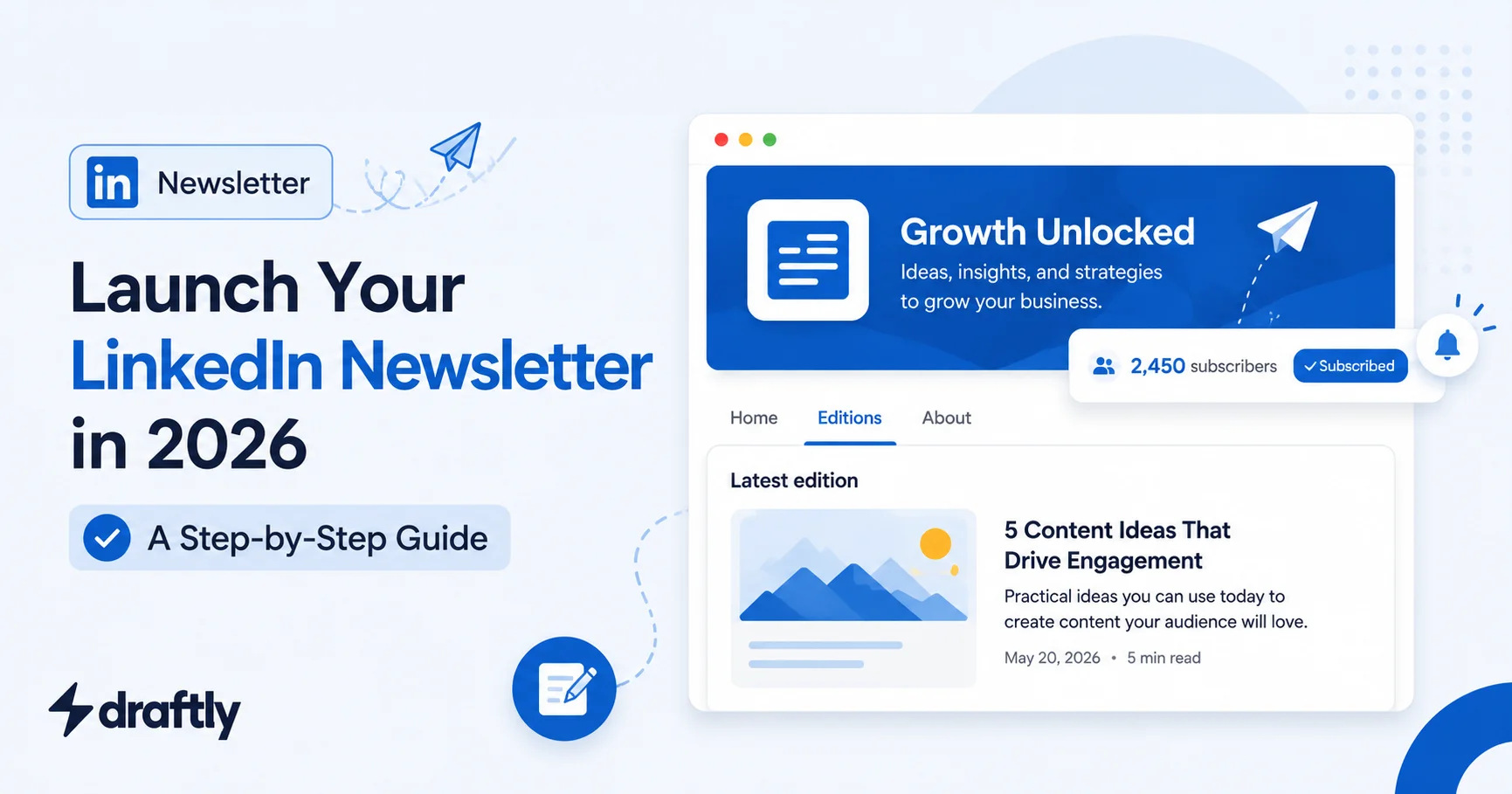
A LinkedIn newsletter is a recurring, long-form article series published directly on LinkedIn that people can subscribe to. Think of it as a cross between a blog and an email newsletter, but built natively into the platform.
Each time you publish a new edition, LinkedIn sends a notification to everyone who's subscribed. Your newsletter also gets its own dedicated page, separate from your regular posts, where new subscribers can browse past editions before deciding to follow.
Takeaway: A newsletter isn't just a longer post. It's a standalone, subscribable content format with its own notification system and archive page.
LinkedIn Newsletter vs. Regular LinkedIn Post: What's the Difference?
It's easy to lump newsletters in with regular posts, but they behave very differently:
Reach: Regular posts depend on the algorithm and your network's engagement. Newsletters notify every subscriber directly, so your reach is more predictable.
Length and depth: Posts work best short and scannable. Newsletters are built for longer-form thinking: a deeper dive, a framework, or a detailed breakdown.
Frequency expectations: You might post multiple times a week, but a newsletter usually follows a set cadence (weekly, biweekly, or monthly) that subscribers come to expect.
Audience relationship: A post reaches whoever the algorithm shows it to. A newsletter reaches people who've actively opted in, which tends to mean a more engaged reader.
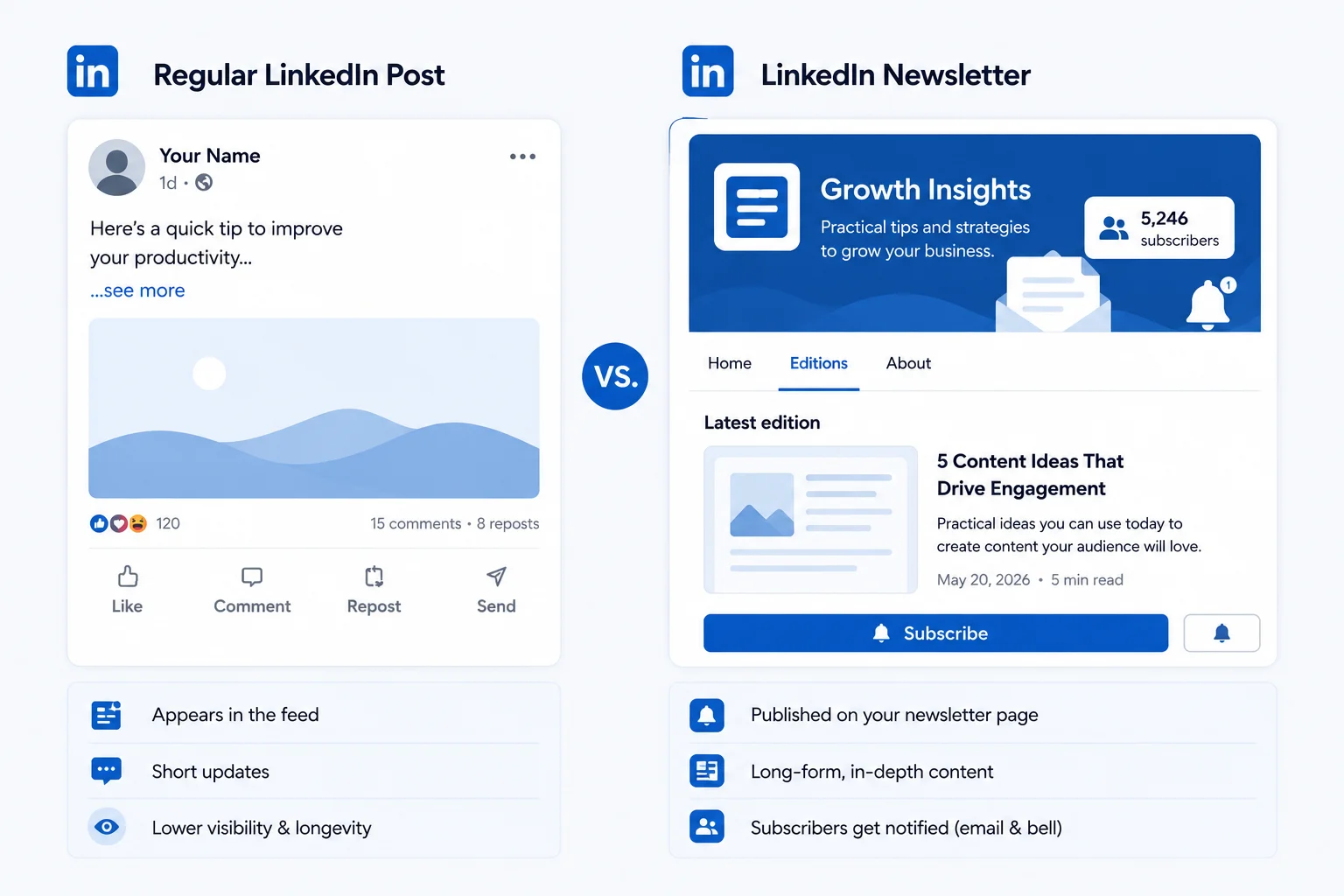
If you're still deciding what to post day to day, our LinkedIn post ideas guide is a good complement. Think of newsletters as the deeper, recurring companion to your regular feed content.
Takeaway: Use regular posts for frequent, algorithm-driven visibility, and save your newsletter for the deeper thinking that builds a loyal subscriber base.
Benefits of Starting a LinkedIn Newsletter
Direct notifications, less algorithm dependency. Every edition reaches your subscriber list, regardless of how the feed algorithm is behaving that week.
Builds authority. A recurring, well-written newsletter positions you as someone with a consistent point of view, not just a one-off poster.
Stronger relationship with your audience. Subscribers have actively chosen to hear from you, which tends to mean higher-quality engagement than a cold feed impression.
A natural home for deeper content. Frameworks, case studies, and detailed opinions that don't fit a short post format have somewhere to live.
Takeaway: A newsletter trades short-term reach for long-term relationship-building with people who've already decided they want to hear from you.
How to Create a LinkedIn Newsletter, Step by Step
Check your eligibility. Go to your profile or Company Page and look for the "Write article" or "Create a newsletter" option. Eligibility typically depends on your posting history and account standing.
Choose your newsletter name and description. Pick something that clearly signals the topic and the value readers get from subscribing. Avoid vague titles that don't tell people what they'll learn.
Set your publishing cadence. Decide upfront whether you'll publish weekly, biweekly, or monthly, and choose something you can realistically sustain.
Design a simple cover image. LinkedIn will prompt you for a header image for your newsletter page. Keep it clean and on-brand.
Write your first edition. Treat it like a mini-essay: a strong hook, a clear structure, and one core idea readers can walk away with.
Publish and announce it. Share a regular post announcing your new newsletter and invite your existing audience to subscribe.
Plan your next few editions in advance. Mapping out topics ahead of time, the same way you would with a LinkedIn content calendar, makes it far easier to stay consistent once the novelty of launching wears off.
Takeaway: The setup itself takes minutes. The real work is committing to a cadence you can actually keep up with.
How to Grow Your LinkedIn Newsletter Subscribers
Promote your first edition heavily. Your launch post is the biggest subscriber-driving moment you'll have, so treat it like an event.
Mention it in your profile. Reference your newsletter in your About section or featured section so profile visitors see it.
Pull ideas from what's already resonating. Check trending topics on LinkedIn in your niche and shape upcoming editions around what your audience is already discussing.
Reuse your best post ideas as newsletter deep-dives. A post that performed well can often be expanded into a full newsletter edition with more nuance and examples.
Ask directly. A simple, genuine "subscribe if this was useful" at the end of an edition works better than most people expect.
Takeaway: Subscriber growth compounds slowly. The biggest lever is consistently turning your best-performing ideas into deeper newsletter content.
LinkedIn Newsletter Best Practices
Keep a consistent structure. Readers should know roughly what to expect from each edition, whether that's a set number of sections or a recurring format.
Write like you're talking to one person, not a broadcast audience. This keeps the tone personal even in a long-form format.
Use formatting to keep it scannable. Bold key phrases and break up long paragraphs, the same way you would when formatting a LinkedIn post, so a 1,000-word edition doesn't feel like a wall of text.
End with a clear next step, whether that's a question, a link, or an invite to comment.
Takeaway: Treat every edition like it's someone's first: clear, well-formatted, and worth subscribing to on its own.
Common Mistakes to Avoid
Launching without a content plan. Publishing one great edition and then going quiet erodes subscriber trust fast.
Making editions too short. If it reads like a regular post, readers will wonder why it wasn't just posted normally.
Ignoring the announcement post. Your launch post does most of the early subscriber-driving work. Don't treat it as an afterthought.
Copy-pasting from other formats without adapting. A newsletter edition should feel considered, not like a blog post pasted in without adjusting the tone.
Conclusion
A LinkedIn newsletter won't replace your regular posting habit, but it gives your best ideas a deeper home and your audience a reason to keep coming back. Start with a cadence you can sustain, promote your first edition hard, and let it grow from there. Once you're ready to plan editions alongside the rest of your content, Draftly can help you map out and stay consistent with your broader LinkedIn content calendar.